If you want the short answer: Jwelpix is the app built specifically for jewellery sellers, Snapseed is the best free editor, Lightroom is what most working photographers actually use day to day, and Photoshop is where the difficult jobs end up. Everything below explains when each one is the right call, what it costs in 2026, and the point at which no phone app is going to get you there.
We retouch jewellery images for a living, so this list is written from the receiving end: these are the apps whose output we see arriving from clients, and the specific ways each one tends to fall short on rings, chains and stones.
Jewelry Photo Editing Apps at a Glance
Prices checked September 2026. App pricing moves, and Adobe’s in particular has moved twice in the last year, so treat these as the shape of the cost rather than a quote.
| App | Platform | Free tier | Cost | Best for |
|---|---|---|---|---|
| Jwelpix | iOS, Android | Yes | Free, paid upgrade | Jewellery sellers who want a listing image fast |
| Snapseed | iOS, Android | Fully free | Free | The best free jewellery photo editor |
| Lightroom | iOS, Android, desktop | Limited mobile | From about $15/month | Colour accuracy across a whole catalogue |
| Photoshop | iPad, desktop | Trial only | From about $23/month | Reflections, stones and anything difficult |
| TouchRetouch | iOS, Android | No | About $4 once | Removing dust and stray reflections |
| Remove.bg | Web, API | Yes, low resolution | Free tier, paid credits | Background removal at speed |
| Halide | iPhone | Trial | About $12 once or $2/month | Macro capture on an iPhone |
| ProCamera | iPhone | No | About $15 once | Full manual control when shooting |
Best Jewelry Photo Editing Apps
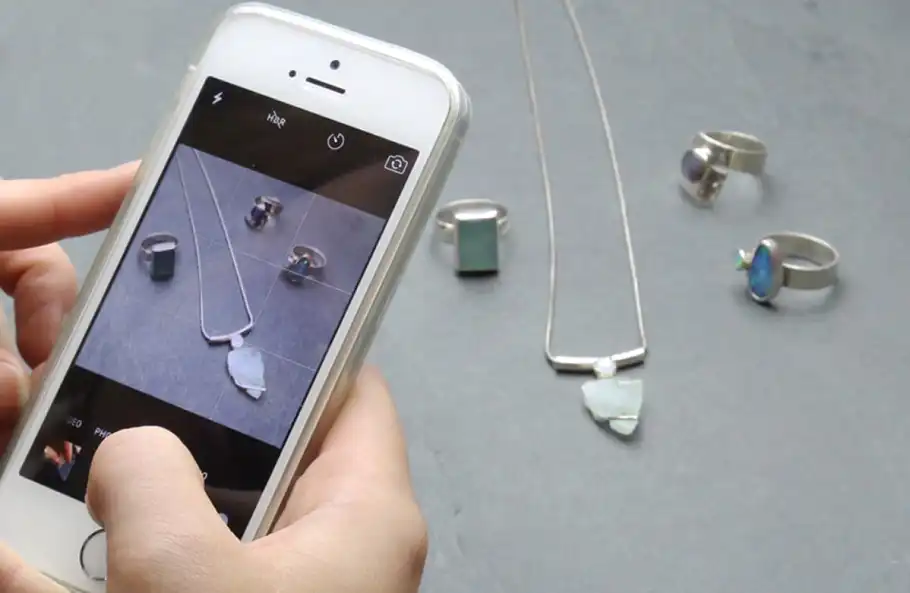
Most people searching for a jewellery photography app already have the photo. What they need is an editor. So the editing apps come first.
1. Jwelpix — the app made for jewellery sellers
Jwelpix is the only app on this list built for one product category rather than photography in general, and that focus is the whole argument for it. It removes the background, lifts the metal, evens the lighting and hands back something you can put straight on a Shopify or Amazon listing, without you making a single decision about curves or masks.
- Automatic background removal to white or transparent, tuned for thin chains rather than general subjects
- Metal and stone adjustments that target gold warmth and silver neutrality specifically
- Batch editing, which is what makes it usable for a catalogue rather than a single piece
Is Jwelpix available for Android? Yes, and on iPhone too. Search for it on Google Play or in the App Store, and use the free tier to judge whether its automatic edit suits your pieces before paying for anything.
Where it struggles: the same place every automatic tool struggles. Faceted stones and heavily engraved surfaces confuse the cut-out, and a piece photographed on a reflective surface often comes back with part of its own reflection removed. For plain bands, studs and pendants it is genuinely quick.
Best for: sellers who need a clean listing image today and do not want to learn an editor.
2. Snapseed — the best free jewellery photo editor
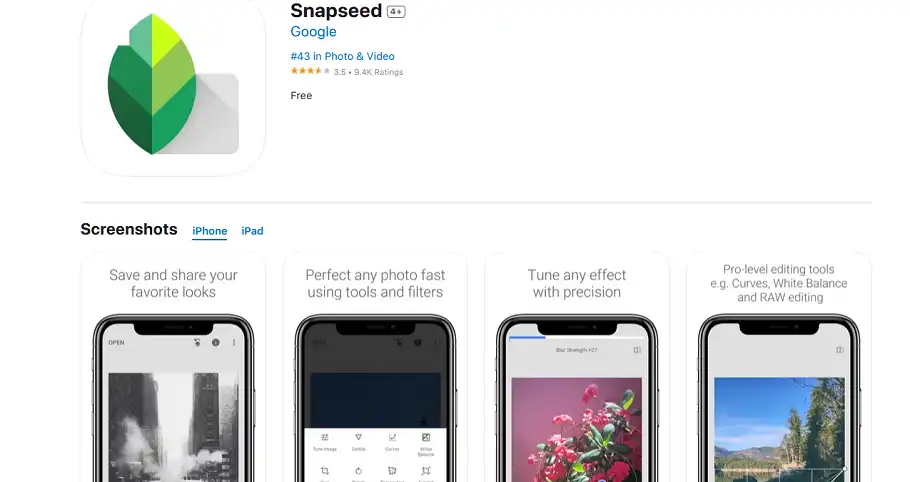
If you are looking for a free jewellery editing app and you want one honest recommendation rather than ten, this is it. Snapseed is free with no watermark, no export limit and no upsell, and its two most useful tools for jewellery are the ones most free editors do not have.
- Selective lets you brighten a single stone without lifting the whole frame — the most common jewellery edit there is
- Healing removes dust and fingerprints, which on a macro shot is most of the work
- Structure under Details sharpens engraving without the crunchy edge that ordinary sharpening leaves on metal
Where it struggles: no batch processing and no true background removal. Editing forty pieces one at a time is where free stops being cheap.
Best for: anyone editing a handful of pieces who is not ready to pay for anything.
3. Adobe Lightroom — colour that holds across a catalogue
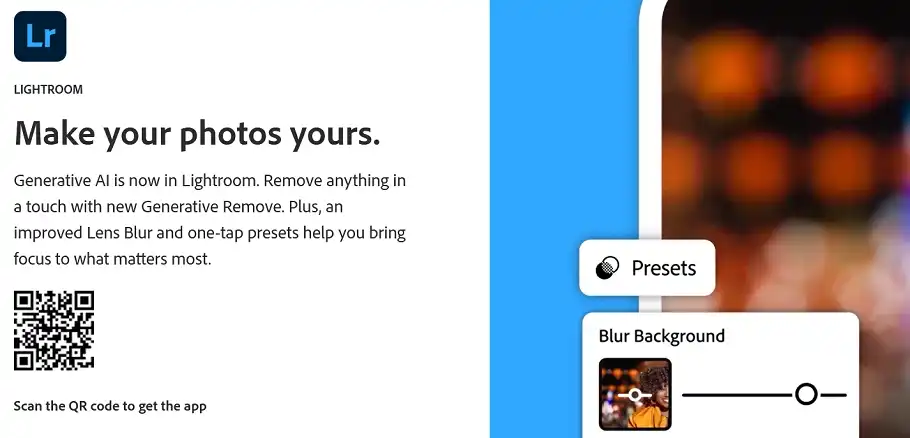
Lightroom is the app most working product photographers open first, and for jewellery its real value is not any single tool — it is that a correction you make once can be pasted onto every other frame from the same shoot. That is what makes a catalogue look like one catalogue rather than forty separate photographs.
- White balance that actually fixes the yellow cast tungsten lighting leaves on silver
- Copy and paste settings across an entire shoot in one action
- Non-destructive editing, so a client asking for the warmer version six months later is not a problem
Cost in 2026: Adobe has raised these twice recently. The Lightroom plan with 1TB is around $15 a month, and the Photography plan that bundles Photoshop with it sits near $20. Check Adobe’s own page before committing — the number on any blog, including this one, ages badly.
Best for: consistent colour across many pieces.
4. Adobe Photoshop — where the difficult jobs end up
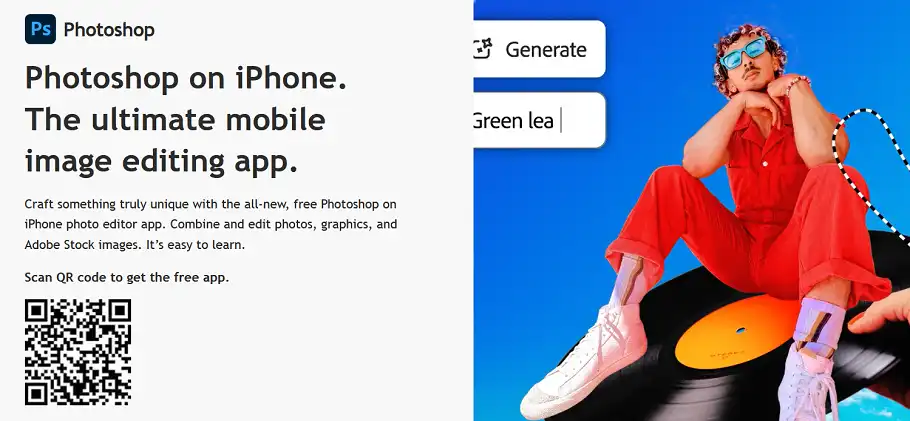
Everything an automatic tool cannot do, Photoshop can, and that is both the recommendation and the warning. Reflection control, stone-by-stone brightening, rebuilding a clasp that the lighting swallowed, drawing a path by hand around a chain — these are Photoshop jobs and they are slow.
- Layers and masks so a change to one stone does not touch the metal beside it
- The pen tool, still the only way to cut a chain out cleanly
- Frequency separation for evening out metal without flattening its texture
Where it struggles: nowhere technically, and everywhere practically. A single ring done properly is twenty minutes of work for someone who already knows how. Multiply that by a catalogue and the maths stops working, which is the honest reason retouching gets outsourced.
Read more: How to retouch jewellery in Photoshop, step by step
5. TouchRetouch — dust, scratches and stray reflections
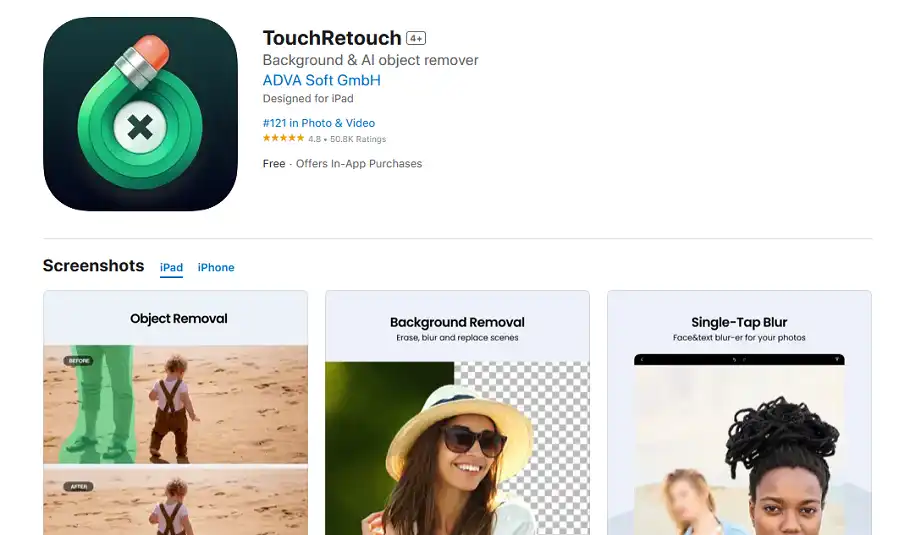
A one-job app, and it does that job better than the general editors. On a macro jewellery shot, dust you could not see through the viewfinder becomes obvious at full size, and TouchRetouch lets you brush it away in seconds rather than cloning it out.
About $4, paid once, no subscription. For the specific problem of specks on metal it is the best value on this page.
Best for: cleaning up shots you are otherwise happy with.
6. Remove.bg — background removal at speed
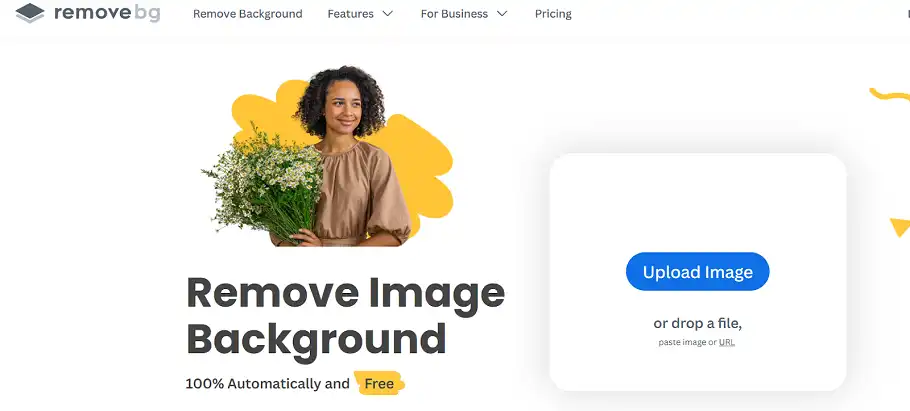
Remove.bg is genuinely fast and has an API, which is why sellers with a feed use it. Its weakness on jewellery is predictable and worth knowing before you rely on it: fine chains, filigree and anything transparent are exactly the edges automatic cut-outs get wrong, and a chain that comes back with half its links dissolved looks worse than the original.
Free at low resolution; paid credits for anything you would actually publish.
Best for: solid pieces with clear outlines, in volume.
Best Camera Apps for Shooting Jewelry
Editing can rescue a mediocre photograph. It cannot rescue one that missed focus. If you are shooting on a phone, these two give you the controls the stock camera app hides.
7. Halide — macro capture on an iPhone
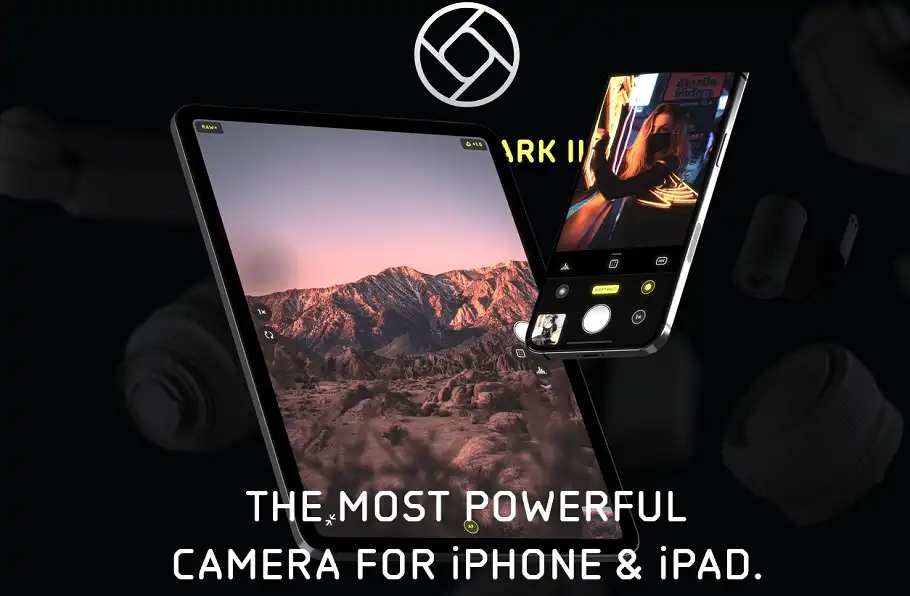
Halide‘s macro mode and focus peaking are the two things that matter here. Jewellery is small enough that autofocus routinely locks onto the wrong facet, and being able to see exactly what is sharp before you press the shutter saves the shot.
About $12 once, or roughly $2 a month. iPhone only.
8. ProCamera — full manual control
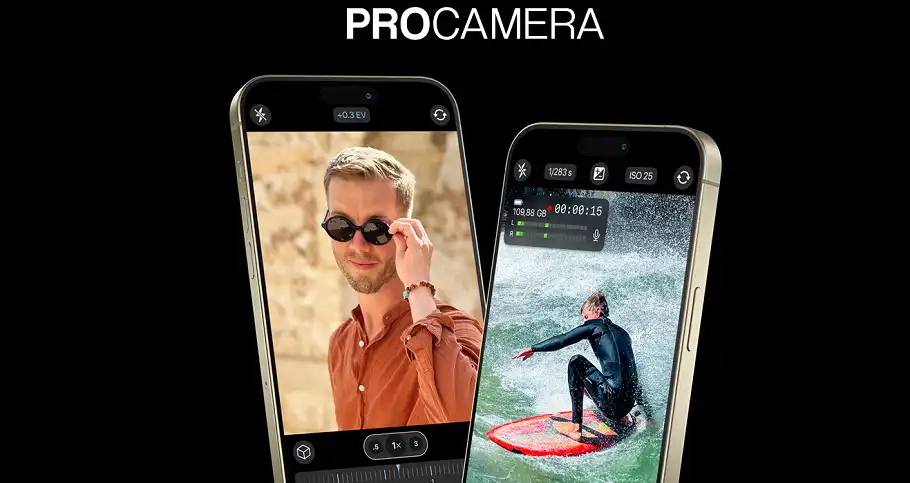
ProCamera gives you manual exposure, white balance and focus, plus RAW capture. Locking white balance rather than letting the phone guess is the single change that most improves jewellery shots, because a phone re-guessing between frames is why your catalogue drifts in colour.
About $15, paid once. iPhone.
What About the New AI Jewellery Photo Editors?
A wave of AI jewellery editors has appeared in the last year, several of them promising on-model shots, generated backgrounds and one-click retouching. Some are good. The category is also full of apps that are a generic background remover with a jewellery name, so it is worth knowing what to test before you commit a catalogue to one.
- Give it a chain, not a ring. Any tool can cut out a solid band. Fine links are where automatic edges fail, and one test image will tell you more than any feature list.
- Check what it does to a stone. Many AI enhancers add sparkle by inventing highlights. That is not retouching, it is misrepresentation, and it is the fastest route to a return.
- Look at the output resolution on the free tier. Plenty of tools that look free produce images too small to list with.
- Ask whether the colour is measured or guessed. A generated gold tone that does not match the physical piece will cost you more in returns than the app saves in time.
AI is genuinely good at the repetitive middle of this work — backgrounds, straightening, consistent crops. It is still unreliable at the two things jewellery buyers judge you on, which are accurate colour and honest stones.
Free or Paid: What Free Actually Gets You
“Free jewellery editing app” is one of the most common things people search for, so it is worth being straight about where the line falls.
- Genuinely free, no catch: Snapseed. Full resolution, no watermark.
- Free tier that is enough to evaluate: Jwelpix, Remove.bg. Useful for judging fit, limited for publishing.
- Free trial only: Photoshop, Lightroom, Halide.
- Paid once, no subscription: TouchRetouch, ProCamera. Often the better deal if you edit occasionally.
For a seller with fewer than about twenty pieces, Snapseed plus TouchRetouch costs four dollars in total and covers most of what a subscription would.
Why Jewelry Is Harder to Photograph Than Other Products
Jewellery breaks the assumptions most camera and editing apps are built on. It is small, it is a mirror, and the details buyers care about are a millimetre wide.
- Polished metal reflects the room, including you, your phone and your lights
- Dust that is invisible in the hand is unmissable at macro magnification
- Colour has to be right, not pleasing — a rose gold that photographs as yellow is a return waiting to happen
- Depth of field is measured in millimetres, so part of the piece is usually soft
- Consistency across a catalogue is harder than any single image, and it is what makes a shop look established
Jewellery Photography Tips That Reduce the Editing
Every one of these saves more time than any app on this page.
- Clean the piece, then clean it again. A microfibre cloth costs nothing and removes an hour of dust retouching.
- Diffuse the light. A white cloth or a cheap light tent turns a hard reflection into a soft one, and soft reflections are what make metal read as metal.
- Use a tripod. At macro distances, handheld is a lottery.
- Lock white balance instead of letting the phone decide separately for every frame.
- Shoot RAW if your app allows it. It is the difference between recovering a blown highlight on a diamond and reshooting.
- Shoot every piece the same way. Same height, same distance, same background. Consistency is a shooting decision, not an editing one.
When an App Is Not Enough
There are three situations where every app on this list runs out, and they are worth naming plainly rather than selling around.
- Fine chains and filigree. Automatic cut-outs dissolve them. A path drawn by hand does not.
- Stones that need to look like themselves. Brightening a diamond without inventing sparkle is judgement, not a slider.
- Volume with a deadline. Four hundred pieces before a launch is not a phone-app problem.
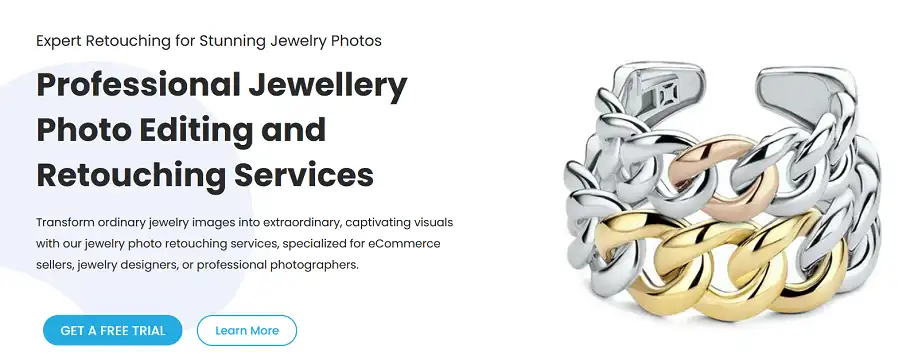
That last one is what we do. Pixel Retouching is a studio, not an app: every image is opened by a named retoucher rather than a filter, which is the only reason a batch of forty and a catalogue of forty thousand come back looking like the same shop. If you want to see the difference on your own pieces before deciding anything, the free trial is three images, no card.
Frequently Asked Questions
What is the best app for jewellery photography?
For most sellers, Jwelpix, because it is built for jewellery specifically and produces a listing-ready image without you learning an editor. If you are shooting as well as editing, pair it with Halide or ProCamera for capture.
What is the best free jewellery photo editor?
Snapseed. It is free with no watermark and no resolution limit, and its Selective and Healing tools cover the two edits jewellery needs most — brightening one stone, and removing dust.
Is there a jewellery editing app for Android?
Yes. Jwelpix, Snapseed, Lightroom and TouchRetouch are all on Android. The camera apps on this list — Halide and ProCamera — are iPhone only, so Android users shooting manually should use their phone’s own pro mode.
What is the best app for jewellery photography on iPhone?
Halide for capture and Snapseed or Jwelpix for editing. Halide’s macro mode and focus peaking solve the specific iPhone problem with jewellery, which is autofocus settling on the wrong part of a small, shiny object.
Can AI edit jewellery photos well?
For backgrounds, cropping and consistency, yes, and it is faster than doing it by hand. For stones and colour it is still unreliable — many AI tools add sparkle that was never there, which misrepresents the piece and drives returns. Test any AI tool on a fine chain before trusting it with a catalogue.
How do you edit jewellery photos step by step?
Straighten and crop first, then correct white balance against the real piece, then remove dust, then brighten stones selectively, then remove or replace the background, and export last at the size your marketplace asks for. Doing colour before dust removal means retouching specks you are about to change the tone of.
Which app is best for a jewellery business rather than a hobby?
Lightroom, because consistency across a catalogue matters more commercially than any single perfect image, and Lightroom is the only app here that makes consistency cheap. Add Photoshop for the difficult pieces, or outsource those.
The Short Version
- Selling jewellery and want it done now: Jwelpix
- Not paying for anything: Snapseed, plus TouchRetouch for four dollars if dust is your problem
- Running a catalogue: Lightroom
- Difficult pieces, chains, stones: Photoshop, or hand them to a retoucher
- Shooting on an iPhone: Halide or ProCamera
- Volume, deadline, or images that have to be right: a studio, not an app
The apps have got much better at the repetitive part of jewellery editing. They have not got better at judgement, and jewellery photography is mostly judgement — which stone to lift, how far to take the metal, when a reflection is telling the truth about the piece and when it is just the room.