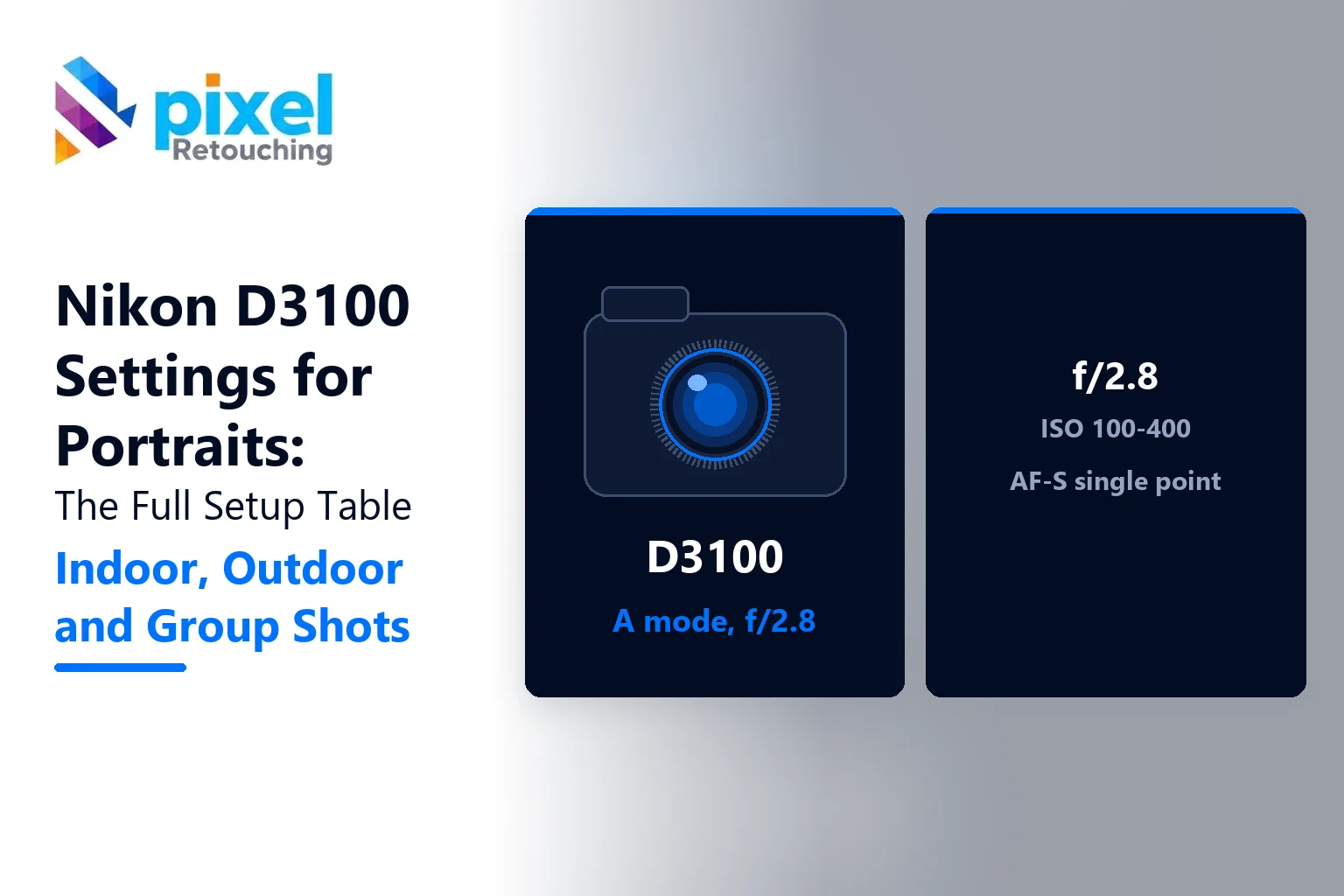
The best Nikon D3100 settings for portraits are Aperture Priority (A) mode, f/2.8 to f/5.6, ISO 100 to 400, single-point AF-S autofocus, and the Portrait Picture Control. Shoot in RAW. That combination gives you a soft background, sharp eyes and natural skin tones in most light.
Here’s the full setup, then how to change it for indoor, outdoor and group portraits.
Nikon D3100 portrait settings at a glance
| Setting | Recommended | Where to find it |
|---|---|---|
| Shooting mode | A (Aperture Priority) | Mode dial |
| Aperture | f/2.8 to f/5.6 (widest your lens allows for one person) | Command dial in A mode |
| ISO | 100 to 400 outdoors, up to 1600 indoors | Shooting menu > ISO sensitivity |
| Auto ISO | On, max 1600, minimum shutter 1/125 | Shooting menu > ISO sensitivity settings |
| Focus mode | AF-S (single) | i button > Focus mode |
| AF-area mode | Single-point | i button > AF-area mode |
| Focus point | On the nearest eye | Multi-selector |
| Metering | Matrix (spot for backlight) | i button > Metering |
| White balance | Auto, or Cloudy for warmer skin | i button > White balance |
| Picture Control | Portrait | Shooting menu > Set Picture Control |
| Image quality | RAW (NEF) or RAW + JPEG Fine | i button > Image quality |
| Active D-Lighting | Off for RAW, On in harsh sun for JPEG | Shooting menu |
| Release mode | Single frame, or Continuous for children | Release mode button |
Why Aperture Priority?
In portraits, aperture controls the look. A wide aperture like f/2.8 blurs the background and separates your subject. In A mode, you choose the aperture and the D3100 chooses the shutter speed for you. You get creative control without juggling three settings.
Shooting with the 18-55mm kit lens? Zoom to 55mm and use f/5.6, the widest it goes at that length. Then step closer and put distance between your subject and the background. That’s how you get blur from a kit lens.
Lens choice matters more than any setting
The single best upgrade for D3100 portraits is the AF-S 35mm f/1.8G DX or the AF-S 50mm f/1.8G. Both autofocus on the D3100, both are inexpensive, and both blur backgrounds far more than the kit lens.
One warning: the D3100 has no built-in focus motor. The older AF 50mm f/1.8D fits, but it won’t autofocus. Our guide to APS-C crop factor explains why a 35mm acts like a 52mm on this camera.
Settings for outdoor portraits
- Open shade: the best light for faces. ISO 100 to 200, f/2.8 to f/4, white balance on Cloudy or Shade to warm up skin.
- Direct sun: put the sun behind your subject, switch metering to spot, and expose for the face. Use the pop-up flash as fill if the face looks dark.
- Golden hour: ISO 200 to 400, f/2.8 to f/4, white balance on Daylight so you keep the warm tones.
For landscapes and general outdoor shooting, see our Nikon D3100 settings for outdoor photography.
Settings for indoor portraits
Indoors is where the D3100 needs help. Its sensor gets noisy above ISO 1600.
- Near a window: the simplest studio you have. Place your subject at 45 degrees to the window. ISO 400 to 800, f/2.8, Auto white balance.
- Room light only: ISO 800 to 1600, the widest aperture you have, and keep the shutter at 1/60 or faster. Brace your elbows.
- With flash: the pop-up flash is harsh straight on. Lower its power with Flash compensation (-1 to -1.7) for a softer fill.
Settings for group portraits
More faces mean you need more depth of field. Close the aperture to f/5.6 to f/8 so everyone in the group is sharp, and focus on a face in the front row, about a third of the way into the group. Switch to Auto-area AF only if the group is small and well spaced.
Common D3100 portrait mistakes
| Problem | Likely cause | Fix |
|---|---|---|
| Nose sharp, eyes soft | Auto-area AF chose the nearest point | Single-point AF on the eye |
| Grainy skin | ISO above 1600 | More light, wider aperture |
| Orange or blue skin | Mixed indoor lighting | Set white balance by hand, or fix in RAW |
| Everything sharp, no blur | f/8 or narrower, subject near the background | Open up, move the subject forward |
| Blurry photo | Shutter below 1/60 | Raise ISO, or set a minimum shutter speed in Auto ISO |
After the shoot: editing D3100 portraits
Shooting RAW pays off here. The D3100’s 14 MP files have enough room to correct white balance, lift shadows on faces and recover highlights from a bright sky.
Skin is the hard part. Smoothing it without making it look plastic takes skill and time. Our headshot retouching service handles blemishes, stray hairs, glasses glare and skin tone from $2 per image, and keeps texture natural. Your first three images are free.
The bottom line
The Nikon D3100 settings for portraits that matter most are simple: Aperture Priority, a wide aperture, low ISO, single-point focus on the eye, and RAW. Add a 35mm f/1.8 lens and good window light, and this camera still makes portraits that people want to print.
Frequently asked questions
What is the best mode on the Nikon D3100 for portraits?
Aperture Priority (A) is the best mode for portraits on the Nikon D3100. You set the aperture, usually f/2.8 to f/5.6, to control background blur, and the camera sets the shutter speed automatically.
How do I blur the background on a Nikon D3100?
Use the widest aperture your lens allows, zoom to a longer focal length, get closer to your subject and move your subject away from the background. A 35mm or 50mm f/1.8 lens gives much more blur than the kit lens.
What ISO should I use for portraits on the D3100?
Use ISO 100 to 400 outdoors and up to 1600 indoors. Above ISO 1600, the D3100’s images get noticeably grainy, so add light or use a wider aperture instead of raising ISO further.
Which focus mode is best for portraits on the D3100?
Use AF-S (single-servo) with single-point AF-area mode, and place the focus point on the subject’s nearest eye. For moving children, switch to AF-C and Dynamic-area AF.
What is the best lens for portraits on a Nikon D3100?
The AF-S DX 35mm f/1.8G is the best value portrait lens for the D3100. The AF-S 50mm f/1.8G is a good choice for tighter headshots. Both autofocus on the D3100, unlike older AF-D lenses.