Clipping Path Services for eCommerce & Product Photos
Professional clipping path services, hand-drawn with the Pen Tool from $0.30 an image. Every outline is cut by a retoucher, not an automatic selection, so edges stay clean at full zoom. Pixel Retouching has drawn paths by hand since 2014, from ISO-certified studios in Singapore and Dhaka.
Hover to see before
3 images path-cut free. No credit card, no sign-up.
Trusted by Online Stores, Studios & Agencies
Retailers, product photographers and creative agencies send raw frames and get clean, path-cut files back the next working day. Consistency across a whole catalogue is where Pixel Retouching pulls ahead of a freelance retoucher.
What Is a Clipping Path?
A clipping path is a hand-drawn vector outline that separates a product from its background, so one photograph can sit on white, on a colour, or on a transparent PNG. Pixel Retouching provides clipping path work finished by hand in Photoshop, with a named retoucher on every batch.
Drawn with the Pen Tool
Every path is placed by hand, anchor by anchor. Automatic selection leaves soft, stepped edges that show the moment a product is dropped onto white.
Clean at full zoom
Marketplace buyers zoom in. A path that looks fine as a thumbnail and frays at 100% costs the sale, and on Amazon it risks suppression.
Reusable on any background
One path gives you pure white, a transparent PNG, a colour fill or a lifestyle composite without going back to the original shoot.
Vector, not pixels
Paths are saved into the file, so the cut-out stays editable and re-exports at any size without softening the edge.
How Our Clipping Path Service Works
Four steps from a raw frame to a listing-ready cut-out, with no account setup in between.
Send your files
JPEG, PNG, TIFF or RAW by portal, FTP, Drive or WeTransfer. Tell us the background and the sizes you need.
Paths drawn by hand
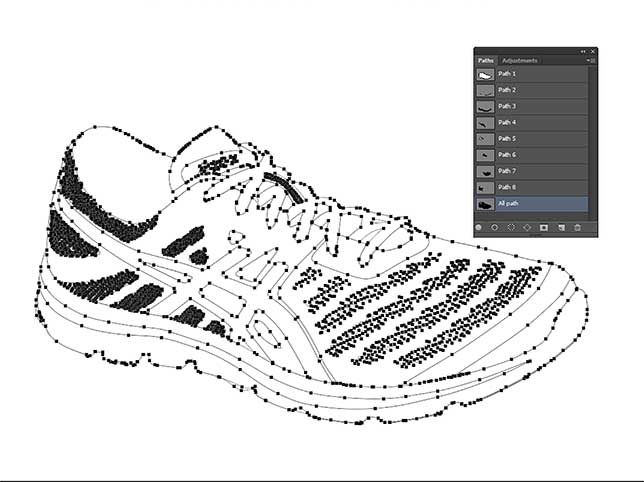
A retoucher outlines the product with the Pen Tool, following every edge, handle and internal gap.
Quality control
A second editor checks the path at full zoom, and against the rest of the batch for consistency.
Delivery
Files return within 24 hours in the formats you asked for. Revisions are unlimited.
Our Clipping Path Services
Path count and edge complexity decide the price, not the product category. Drag any slider to see the cut itself.
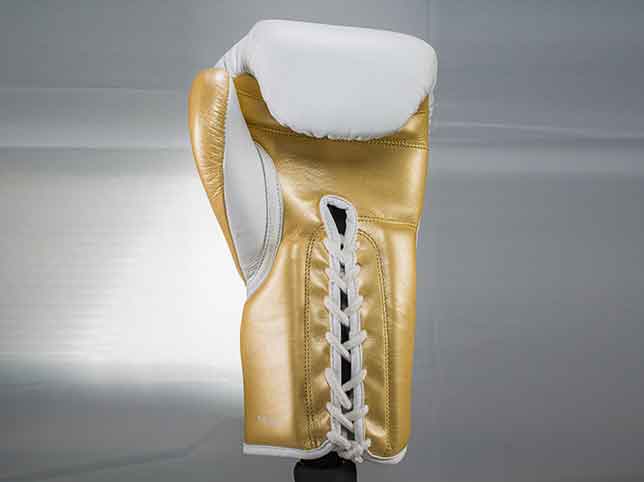
Basic Clipping Path
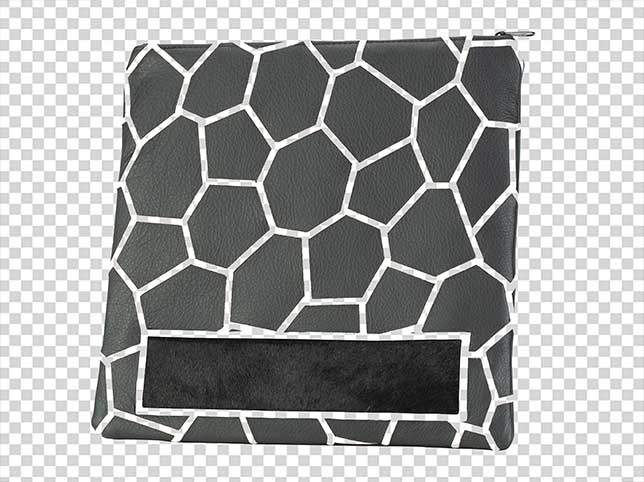
A single product with a smooth, closed outline — a bag, a shoe, a bottle, a box. One path, no interior gaps, cut and ready for white.
- One closed path around a simple silhouette
- Clean, hard edge that holds at 100% zoom
- Pure white, transparent PNG or colour fill
- From $0.30 an image
Medium Clipping Path
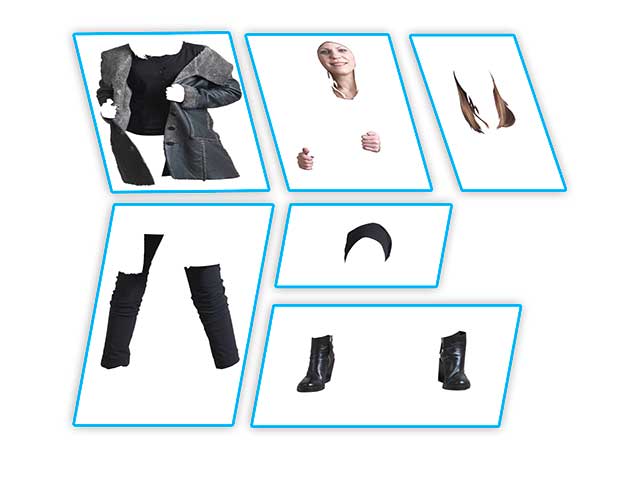
Products with a handle, a strap, a buckle or a few interior holes. Every enclosed gap needs its own path so the background shows through where it should.
- Interior negative space cut separately
- Straps, handles and buckles followed exactly
- No halo left where the old background sat
- From $0.60 an image
Complex Clipping Path
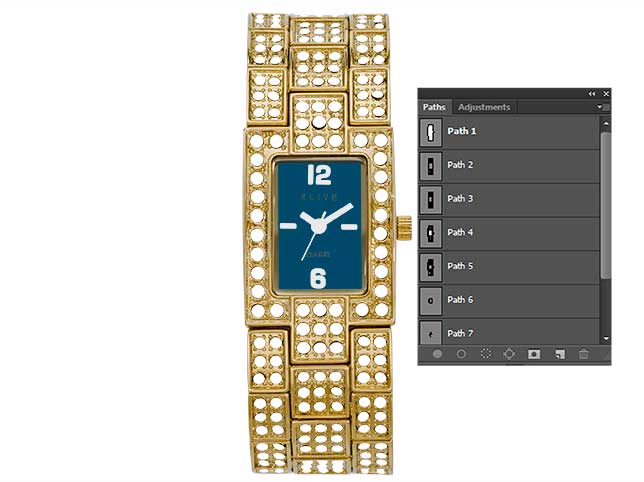
Jewellery chains, wireframe furniture, bicycles, lace — anywhere the outline turns back on itself dozens of times and a soft edge would be obvious.
- Dozens of enclosed paths in a single image
- Fine chain, mesh and wireframe followed link by link
- Edge quality checked at magnification
- From $1.20 an image
Super Complex Clipping Path
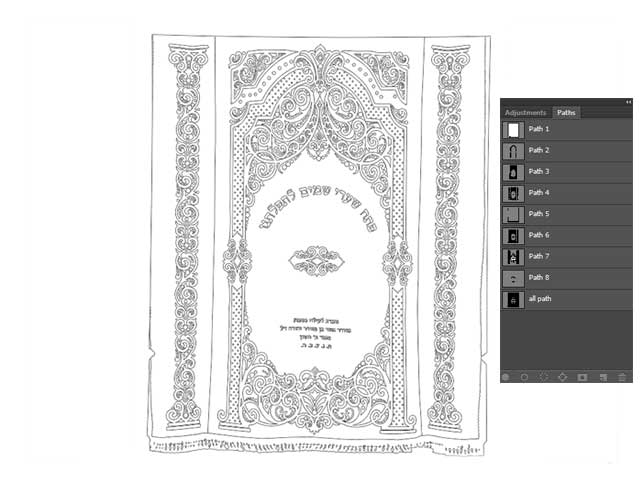
Group shots, layered assemblies and products photographed together, where several items each need their own outline in one frame.
- Multiple products isolated in a single frame
- Overlapping items separated cleanly
- Every component individually selectable
- From $2.50 an image
Clipping Path & Background Removal
The path is the method; a clean background is usually the outcome. We cut the path and deliver the product on pure white, on your brand colour, or as a transparent PNG.
- Marketplace-compliant pure white
- Transparent PNG for use anywhere
- Custom colour or lifestyle background
- See our background removal service
Multiple Clipping Path for Colourways
When a product needs splitting into separately editable parts — sole, upper and laces, or body, trim and hardware — each component gets its own path.
- Every component isolated and editable
- One shoot becomes every colour variant
- Ideal for catalogues with many SKUs
- Full detail on our multiple clipping path page
Clipping Path for Every Product Category
The technique is identical; the edge is not. These are the categories our path team cuts most.
Bags & leather goods
Straps, buckles and interior gaps, with stitching kept sharp along the edge.
Apparel
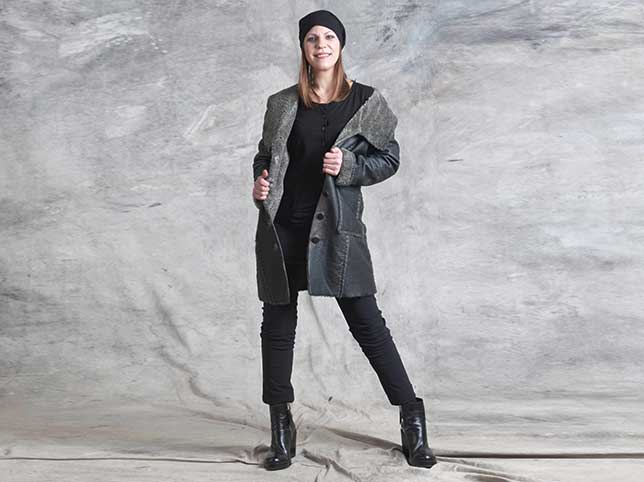
Flat-lay, hanger and on-model garments, including the gaps between arm and body.
Jewellery
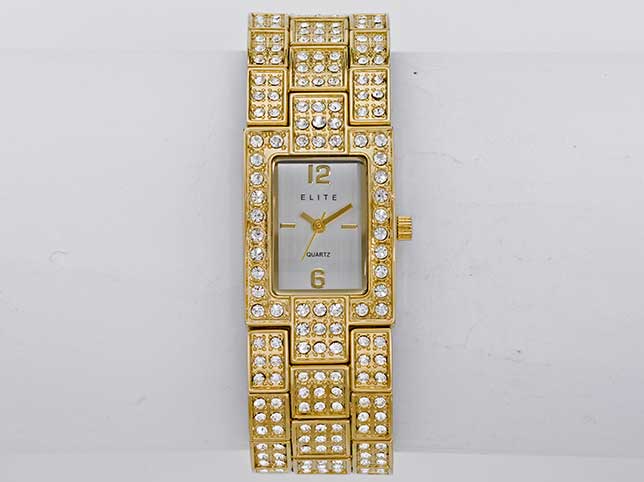
Chains, settings and negative space cut link by link at magnification.
Furniture
Wireframe legs, cane, mesh and slatted backs where the background shows through.
Electronics
Hard, straight edges and screens where a soft outline is immediately obvious.
Bottles & cosmetics
Curved glass, caps and labels, with transparency handled by masking where needed.
Footwear
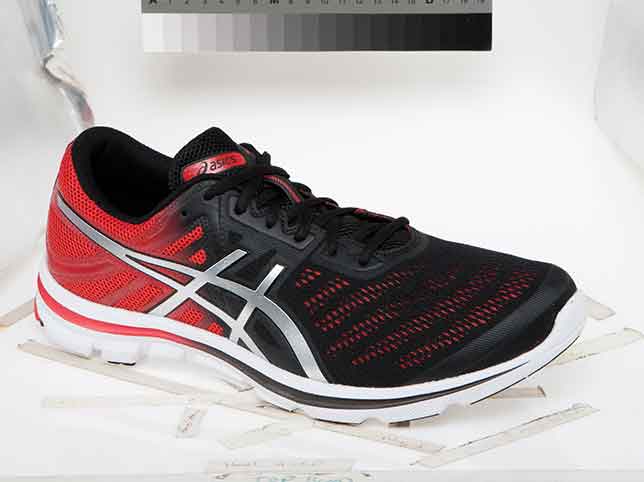
Laces, eyelets and sole detail, each component separable for colourways.
Packaged goods
Boxes, pouches and multipacks shot together and cut apart cleanly.
Who Uses Our Clipping Path Service
Anyone who needs one photograph to work on more than one background.
eCommerce sellers
Marketplace-compliant white backgrounds across a whole catalogue.
Product photographers
White-label path work delivered under your studio name.
Creative agencies
Cut-outs supplied unbranded and under NDA for client campaigns.
Print & catalogue teams
Paths saved into the file for layout work in InDesign.
Online boutiques
A mixed rail of supplier images brought to one consistent standard.
Wholesalers
High-volume batches with agreed file naming and FTP delivery.
Design studios
Editable components for composites, mockups and layout.
Resellers
Mixed-source photography unified into a single grid.
Why Path Quality Decides the Whole Edit
Every other edit sits on top of the path. If the outline is wrong, nothing downstream can save it.
A soft edge shows on white
Automatic selection leaves a fringe of the old background. On a pure white listing image that fringe reads as a grey halo, and it is visible at thumbnail size.
Marketplaces reject it
Amazon requires a pure white background with no artefacts. A path that leaves colour contamination at the edge is a suppression risk, not just an aesthetic one.
Shadows need a clean path first
You cannot ground a product with a believable shadow if the outline it is cast from is soft or inaccurate.
Consistency across the grid
Four hundred products cut by four hundred different hands look like four hundred different shops. One spec, applied by one team, is the point.
Our Clipping Path Workflow
The same four stages run on a three-image trial and a four-thousand-image catalogue.
- 01
Assess the edge
We look at the hardest frame in the batch and set the path complexity and the price against it.
- 02
Draw the path
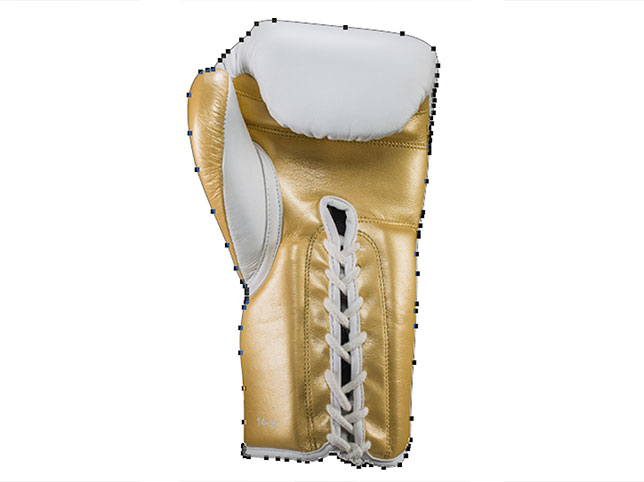
Pen Tool, anchor by anchor, including every interior gap. No magic wand, no automatic selection.
- 03
Quality control
A second editor inspects the outline at 100% and checks it against the rest of the batch.
- 04
Deliver
Path saved into the file, exported to the backgrounds and sizes you asked for, named to your convention.
Before & After Gallery
Real client files, grouped by path complexity. Drag any slider to compare.
Clipping Path Pricing, per Image
Starting rates for standard complexity. Send a sample and we confirm the exact price before any work begins. Pixel Retouching offers some of the best per-image value in the industry for clipping path work, with no minimum order and up to 50% off bulk batches.
A single closed outline around a simple product. No interior gaps.
Handles, straps and a few enclosed holes, each cut separately.
Chains, mesh, wireframe and lace with dozens of interior paths.
Group shots and layered assemblies, each item isolated in one frame.
Path plus a marketplace-compliant white background or transparent PNG.
Standing batches with agreed naming, FTP delivery and a fixed rate.
Frequently Asked Questions
What is a clipping path?
A clipping path is a vector outline drawn around a product in Photoshop so it can be separated from its background. Because it is a path rather than a pixel selection, the cut-out stays sharp at any size and the same file can be placed on white, on a colour, or exported as a transparent PNG.
What is the difference between a clipping path and image masking?
A path works on hard, defined edges — a bottle, a box, a shoe. Masking handles edges that are not solid, such as hair, fur, lace, smoke or glass, where transparency has to be preserved rather than cut away. Many images need both, and we use whichever the edge actually calls for. See our image masking service.
How is a clipping path different from a multiple clipping path?
A single clipping path outlines the product as one shape. A multiple clipping path splits it into separately editable components — sole, upper and laces, for example — so each part can be recoloured independently. Full detail is on our multiple clipping path page.
How much does a clipping path cost?
Basic paths start at $0.30 an image, medium at $0.60, complex at $1.20 and super complex at $2.50. Complexity is set by the edge, not the product category. Send a representative sample and we confirm a fixed rate before any work starts.
Do you use the Pen Tool or automatic selection?
The Pen Tool, by hand, every time. Automatic selection and AI cut-out tools leave a soft, stepped edge with a fringe of the old background, which is visible the moment the product is placed on white.
Can you deliver a transparent PNG?
Yes. We deliver transparent PNG, pure white JPEG, a custom colour background, or a layered PSD with the path saved into the file — whichever your workflow needs, in the sizes you specify.
How fast is the turnaround?
Standard turnaround is 24 hours. Large catalogue batches run to an agreed staged schedule so your launch date is never at risk, and rush delivery is available for an additional fee.
Is there a minimum order?
No. You can send a single image, and the free trial covers three images with no credit card and no sign-up. Bulk discounts of up to 50% apply on batches above 100 images.
Related Photo Editing Services
Clipping path work underpins background removal, shadow creation and the colour variants built on our colour change service.
Start Your Free Clipping Path Trial
Send three images and see the edge quality before you commit to anything. No credit card, no sign-up, no obligation. It is the quickest way to judge Pixel Retouching against any other photo retouching company, on your own files.