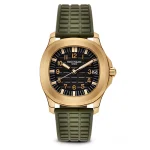
Product images are one of the biggest factors influencing online sales. Before a customer reads your product description or compares prices, they evaluate your product through its visuals. High-quality, professionally edited images help build trust, reduce purchase hesitation, improve click-through rates, and increase conversions.
For Shopify merchants, image editing isn’t just about aesthetics. Optimized product photos also improve page speed, Core Web Vitals, search engine visibility, and the overall shopping experience. Whether you need AI background removal, bulk image editing, SEO optimization, or professional product enhancements, the right Shopify app can save hours of manual work while keeping your storefront visually consistent.
To help you choose the best solution, we’ve researched ten of the most popular Shopify image editor and optimization apps based on features, pricing, usability, automation, and overall value for eCommerce businesses.
Quick Comparison of the Best Shopify Image Editor Apps
The comparison below highlights the key differences between the leading Shopify image editing apps to help you quickly identify the best solution for your eCommerce business.
| App | Best For | Starting Price | AI Features |
|---|---|---|---|
TinySEO: Speed & Image Optimizer |
Image SEO, Core Web Vitals & Performance Optimization | Free • $14/month | ✅ AI Alt Text & SEO Automation |
Avada SEO Suite |
Complete Shopify SEO Management | Free • $29/month | ✅ AI SEO & Metadata Optimization |
Bulk Image Edit – Image SEO |
Bulk Editing Large Product Catalogs | Usage-Based | ⚡ Limited AI Features |
PixPix Image Editor |
Quick Image Editing Inside Shopify | Free • $9.99/month | ⚡ Basic AI Editing |
Photoroom AI Listing Assistant |
AI Product Photography & Background Generation | Free • $7.50/month | 🚀 Advanced AI Image Generation |
Crush: Speed & Image Optimizer |
Image Compression & Faster Store Speed | $4.99/month | ❌ No AI Features |
Pxl – Photo Background Remover |
AI Background Removal | Credit-Based | ✅ AI Object Detection |
Swap Photo Editor |
Affordable AI Image Editing | $6.99/month | ✅ AI Generative Editing |
Pixc: AI Image Editing |
Professional Product Image Consistency | Credit-Based | ✅ AI Background & Shadow Creation |
Easy Product Badge & Watermark |
Watermarking & Promotional Product Badges | Free • $1.90/month | ❌ No AI Features |
1. TinySEO: Speed & Image Optimizer
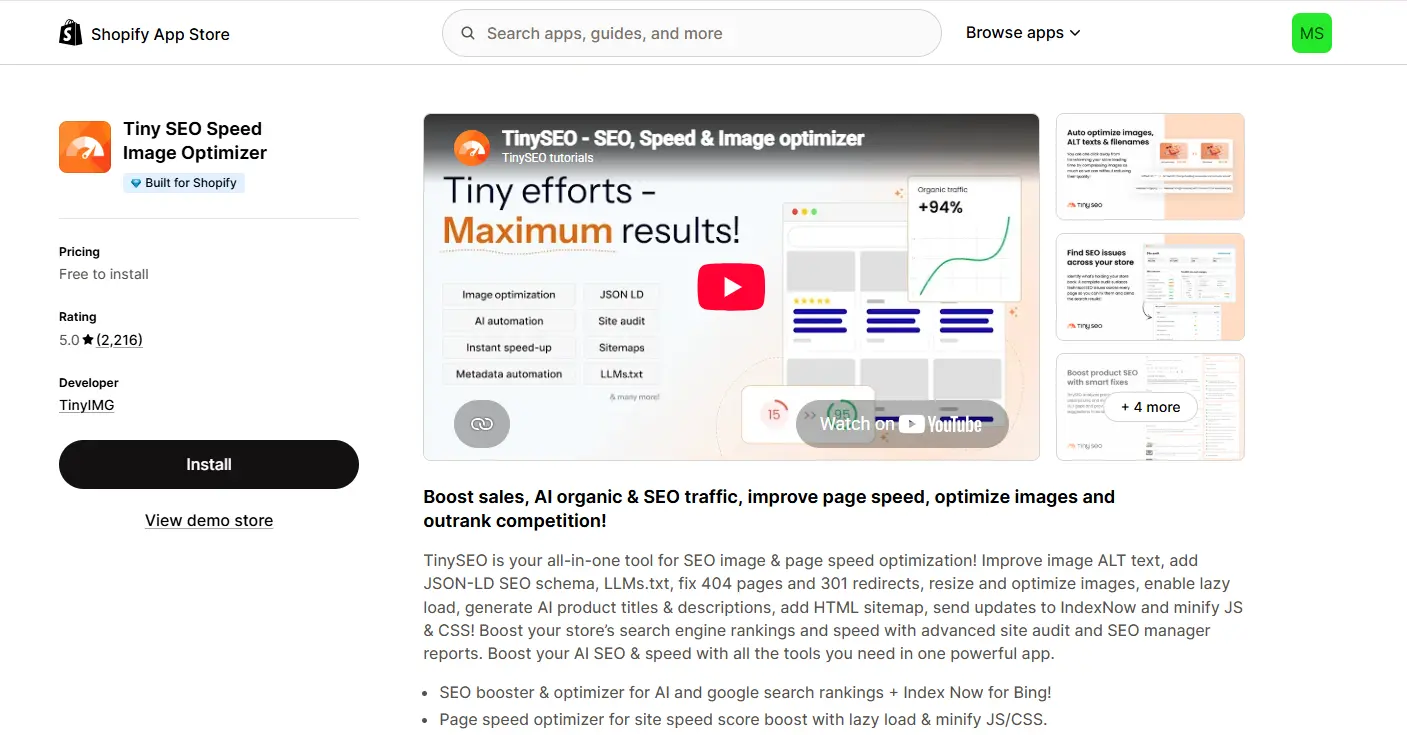
Best For: All-in-one image optimization and Shopify SEO
Pricing: Free plan available • Paid plans start from $14/month
For merchants who want to improve both website performance and search visibility, TinySEO: Speed & Image Optimizer offers much more than simple image compression. The platform automates technical SEO tasks by optimizing images, generating AI-powered alt text, implementing lazy loading, and improving Core Web Vitals.
Instead of manually optimizing every new product image, TinySEO continuously scans your catalog and applies performance improvements automatically. This makes it an excellent choice for growing stores that regularly add new products.
Key Features
- AI image optimization
- Automatic alt text generation
- Lazy loading
- JSON-LD Schema
- Image compression
- SEO automation
Why We Recommend It
TinySEO combines image optimization, technical SEO, and site performance into one solution, making it ideal for merchants who want a “set-and-forget” workflow.
2. Avada SEO Suite
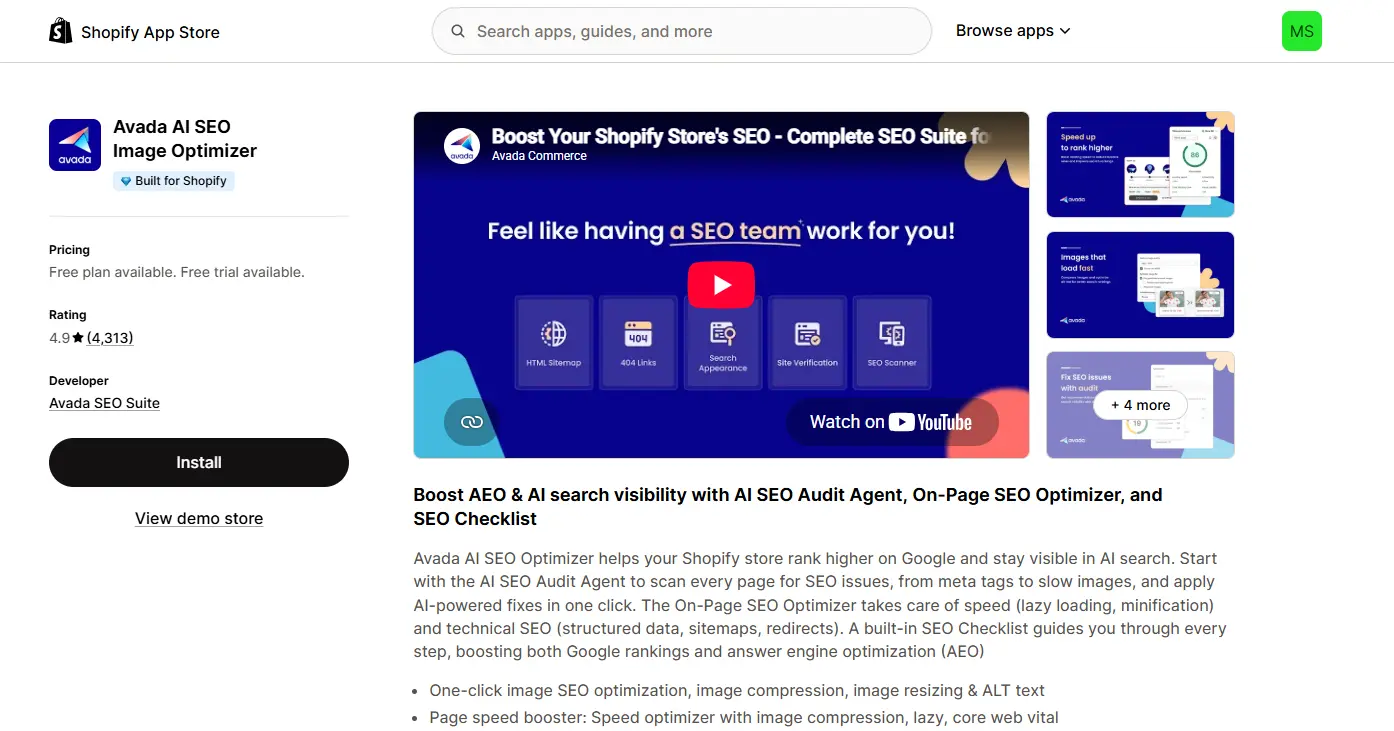
Best For: Complete Shopify SEO management
Pricing: Free plan • Pro from $29/month
While many image editing apps focus only on visuals, Avada SEO Suite approaches image optimization as part of a broader SEO strategy. It compresses images, generates metadata, monitors broken links, adds structured data, and integrates directly with Google Search Console.
The platform is especially useful for store owners who want enterprise-level SEO automation without hiring an SEO specialist.
Key Features
- Image optimization
- AI Alt Text
- SEO auditing
- Schema markup
- Google Search Console integration
- Broken link monitoring
Why We Recommend It
Avada is an excellent option for businesses looking to manage technical SEO and image optimization from a single dashboard.
3. Bulk Image Edit – Image SEO
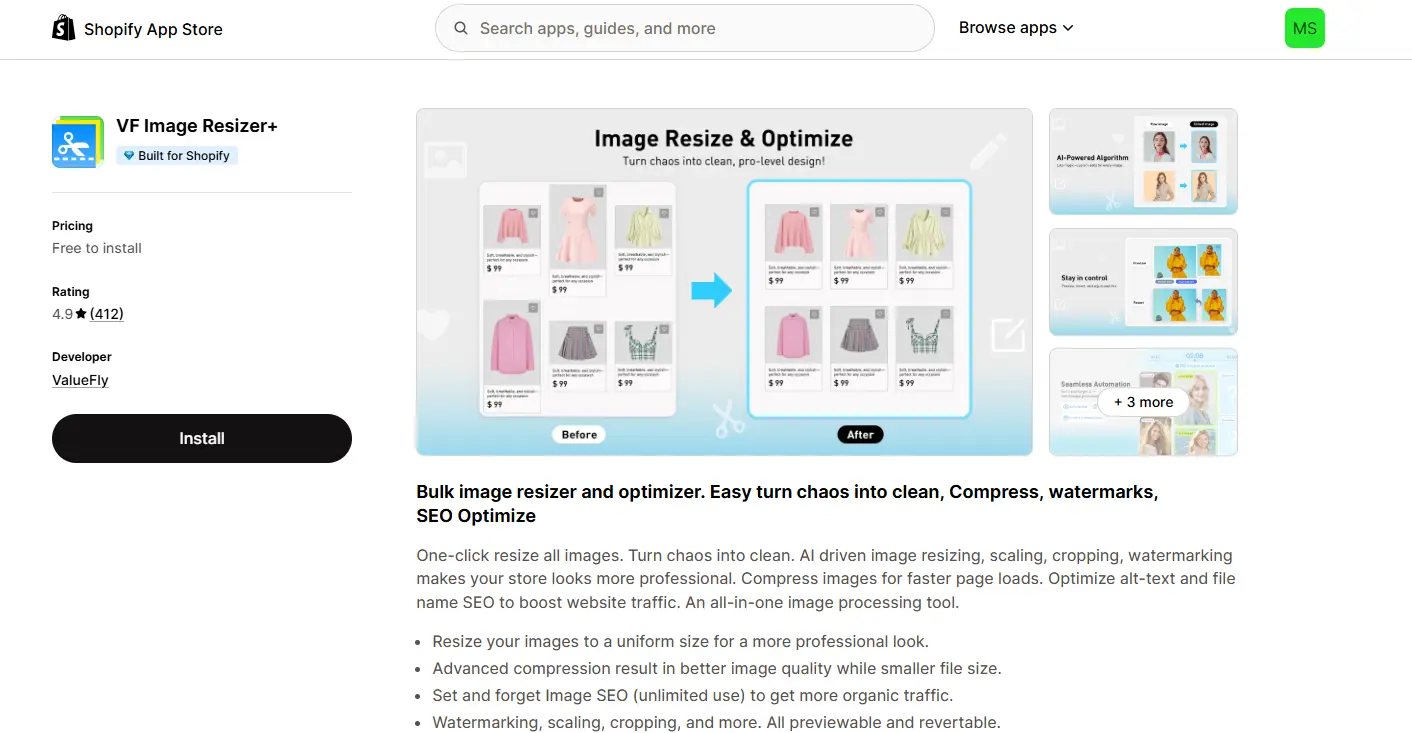
Best For: Large Shopify catalogs
If your store contains hundreds or thousands of products, manually editing images quickly becomes overwhelming. Bulk Image Edit – Image SEO simplifies this process by allowing merchants to resize, crop, rename, watermark, optimize, and standardize images in bulk.
Its automation capabilities help maintain a consistent visual identity across every collection page while saving countless hours of repetitive editing.
Key Features
- Bulk editing
- Image resizing
- Watermarking
- Filename optimization
- Alt text updates
- Image backup
Why We Recommend It
It’s one of the best productivity tools available for stores with large inventories.
4. PixPix Image Editor
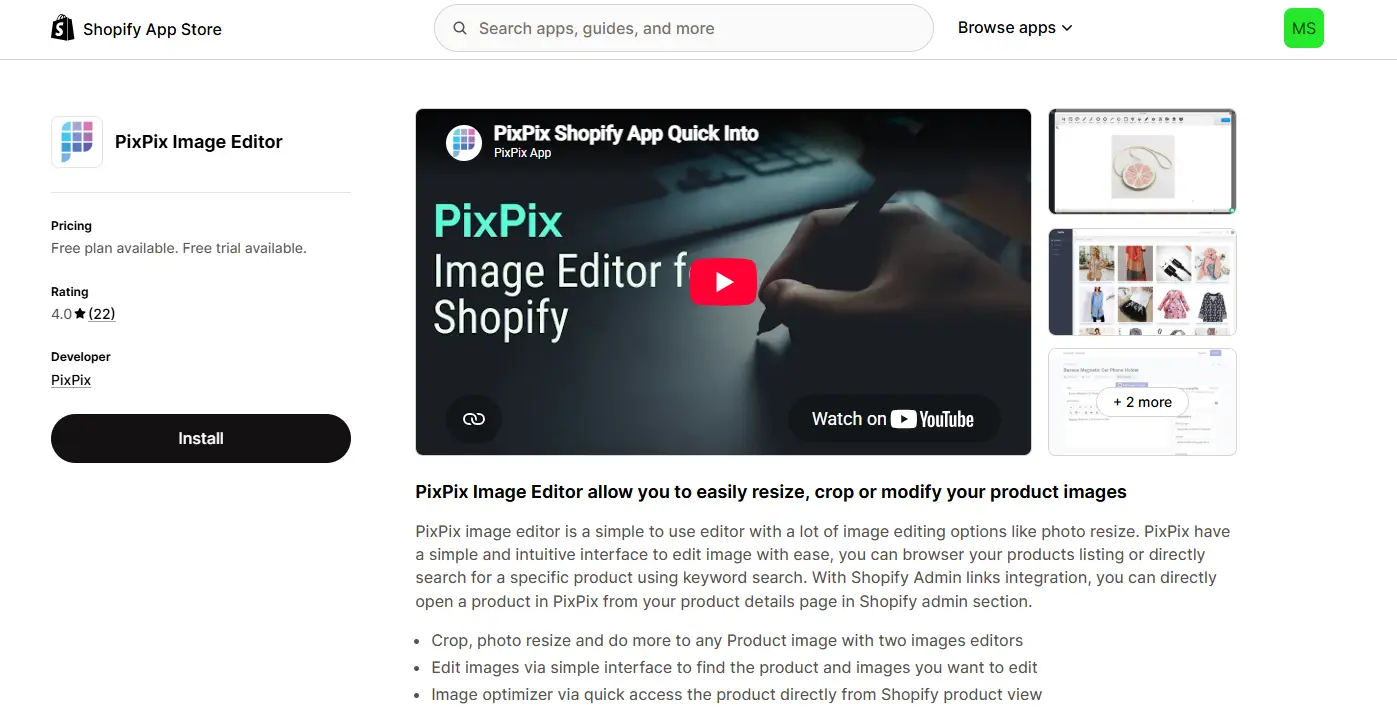
Best For: Editing images directly inside Shopify
Pricing: Free plan • Premium from $9.99/month
Instead of switching between Photoshop, Canva, or other editing software, PixPix Image Editor allows merchants to edit product photos directly from the Shopify admin.
You can crop, rotate, resize, remove backgrounds, adjust brightness, and apply quick enhancements without leaving your store dashboard.
Key Features
- Crop
- Resize
- Rotate
- Filters
- Background removal
- Image adjustments
Why We Recommend It
Its biggest strength is convenience, making daily product updates much faster.
5. Photoroom AI Listing Assistant
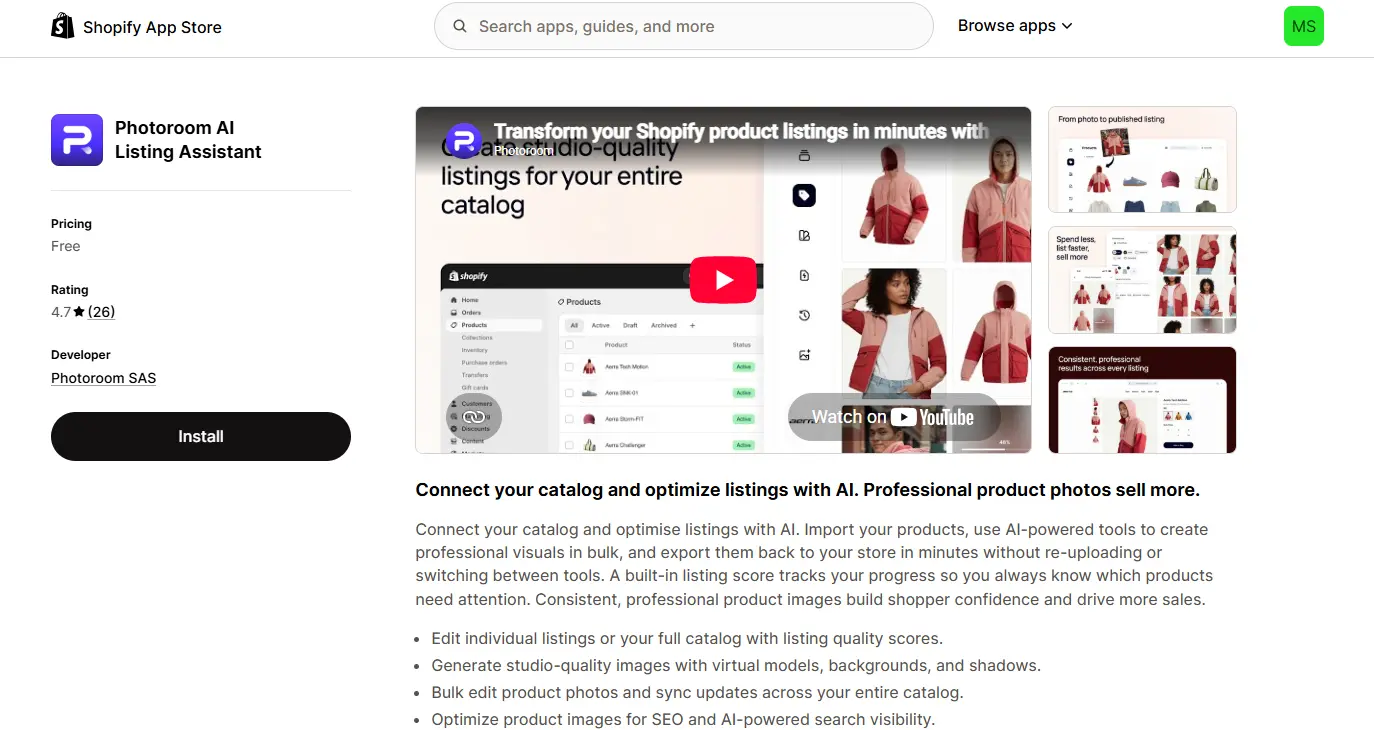
Best For: AI-generated product photography
Pricing: Free plan • Paid plans from $7.50/month
Creating professional product photography no longer requires an expensive studio. Photoroom AI Listing Assistant uses artificial intelligence to remove backgrounds, create realistic product scenes, generate virtual models, and produce marketplace-ready images.
Fashion brands, beauty companies, and lifestyle businesses can dramatically improve their product presentation while reducing photography costs.
Key Features
- AI backgrounds
- Product staging
- Virtual models
- Batch editing
- Image enhancement
Why We Recommend It
If your brand depends on premium-looking visuals, Photoroom delivers impressive AI-powered results with minimal effort.
6. Crush: Speed & Image Optimizer
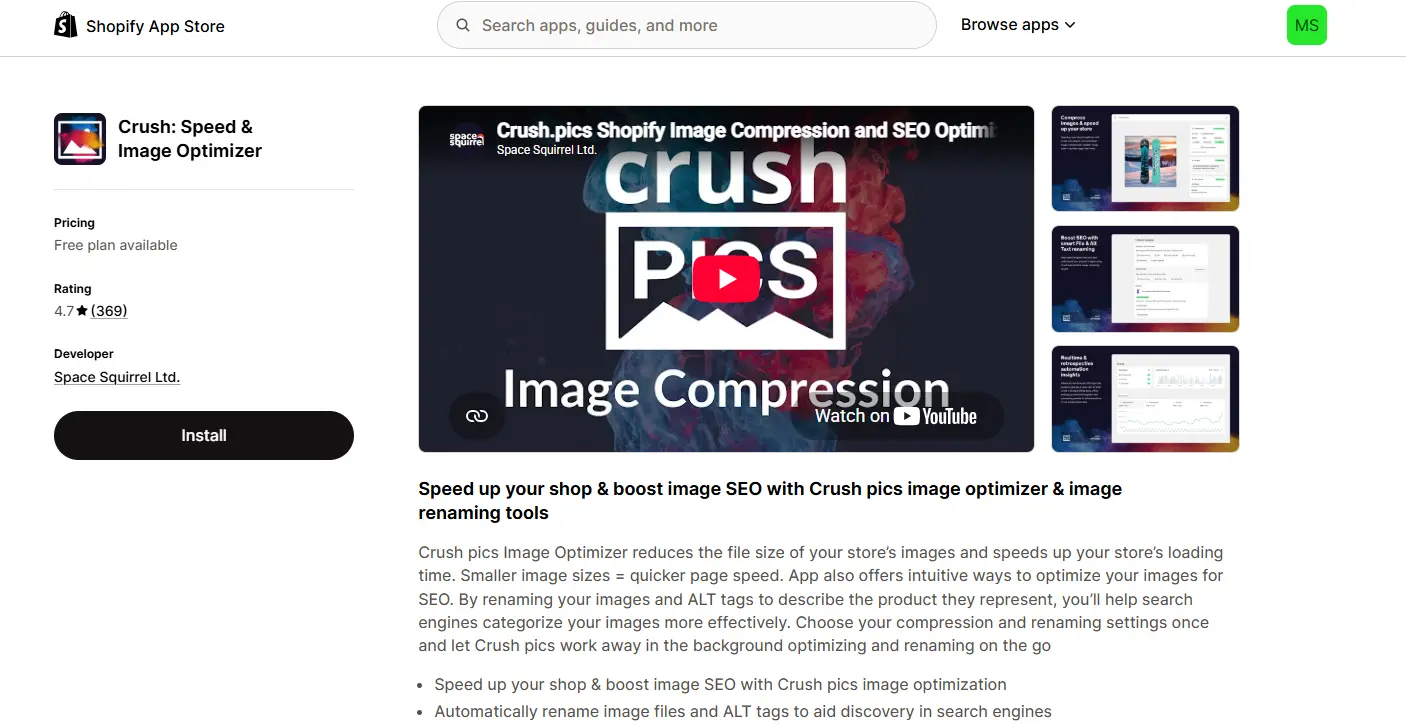
Best For: Faster loading Shopify stores
Pricing: Plans start from $4.99/month
Website speed directly affects user experience and SEO rankings. Crush: Speed & Image Optimizer specializes in compressing images while maintaining visual quality, helping Shopify stores reduce loading times without sacrificing product presentation.
The app automatically compresses new uploads and keeps backups of original files, giving merchants complete peace of mind.
Key Features
- Lossless compression
- Automatic optimization
- Image backup
- Bulk compression
Why We Recommend It
Crush is perfect for merchants who prioritize fast-loading pages and better Core Web Vitals.
7. Pxl – Photo Background Remover
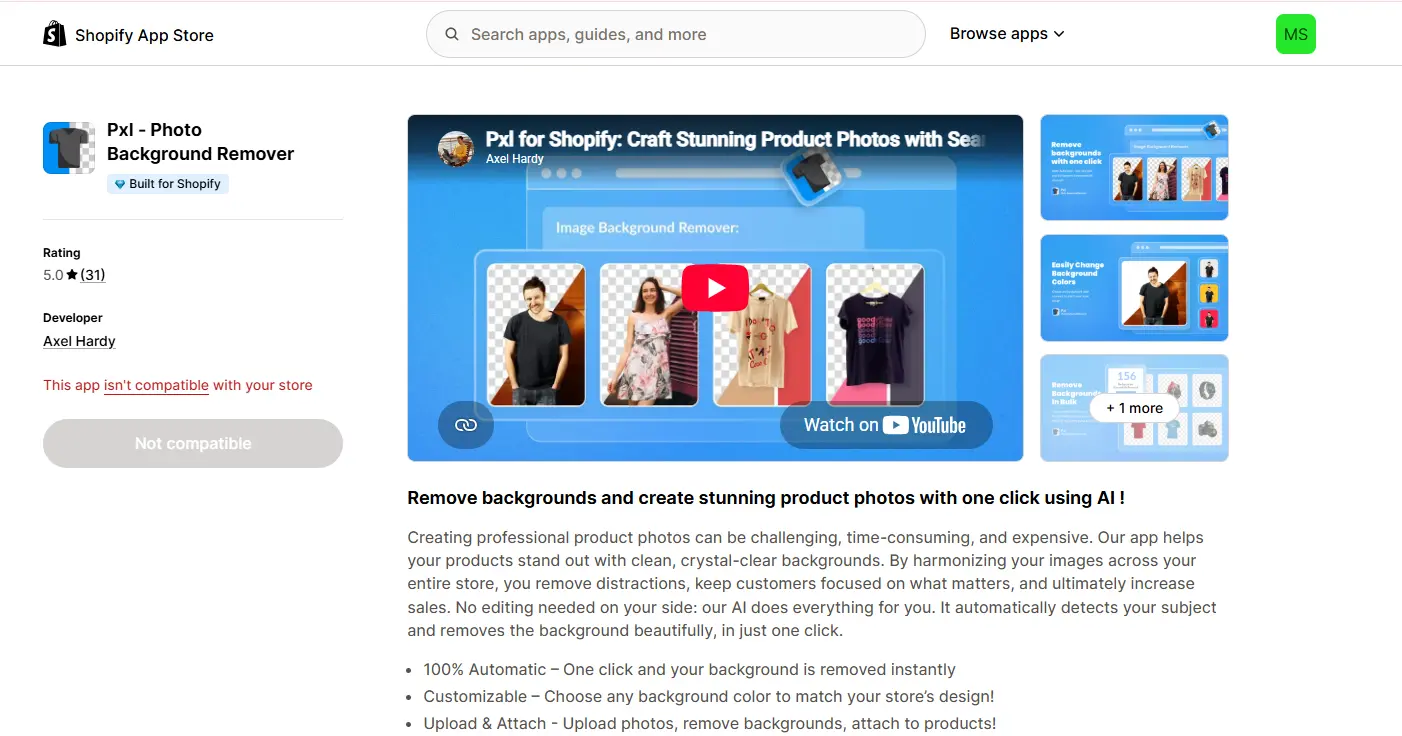
Best For: Professional white-background product images
Pricing: Free installation • Credit-based usage
Clean product photography increases customer confidence. Pxl – Photo Background Remover focuses on automatically removing distracting backgrounds and producing clean, professional product images suitable for Shopify, Google Shopping, and online marketplaces.
Its AI technology accurately separates products from complex backgrounds with very little manual editing.
Key Features
- AI background removal
- Transparent PNG export
- White backgrounds
- Fast processing
Why We Recommend It
It’s an excellent choice for merchants who need consistent, distraction-free product photography.
8. Swap Photo Editor
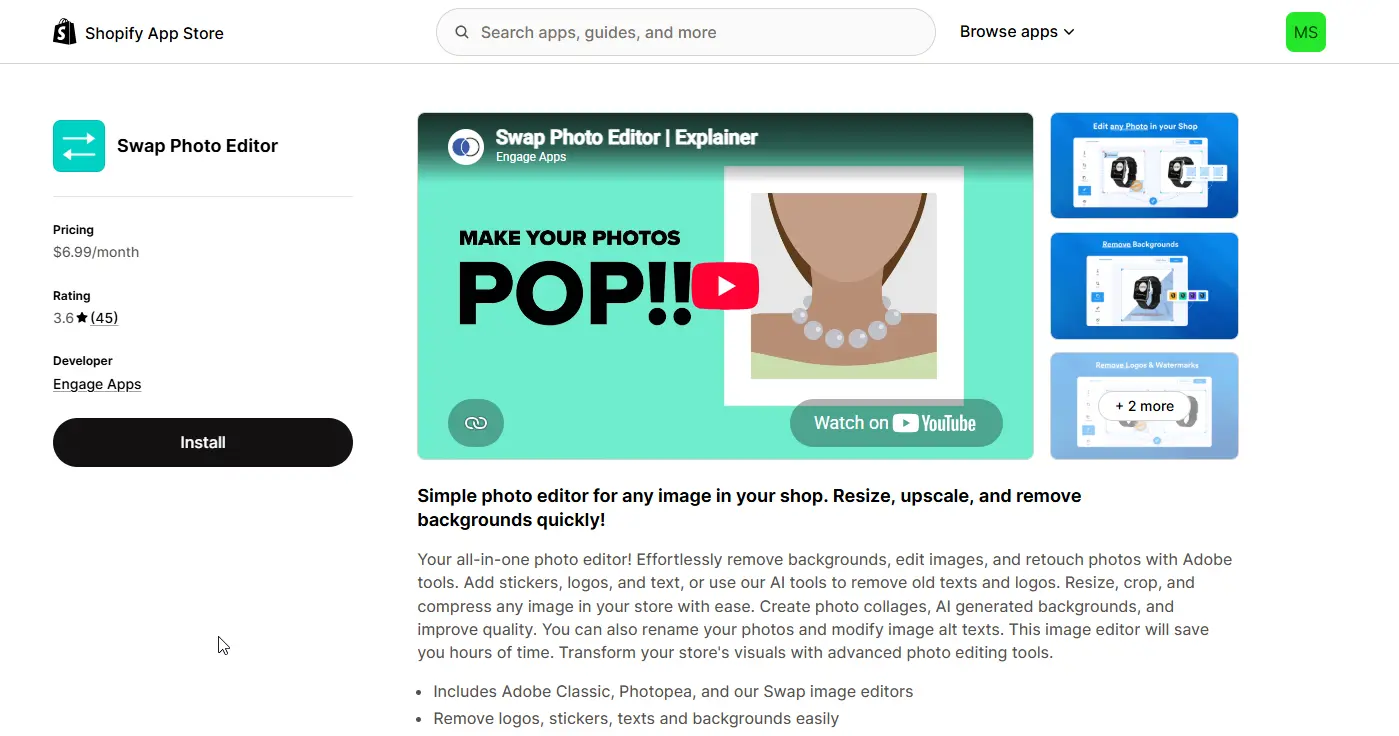
Best For: Affordable AI editing
Pricing: $6.99/month
Swap Photo Editor combines traditional editing tools with modern AI capabilities. Alongside cropping and resizing, merchants can remove unwanted objects, upscale low-resolution images, edit backgrounds, and use generative AI features without relying on multiple applications.
Key Features
- AI Generative Fill
- Object removal
- Upscaling
- Background editing
- Image enhancement
Why We Recommend It
Swap offers an excellent balance between affordability and functionality for small and medium-sized Shopify businesses.
9. Pixc: AI Image Editing
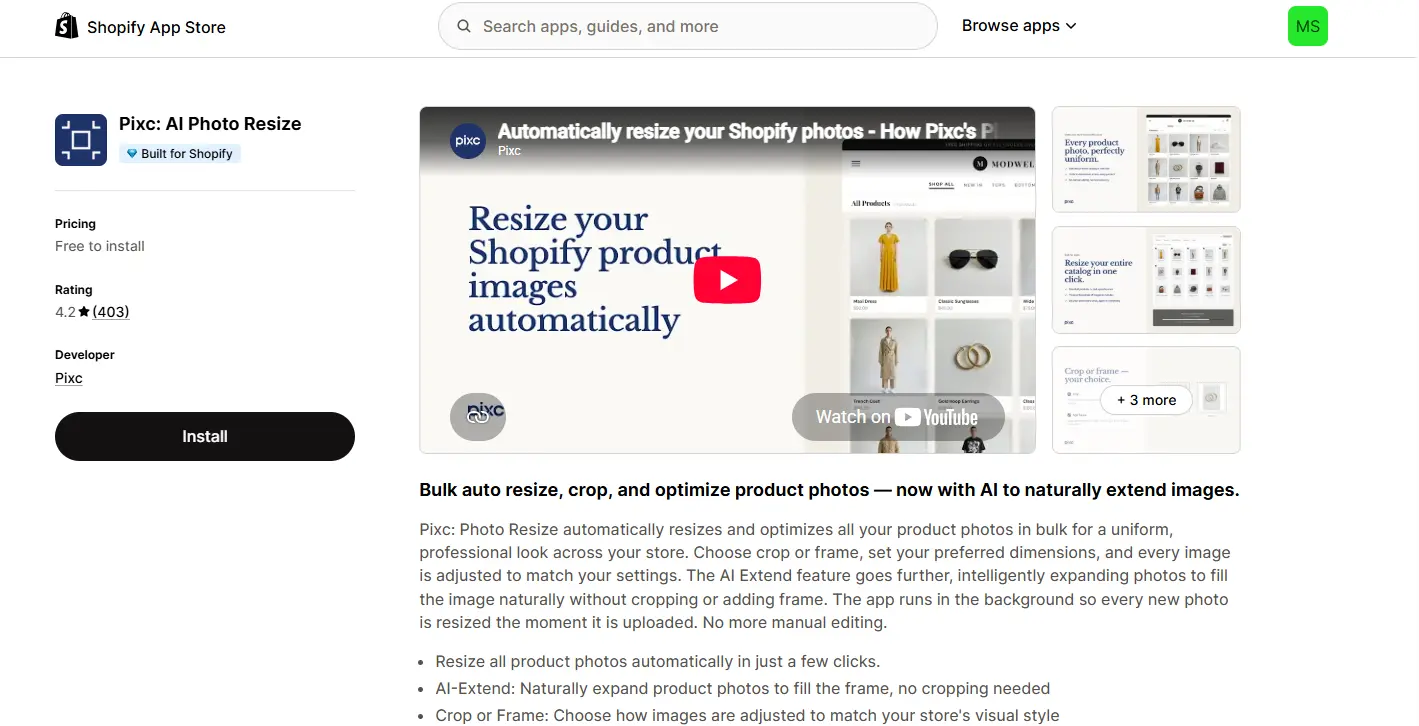
Best For: Consistent product photography
Pixc: AI Image Editing has long been recognized for helping Shopify merchants create professional-looking product catalogs. The app automatically removes backgrounds, standardizes image dimensions, adds realistic shadows, and improves overall presentation.
The result is a cleaner, more trustworthy storefront that creates a better first impression.
Key Features
- Background removal
- Shadow generation
- Image resizing
- Catalog consistency
Why We Recommend It
Perfect for brands that want every product image to maintain the same professional appearance.
10. Easy Product Badge & Watermark
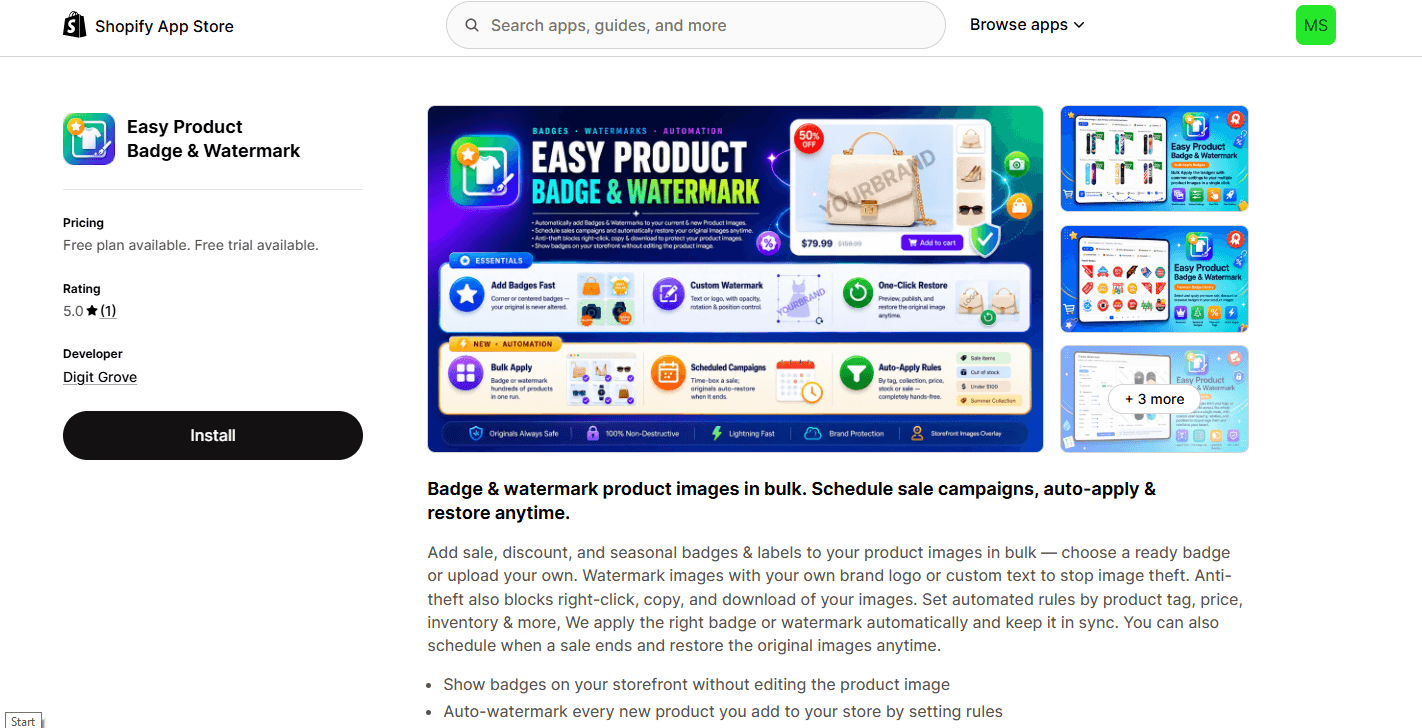
Best For: Product promotion and brand protection
Pricing: Free plan • Premium from $1.90/month
Your product images are valuable business assets. Easy Product Badge & Watermark helps protect those assets by automatically applying watermarks while also increasing conversions through promotional badges like “Sale,” “Best Seller,” and “New Arrival.”
This combination of branding and merchandising makes it particularly useful for stores running seasonal campaigns.
Key Features
- Automatic watermarking
- Promotional badges
- Campaign scheduling
- Product labels
Why We Recommend It
It adds both visual marketing elements and image protection without increasing your workflow.
Which Shopify Image Editor Is Right for You?
Every Shopify business has different priorities, so the ideal app depends on your workflow.
- Best Overall: TinySEO
- Best SEO Suite: Avada SEO Suite
- Best for Large Catalogs: Bulk Image Edit
- Best Built-in Editor: PixPix
- Best AI Photography: Photoroom
- Best for Speed Optimization: Crush
- Best Background Remover: Pxl
- Best Budget AI Editor: Swap Photo Editor
- Best Catalog Consistency: Pixc
- Best Watermark & Promotional Badges: Easy Product Badge & Watermark
Final Thoughts
Choosing the right Shopify image editor isn’t just about making product photos look attractive—it’s about creating a faster, more trustworthy, and higher-converting online store. AI-powered editing, image compression, SEO optimization, and automated workflows can significantly reduce manual effort while improving customer experience and search visibility.
However, even the best Shopify apps can’t replace professional retouching when image quality directly impacts your brand. For premium product photography, jewelry retouching, ghost mannequin editing, color correction, clipping paths, and marketplace-ready images, combining expert photo editing with automation tools delivers the strongest results. By integrating these apps into your workflow and investing in professionally retouched visuals, you can create a Shopify store that not only looks exceptional but also performs better in search engines and converts more visitors into loyal customers.