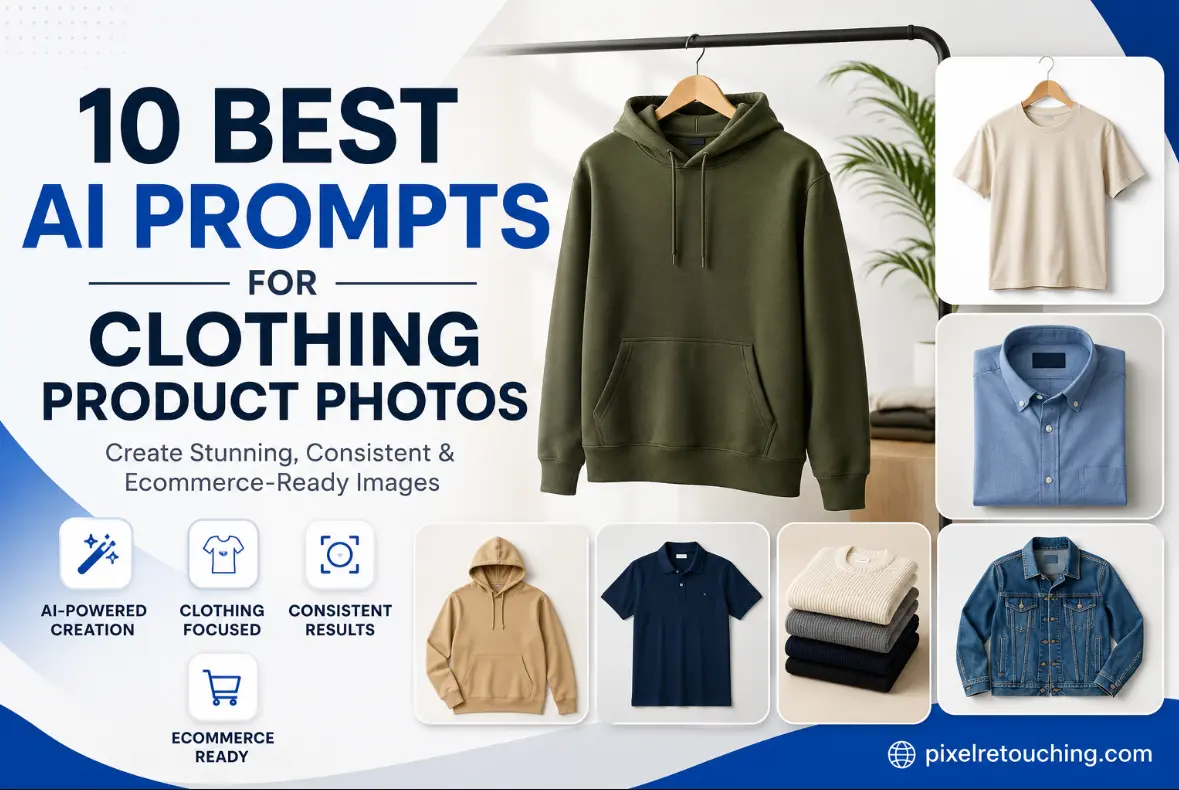
High-quality product photography can make or break an online clothing store. While clear images help customers understand the fit, texture, and details of a garment, creating consistent visuals across an entire catalog can be time-consuming and expensive. This is where AI image generation tools are changing the workflow.
With the right prompt, AI can produce professional-looking clothing product photos that maintain consistent lighting, backgrounds, composition, and styling. Whether you’re launching a new fashion brand, updating your Shopify store, or creating content for Amazon, Etsy, or social media, well-crafted prompts help you achieve more reliable results while reducing manual editing.
In this guide, we’ve compiled 10 of the best AI prompts for clothing product photos. These ready-to-use prompts are designed to create clean, realistic, and marketplace-ready images that showcase your products professionally while keeping your brand identity consistent.
These prompts are designed for AI image generators that support image-based editing or product photography generation. Replace the text inside [ ] with your product details.
The examples below are our own retouching work, shown to illustrate the finish each prompt is aiming for. They are not AI-generated output.
1. Premium White Background Product Photo
Create a professional eCommerce product photo of [product] on a pure white (#FFFFFF) background. Maintain accurate colors, realistic fabric texture, sharp stitching details, natural folds, soft studio lighting, subtle ground shadow, centered composition, high resolution, Amazon and Shopify ready, no props, no text, no watermark.
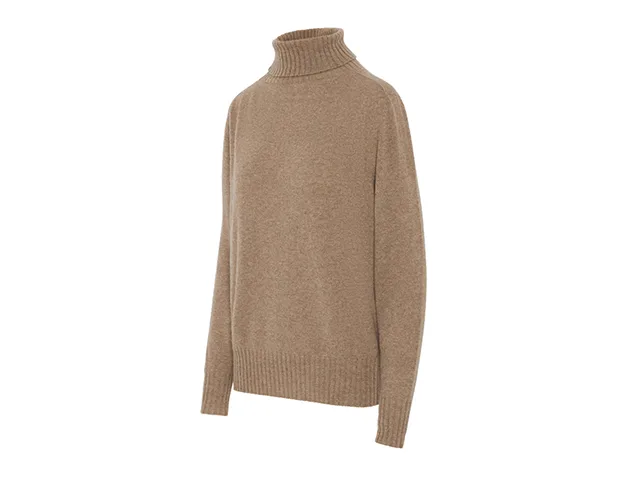
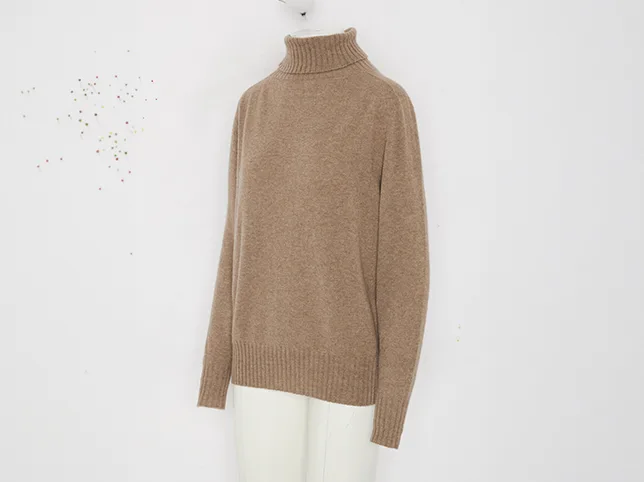
Before
After
Camel knit turtleneck cut to pure white – the finish this prompt asks for. Drag to compare.
2. Luxury Fashion Brand Style
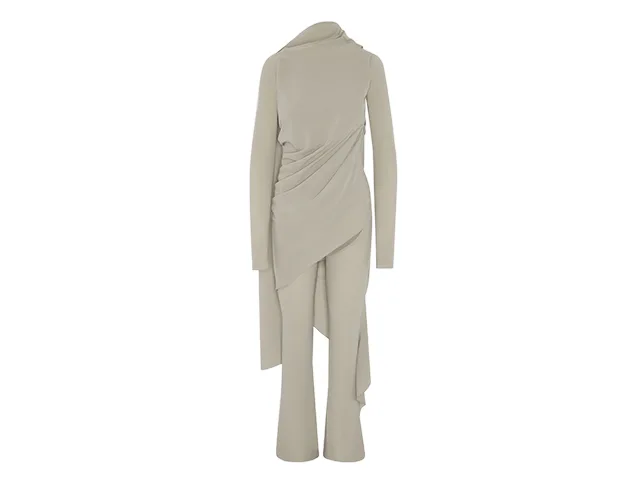
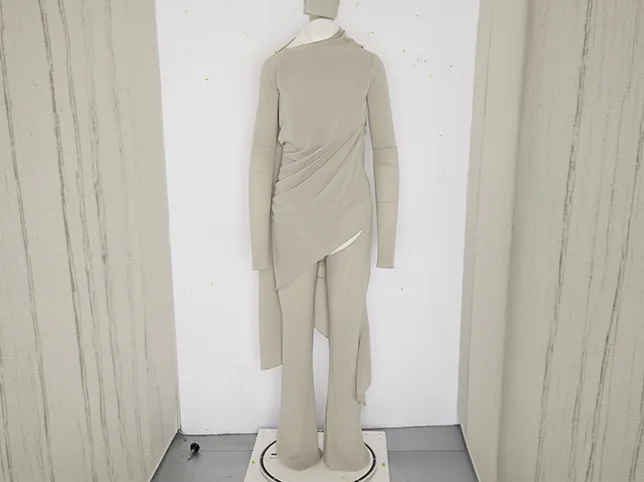
Generate a premium luxury fashion product image featuring [product] with soft diffused lighting, elegant neutral background, realistic fabric texture, high-end editorial quality, balanced composition, natural shadows, ultra-sharp details, luxury brand aesthetic, minimalistic presentation.
Before
After
Beige draped dress, creases relaxed so the drape reads as intended. Drag to compare.
3. Ghost Mannequin Effect
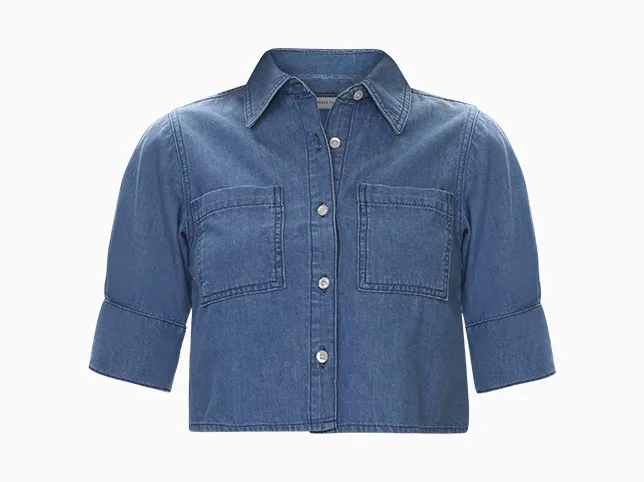
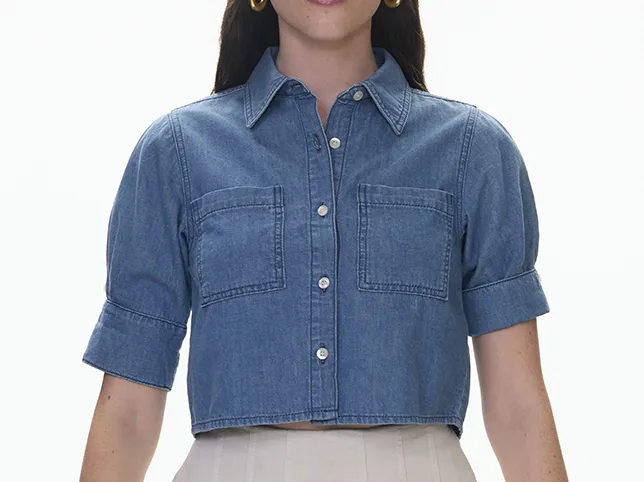
Create an invisible ghost mannequin image of [shirt, jacket, hoodie, dress], showing realistic interior collar, sleeves, and natural garment shape. Remove mannequin completely while preserving symmetry, accurate colors, clean edges, studio lighting, white background, high-resolution eCommerce image.
Before
After
Cropped denim shirt with the mannequin removed and the collar and cuffs rebuilt. Drag to compare.
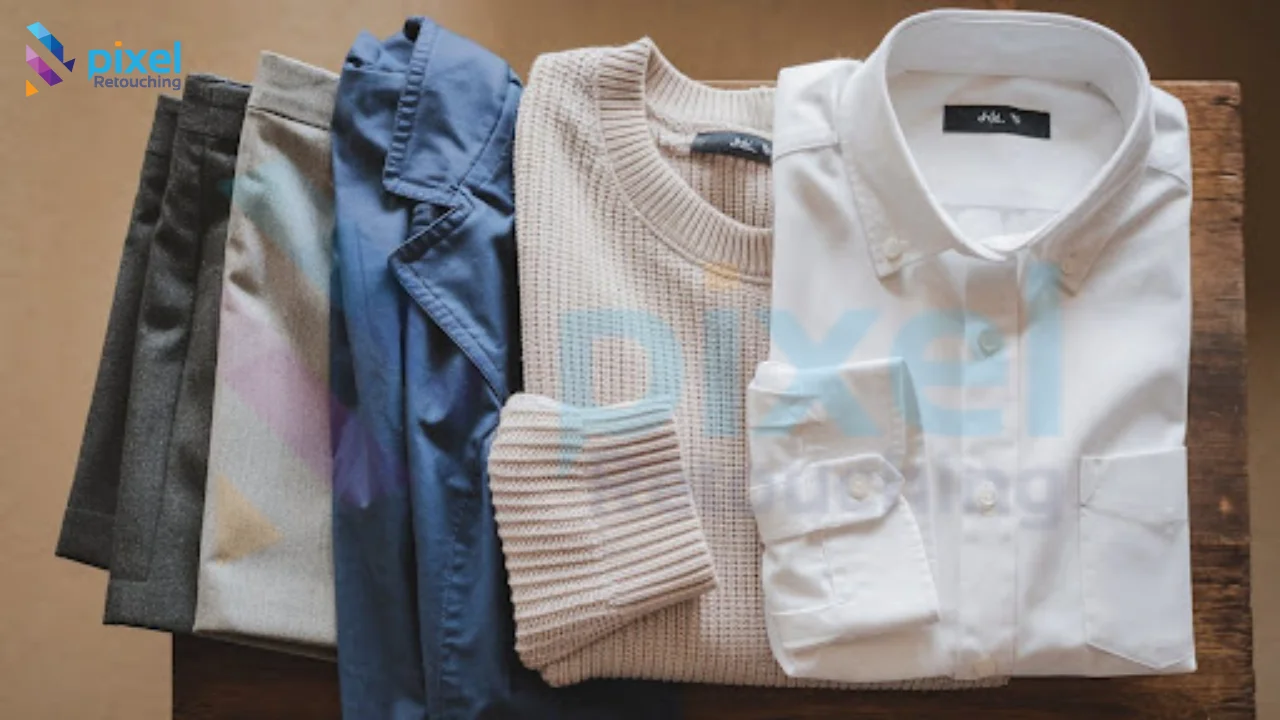
4. Folded Clothing Product Shot
Create a perfectly folded [product] on a clean white background with symmetrical alignment, crisp fabric texture, soft natural shadows, premium catalog photography, realistic stitching details, wrinkle-free presentation, centered composition, marketplace ready.
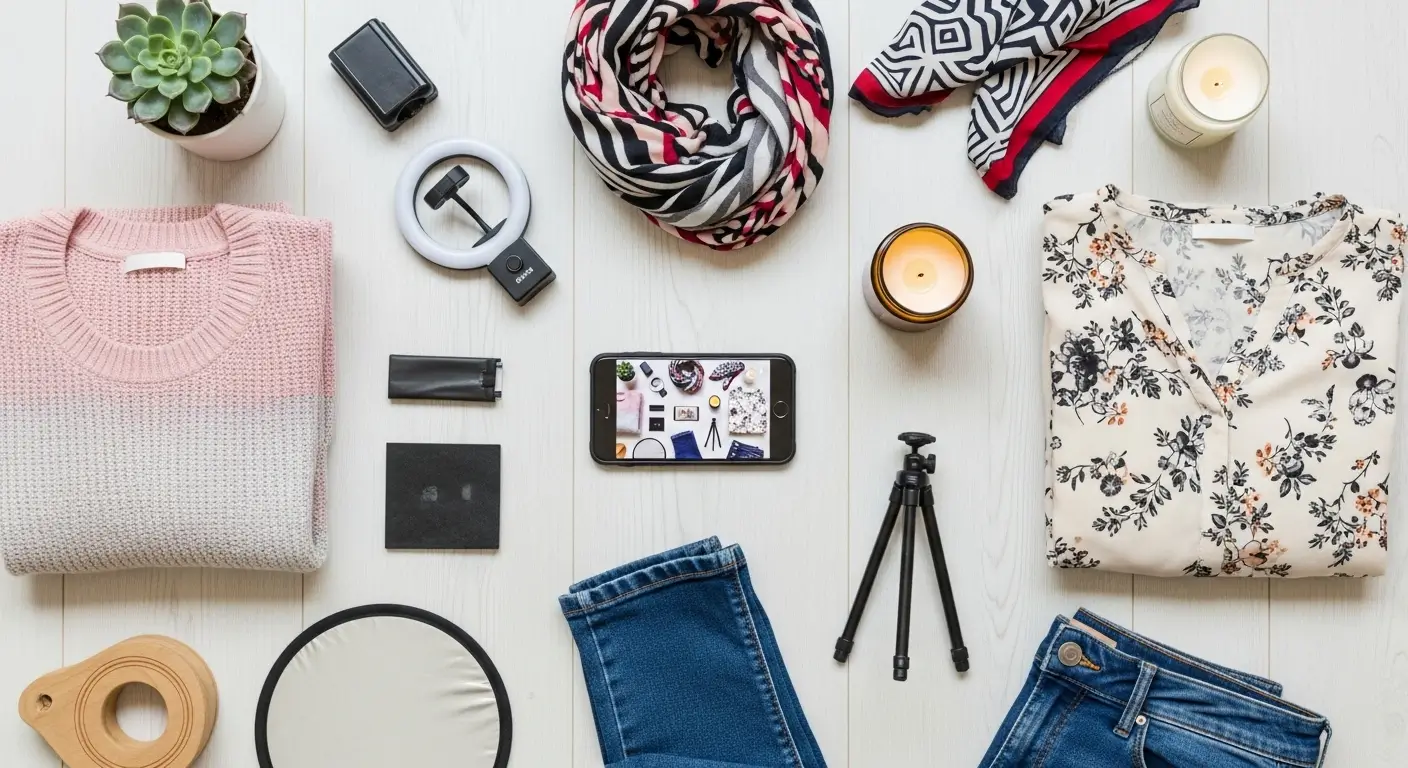
5. Flat Lay Clothing Photography
Generate a professional flat lay photo of [product] photographed from directly above on a minimal neutral background. Keep realistic proportions, premium lighting, accurate colors, soft shadows, luxury fashion brand style, clean composition without additional props.
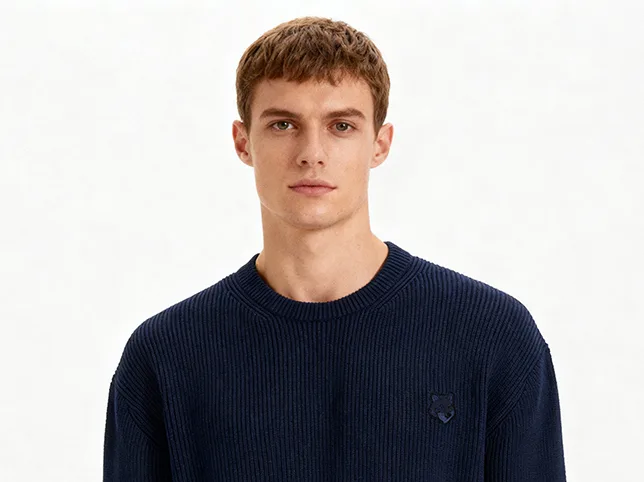
6. Lifestyle Fashion Product
Place [product] in a modern lifestyle scene while keeping the clothing as the primary focus. Use natural daylight, premium interior environment, realistic textures, subtle depth of field, soft shadows, commercial fashion photography quality, clean luxury aesthetic.
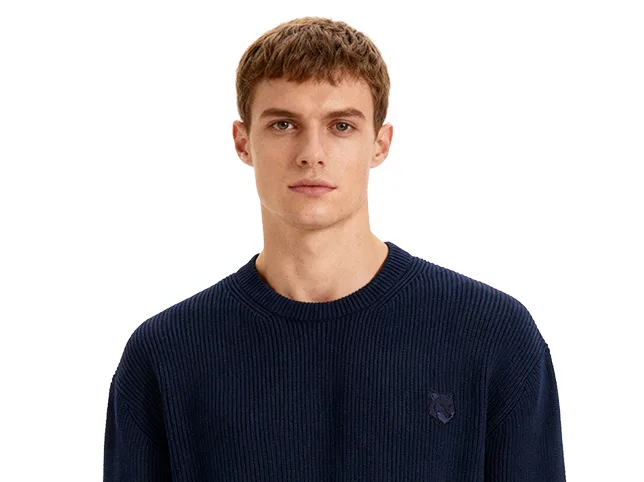
Before
After
Knitwear shown on model, with the garment kept as the focus. Drag to compare.
7. Consistent Catalog Collection
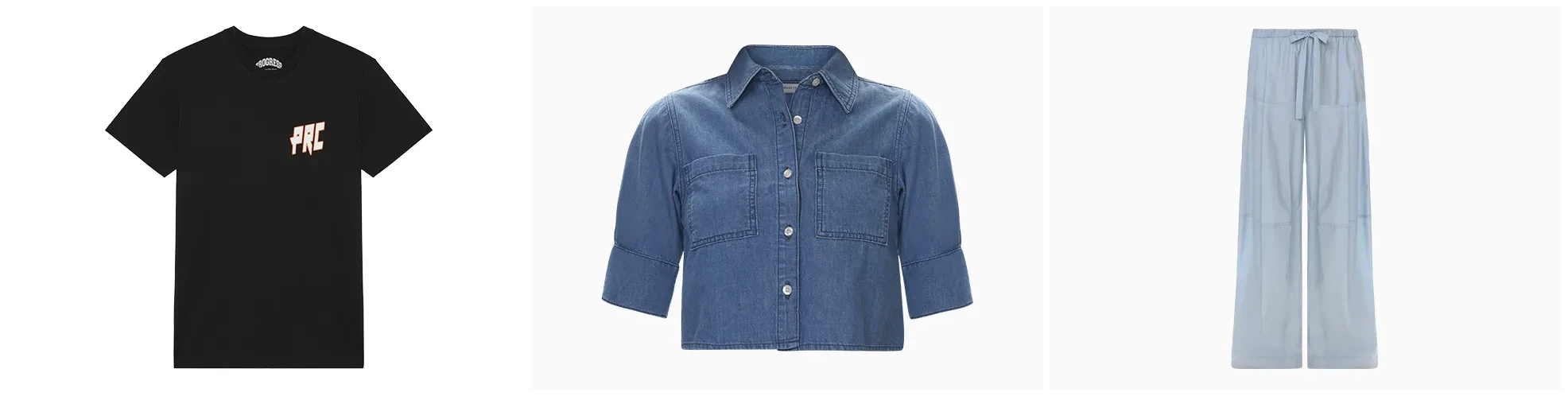
Create a consistent studio product image of [product] matching an existing clothing catalog. Maintain identical lighting, camera angle, crop ratio, spacing, background, shadow intensity, and color accuracy for every product variation. High-resolution commercial eCommerce photography.
8. High-End Fabric Detail
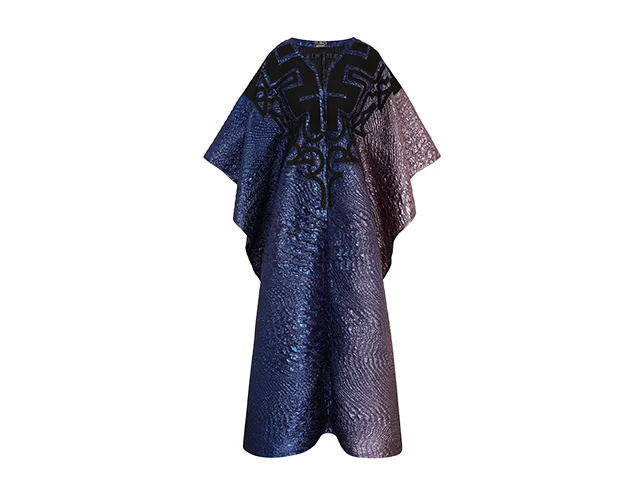
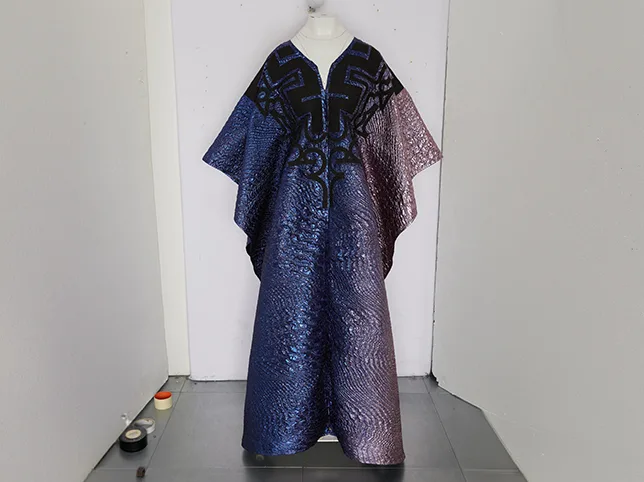
Produce a close-up commercial image highlighting the premium fabric texture of [product]. Preserve weave, stitching, embroidery, buttons, zipper details, realistic lighting, accurate material appearance, macro fashion photography quality.
Before
After
Fabric weave and stitching detail brought back. Drag to compare.
9. Social Media Fashion Campaign
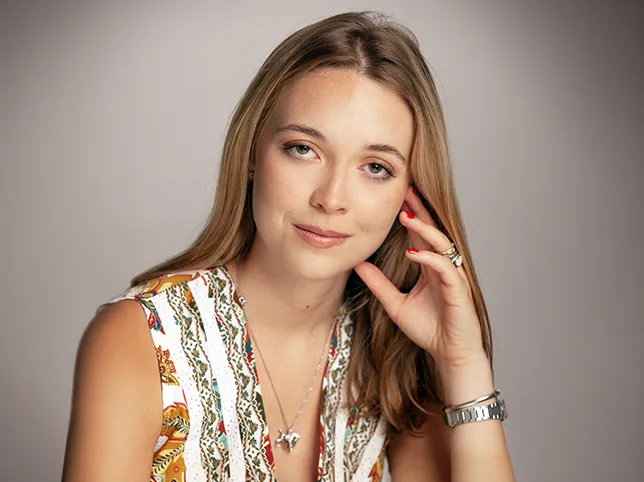
Generate an Instagram-ready premium clothing product image featuring [product] with modern luxury styling, soft studio lighting, clean background, vibrant yet realistic colors, subtle reflections, fashion advertising quality, high engagement visual composition.
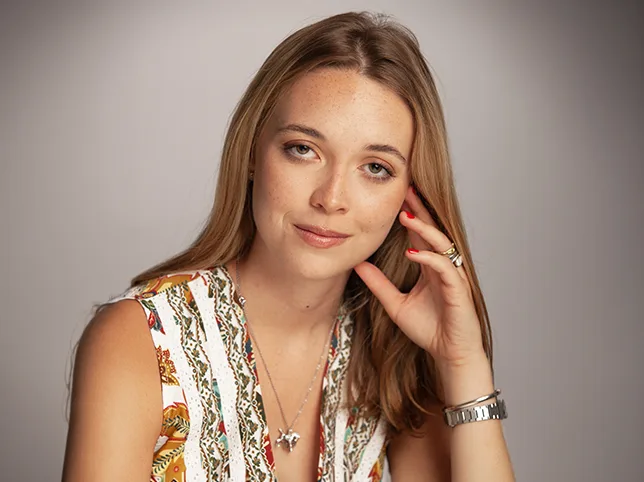
Before
After
On-model campaign image: skin evened, background cleaned, texture kept. Drag to compare.
10. Premium Color Variant Collection
Generate multiple color variations of [product] while maintaining identical lighting, background, shadows, camera angle, garment shape, folds, proportions, and image composition. Ensure every variation appears consistent for an online fashion catalog without altering product texture or design.


Before
After
One cap delivered as three colourways from a single photograph. Drag to compare.
Conclusion
AI-generated product photography has become a valuable tool for fashion brands looking to streamline content creation and maintain visual consistency across their catalogs. However, the quality of your results depends heavily on the prompts you use. Well-structured prompts help AI understand exactly how your clothing should be presented, from lighting and composition to fabric texture and color accuracy.
While these prompts can significantly speed up your workflow, it’s important to remember that AI isn’t always perfect. Premium fashion brands often combine AI-generated images with professional retouching to ensure accurate colors, flawless edges, and a polished final appearance. By using these prompts as a starting point and refining the output when needed, you can create product images that not only look professional but also build customer trust and strengthen your brand’s online presence.
A prompt can describe a ghost mannequin effect; it cannot join a neck and a collar that were photographed separately. When the generated version will not hold up on a product grid, our ghost mannequin service builds it from your own shots.
Frequently Asked Questions (FAQs)
1. What are AI prompts for clothing product photos?
AI prompts are detailed text instructions that tell an AI image generator how to create or edit clothing product photos, including the background, lighting, camera angle, and overall style.
2. Which AI tools work best with these prompts?
These prompts can be used with popular AI image generation and editing tools such as ChatGPT (GPT-4o Images), Midjourney, Adobe Firefly, Flux, Ideogram, and other AI platforms that support detailed image prompts.
3. Can AI generate marketplace-ready clothing images?
Yes, AI can create high-quality product images suitable for marketplaces like Shopify, Amazon, and Etsy. However, some images may still require manual retouching to meet strict marketplace standards.
4. How can I make AI-generated product images look consistent?
Use the same prompt structure, lighting, background, camera angle, aspect ratio, and styling across all product images. Consistency improves your catalog’s professional appearance.
5. Can AI accurately preserve fabric textures and colors?
Modern AI tools have improved significantly, but they may occasionally alter colors or fine fabric details. For products where color accuracy is critical, professional retouching is recommended.
6. Are AI-generated clothing photos better than traditional photography?
AI is excellent for speeding up content creation and generating lifestyle scenes, but traditional photography remains the best choice when exact product representation and color accuracy are essential.
7. Do I need editing skills to use these prompts?
No. Most AI image generators are designed for beginners. Simply copy, customize, and paste the prompts to generate professional-looking clothing product images.
8. Can these prompts be used for different clothing categories?
Yes. They work for a wide range of apparel, including T-shirts, hoodies, dresses, jackets, sweaters, jeans, activewear, children’s clothing, and accessories.