Ask three studios what background removal costs and you will get three numbers, all of them roughly right and none of them comparable. One is quoting a soft-edged trainer on white. One is quoting a bridal veil. One is quoting a thousand of either.
This is what actually moves the price, with a real before and after for each tier so you can look at your own catalogue and place it, rather than waiting for a quote to tell you.
The images here are not AI output. Every before and after is real client work retouched by hand at Pixel Retouching. Drag the handle on any of them to see what is being described.
How much does background removal cost per image?
Background removal starts at around $0.39 an image for a simple product with a hard, continuous edge shot against a plain backdrop, and rises with the difficulty of the edge rather than the size of the picture. Hair, fur, lace, transparency and motion blur are the properties that move a file up a tier, because each one means the outline can no longer be drawn as a single path.
That is the whole pricing logic in one sentence: you are not paying for the background, you are paying for the edge. Two photographs of the same size, on the same white sweep, can differ by a factor of five if one is a kettle and the other is a mohair scarf.
What makes one image cost more than another?
Five properties, in the order they cost:
- Edge type. A hard edge is a path. A soft or fibrous edge is a mask, which takes longer and cannot be automated reliably.
- Transparency. Glass, mesh, acrylic and sheer fabric carry background through them, so the cut-out has to preserve what is behind rather than delete it.
- Interior gaps. A chain, a sandal, a wicker basket — every hole is another outline.
- Background contrast. A white product on white costs more than the same product on grey, because there is less for any edge-finding to work with.
- What happens after the cut. A transparent PNG is the cheapest exit. A new background, a shadow rebuilt to match, or a colour-managed white all add a step.
Tier one — a hard edge on a plain background
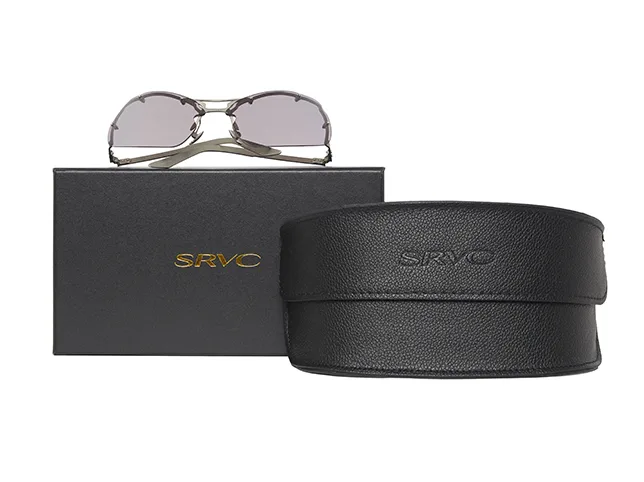
The base rate, and most catalogues are mostly this. A closed outline, no interior gaps, nothing translucent. Bags, boxes, shoes, bottles, most electronics.
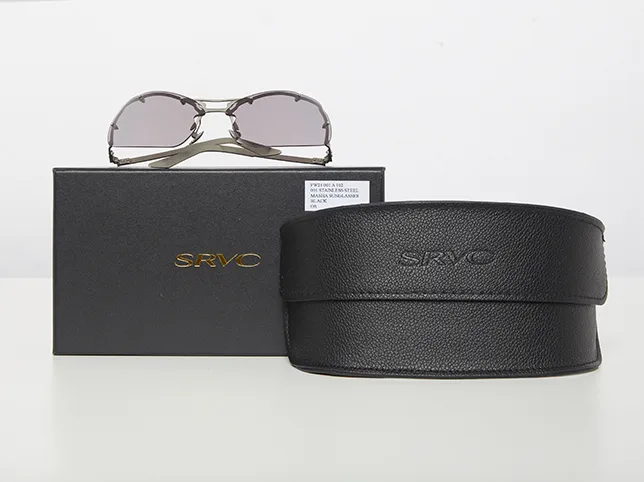
Before
After
Hard edges on a plain background — the base tier. Drag to compare.
Tier two — fabric, texture and a soft outline
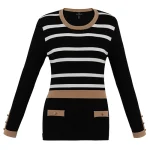
Garments sit here. The edge is real but it is not crisp: knitwear has fibres, a bomber has a ribbed cuff, a coat has a fur trim. Cut this with a hard path and it reads as a sticker; the outline has to keep some softness or the product looks wrong at zoom.

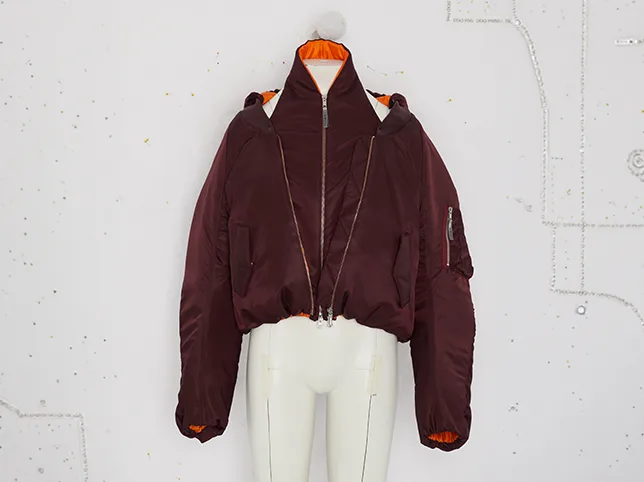
Before
After
A garment edge — soft, but still an edge. Drag to compare.
Tier three — transparency
Glass, lenses, bottles and sheer fabric. The expensive part is not the outline, it is that the product is partly see-through: whatever is behind it has to travel through the cut-out and land correctly on the new background. Handled as an ordinary cut, a pair of glasses ends up with lenses that look painted.

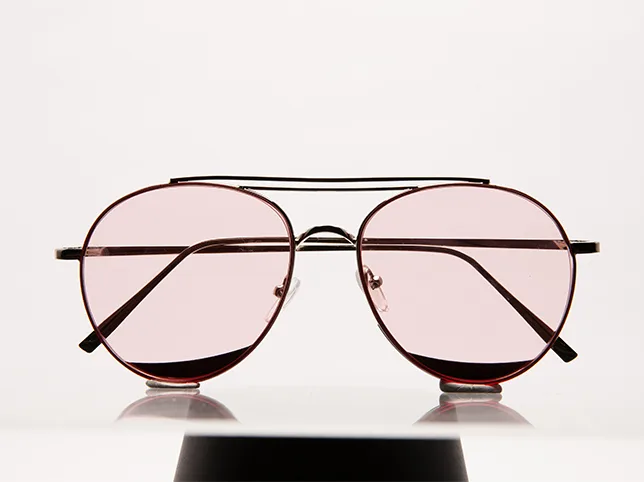
Before
After
Transparency, cut to a PNG. Drag to compare.
Tier four — hair and fine strands
The top of the range, and the one no automatic tool has solved. Hair is thousands of semi-transparent strands, each one a different colour where the background shows through it. This is masking work rather than pathing, and it is priced accordingly — see image masking, which starts at $0.60 for exactly this reason.


Before
After
Hair, masked rather than pathed. Drag to compare.
What does the shadow cost, and do you need one?
A cut-out product on white floats. It has no contact with the surface, so the eye reads it as a sticker rather than an object with weight. A small contact shadow fixes that, and it is a separate step — shadow creation starts at $0.50.
The cheaper alternative is to keep the shadow the camera already gave you, which works when the original lighting was decent and costs nothing extra. Ask for it before assuming a shadow has to be built.


Before
After
The photograph’s own shadow, kept rather than rebuilt. Drag to compare.
Does a bigger batch cost less per image?
Yes, and for an honest reason rather than a discount trick. In a batch of one, the setup is the job: reading the brief, deciding the treatment, agreeing the crop and the white. In a batch of four hundred, that decision is made once and applied four hundred times, so the per-image cost falls even though each image still gets a human on it.
What that means practically: send the whole collection rather than drip-feeding it. Twenty images a week for twenty weeks is the most expensive way to buy four hundred images, and it also produces the least consistent result, because the treatment drifts over five months.

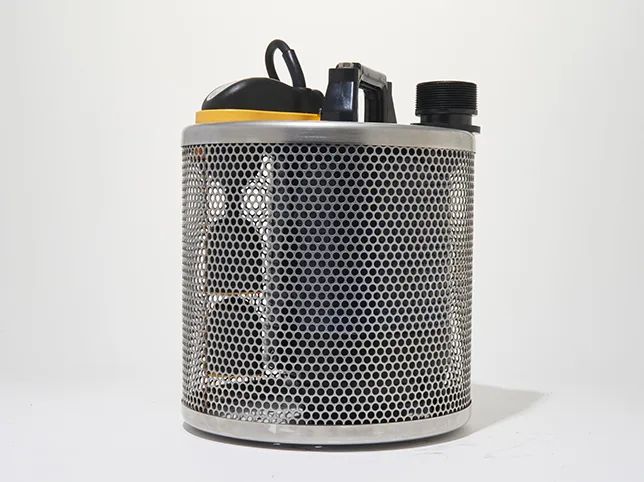
Before
After
One of a catalogue batch, cut to a single standard. Drag to compare.
What if you need a new background, not a white one?
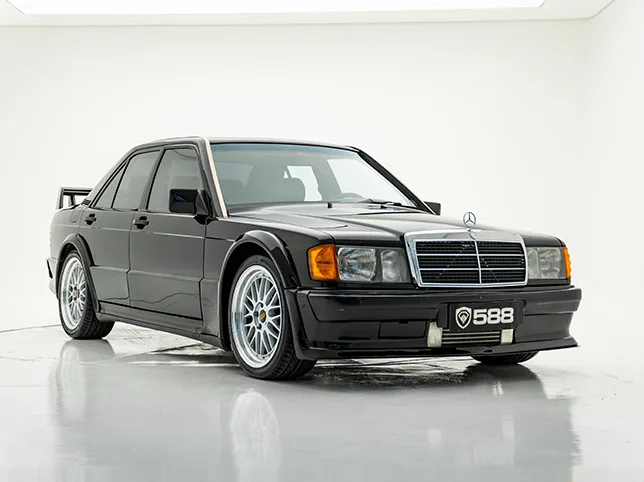
Replacing the background rather than removing it is a different job, and the cost is in making the product believe it. Three things have to agree: the direction of the light on the product and in the new scene, the perspective, and the colour temperature. A product lit from the left dropped into a scene lit from the right is uncanny before anyone can say why.

Before
After
A replacement background, matched rather than pasted. Drag to compare.
Is free background removal software good enough?
For tier one, often yes. A hard-edged product on a clean backdrop is exactly what automatic tools are good at, and if that is your whole catalogue you may not need to buy anything.
They fail predictably, and the failures are the same every time: fibrous edges get averaged into a halo, transparent areas get filled in, interior gaps get closed, and a white product on white loses its outline entirely. The practical test is to run twenty of your own images through a free tool, then look at them at 100% rather than at thumbnail size. Whatever fails is what you are actually paying a studio for.
This is the same line we draw in manual retouching versus AI: the tools have genuinely taken the easy half of the work, and the half they left is the half that was expensive to begin with.
How should you compare two quotes?
Per-image rates are only comparable if the deliverable is. Before comparing numbers, get both providers to answer the same six questions:
- What exactly is delivered? Transparent PNG, flattened JPEG on white, or both.
- Is a shadow included or quoted separately?
- What counts as a revision, and how many are included?
- Is the path hand-drawn or automatic with a human check? These are different products at similar prices.
- What is the turnaround, and what does rush cost?
- Who owns the files, and are the source images deleted afterwards?
Our own rates for every service are on the price list, and the fuller picture of what drives a catalogue budget is in what eCommerce image editing costs.
Find out what your own images cost
Quotes from a rate card are guesses until someone has seen your files. Send the three hardest images you have — the fuzzy edge, the transparent one, the one shot against a busy background — and we will edit them free and tell you which tier they actually fall in.
Start a free trial — 3 images edited free. No credit card and no account required.
Frequently asked questions
How much does background removal cost per image?
From about $0.39 for a simple product with a hard edge on a plain background. Price rises with edge difficulty rather than image size: fabric and fur cost more than a box, transparency more again, and hair the most, because hair is masked rather than pathed. Volume lowers the per-image rate because the treatment is decided once and applied to the whole batch.
Why do two images of the same product cost different amounts?
Because the edge differs, not the product. The same shoe photographed on a white sweep and on a textured floor are two different jobs: the second has less contrast at the outline, so more of it has to be drawn by hand. Shots with motion blur, reflections or a background the same tone as the product all move up a tier for the same reason.
Is a clipping path the same as background removal?
A clipping path is one way of doing it. The path is a hand-drawn vector outline, best for hard-edged products, and it starts lower at $0.30 because the result is reusable and editable. Masking is the other way, used where an edge cannot be drawn as a line – hair, fur, smoke, sheer fabric – and it costs more.
Do I need a transparent PNG or a white background?
Keep both if you can. The flattened white JPEG is what most marketplaces want, and the transparent PNG is what you will need the first time you build a banner, a size chart or a lifestyle composite. Asking for both at the time of the edit costs far less than having the cut-out redone later.
Does a bigger order really cost less per image?
Yes, because the setup is amortised. Deciding the crop, the white point and the shadow style is a fixed cost paid once per batch rather than once per image. It is also the reason a large batch comes back more consistent than the same images sent twenty at a time over several months.
Can free tools remove backgrounds well enough for a shop?
For hard-edged products on clean backdrops, often yes. They fail on fibrous edges, transparency, interior gaps and low-contrast outlines, and the failures only show at full zoom – which is where customers look before they buy. Run twenty of your own images through one and inspect them at 100%; what breaks is what you would be paying a studio to handle.