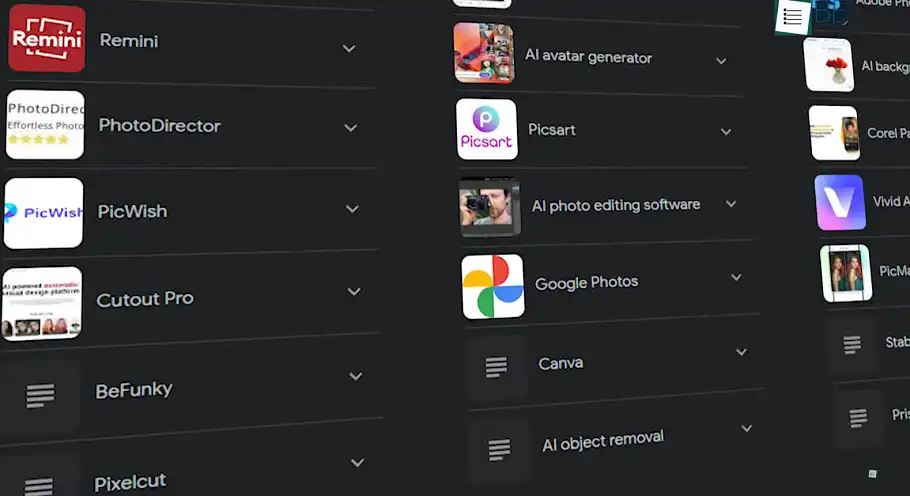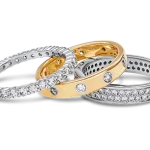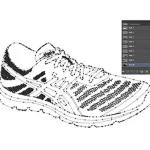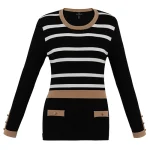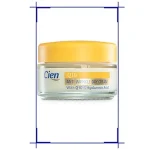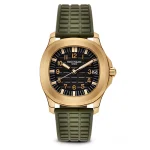
Four terms, used as though they were synonyms, in quotes and briefs and rate cards every day. They are not synonyms. Two of them are techniques, one is an outcome, and one is a file, and ordering the wrong one is how a fur-trimmed coat comes back with a halo round it and nobody can say whose fault it was.
Here is what each one actually means, with a real example of each, and a way to tell which your own product needs before you ask anyone for a price.
The images here are not AI output. Every before and after is real client work retouched by hand at Pixel Retouching. Drag the handle on any of them to see the difference being described.
What is the difference between a clipping path and image masking?
A clipping path is a hand-drawn vector outline that separates a product from its background along a hard edge. Image masking separates it pixel by pixel, storing how opaque each pixel is, which is what lets it handle edges that are not lines at all: hair, fur, smoke, sheer fabric, the soft rim of a knitted sleeve.
The short rule: if you could trace the edge with a pen without lying about it, it is a path. If you could not, it is a mask. Everything else about the two follows from that.
Which of the four words do you actually need?
| Term | What it is | Use it when |
|---|---|---|
| Clipping path | A technique: a vector outline | The edge is hard and continuous |
| Image masking | A technique: per-pixel opacity | The edge is soft, fibrous or see-through |
| Background removal | An outcome, by either technique | You are describing the result, not the method |
| Cut-out | A deliverable, usually a transparent PNG | You are describing the file you want back |
Notice what that means for a quote. “Background removal” and “cut-out” say nothing about how hard the job is, so two studios can quote wildly different numbers for the same words and both be honest. “Clipping path” and “masking” do say something, which is why the useful question is not “how much for background removal” but “is this a path or a mask”.
What is a clipping path?
A closed vector outline drawn around the product with the Pen tool, stored with the file. Because it is a curve and not a set of pixels, it can be scaled, edited and re-used, and it stays exactly as sharp at 300% as at 100%.
Its properties, which are also its limits:
- Binary. A pixel is inside the path or outside it. There is no partly.
- Editable forever. A path is a few anchor points; a correction is moving one, not redoing the cut.
- Clean at any size, because it is geometry rather than pixels.
- Useless on a soft edge, because it has to decide, and a fibre does not have an inside and an outside.


Before
After
A hard, continuous edge: a path. Drag to compare.
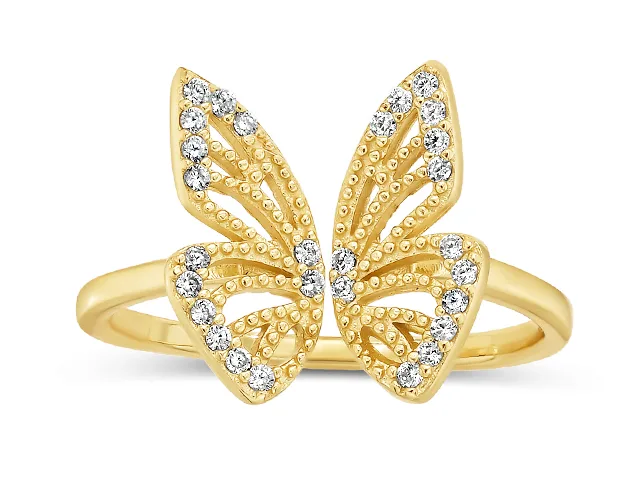
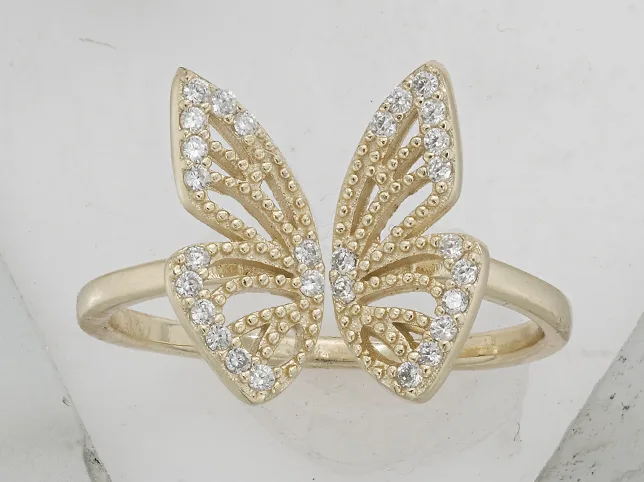
The harder version of the same technique is the one most catalogues need and few people ask for by name. A multiple clipping path means each component of the product gets its own path, the strap, the buckle, the sole, the stones, so any one of them can be recoloured or adjusted later without re-cutting the whole thing. It costs more once and saves a reshoot every time a colourway changes.
Before
After
Small product, hard edge, interior gaps. Still a path. Drag to compare.
What is image masking?
A mask stores a value for every pixel: fully product, fully background, or somewhere in between. That in-between is the entire point, because the edges that matter most in product photography are not lines.
It is used for four things a path cannot do:
- Hair and fur: thousands of semi-transparent strands, each showing a different amount of what is behind it.
- Fibrous fabric: mohair, fleece, boucle, a knitted cuff.
- Transparency: glass, mesh, chiffon, a translucent stone.
- Motion or depth blur, where the edge is genuinely soft in the photograph.

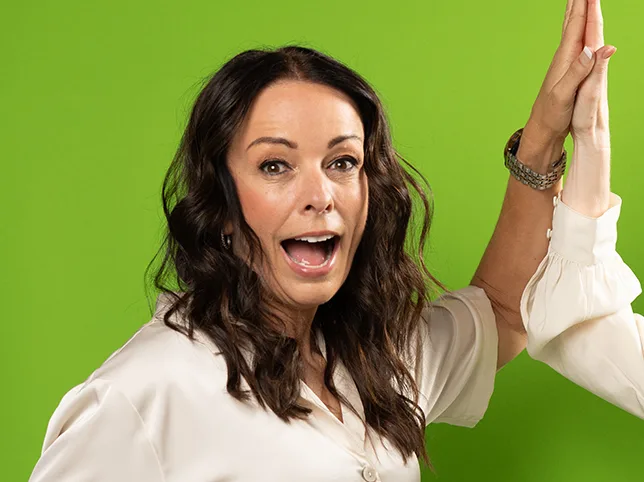
Before
After
Hair: the case a path cannot do at all. Drag to compare.
The same applies to fabric with a fuzzy rim. Cut it with a path and it reads as a sticker; mask it and the edge keeps the softness the camera saw.
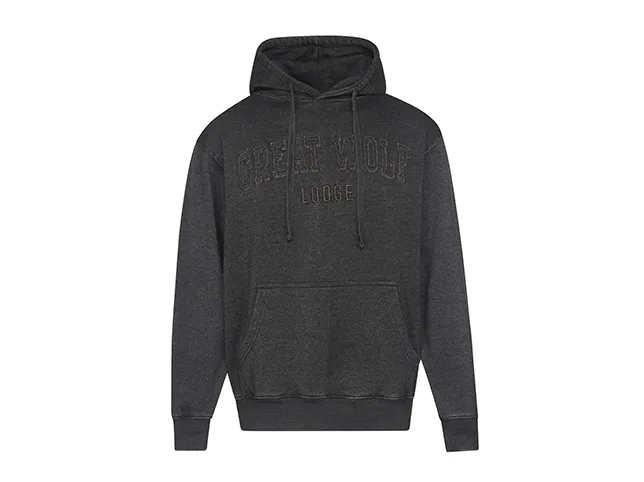

Before
After
A fibrous edge, masked rather than traced. Drag to compare.
And transparency is the case people most often order wrongly, because the product looks hard-edged. A translucent stone is partly see-through, so its edge carries the background through it: masked as if it were metal, it comes back looking painted on.
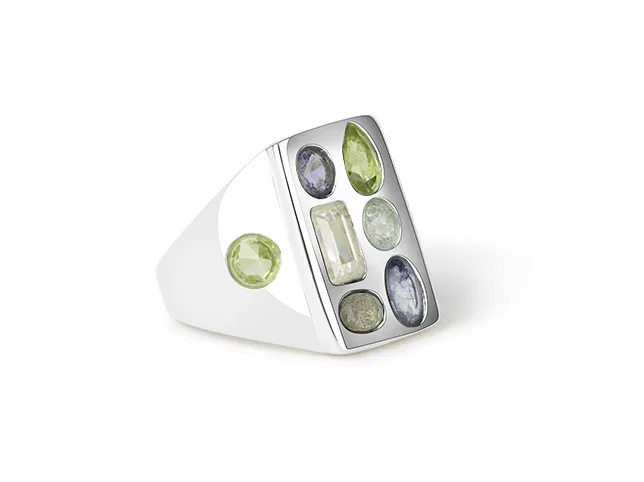
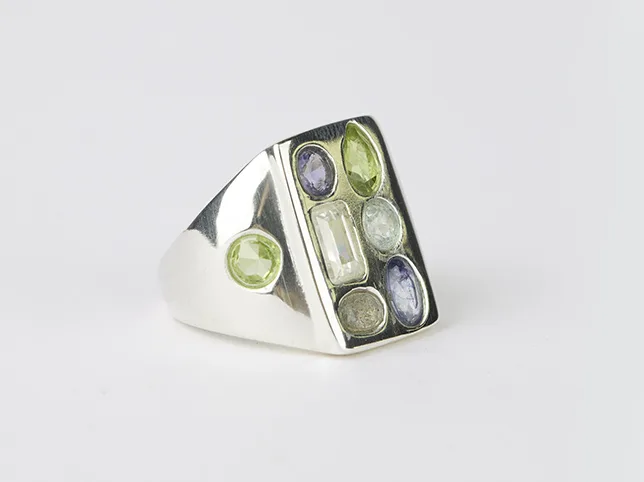
Before
After
Transparency: the edge is not the problem, the middle is. Drag to compare.
Masking takes longer, needs a person, and is priced higher for both reasons: image masking starts at $0.60 against $0.30 for a clipping path. The gap is the honest difference in time, not a premium.
What is background removal, then?
The outcome. Background removal describes what you end up with, the product separated from whatever was behind it, and says nothing about whether a path or a mask got you there. Both are background removal. So is a one-click automatic tool.
That is why the term is the one most likely to produce a quote you cannot compare. It is a perfectly good word for describing a result to a customer, and a poor one for specifying a job.
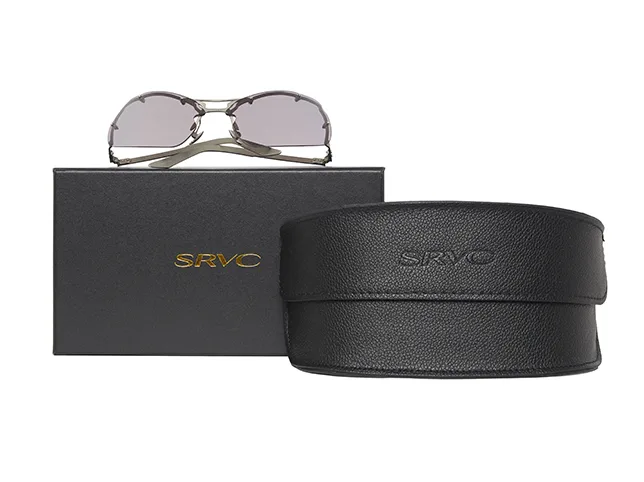
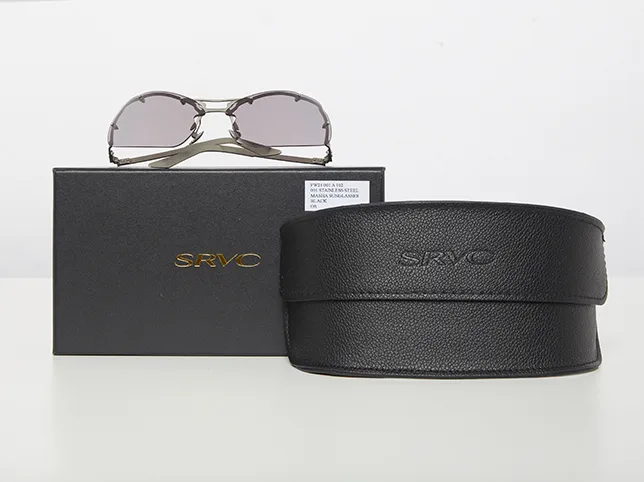
Before
After
The outcome, reached by a path. Drag to compare.
Removal also does not have to mean white. Replacing the background is the same separation followed by a compositing job, where the difficulty moves from the edge to making the product believe the new scene: light direction, perspective and colour temperature all have to agree.

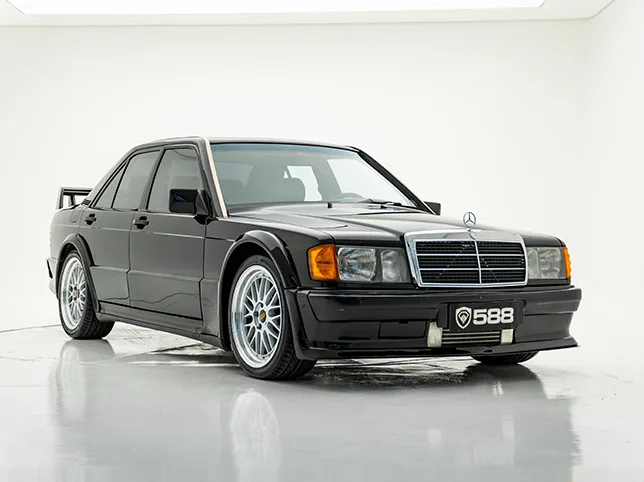
Before
After
Removal, then replacement. Two jobs, not one. Drag to compare.
What is a cut-out?
The file. A cut-out is the product with no background attached: in practice a transparent PNG, or a layered file with the path or mask still live inside it.
It is worth asking for even when what you need today is a JPEG on white, because the flattened white version can always be made from the cut-out and the cut-out cannot be made back from the JPEG. The first time you build a banner, a size chart or a lifestyle composite, the cut-out is what you will need, and having it already is the difference between an export and a re-order.


Before
After
The deliverable: a transparent PNG. Drag to compare.
Does the product keep its shadow?
A separate decision from all four terms, and the one most often forgotten in a brief. Separating a product from its background removes the shadow with it, and a product with no shadow floats.
There are two answers and they cost differently. Keep the shadow the camera gave you, which works when the original lighting was decent and adds nothing to the price. Or rebuild it, which is its own step: shadow creation from $0.50. Say which you want, or you will get whichever the studio assumed.


Before
After
The photograph’s own shadow, kept rather than rebuilt. Drag to compare.
How do you tell which one your product needs?
Open the photograph at 100% and look only at the outline. Three questions, in order:
- Could you trace this edge with a pen and be telling the truth? If yes, it is a path. Most bags, boxes, bottles, shoes, hard electronics and most jewellery.
- Is any part of the edge made of strands, fibres or fuzz? Then that part needs a mask, even if the rest is a clean path. Mixed products are normal and are usually quoted as masking.
- Can you see through any of it? Then it is a mask regardless of how crisp the outline looks. Glass, mesh, sheer fabric, translucent stones.
Then add two lines to the brief that have nothing to do with the technique: what file you want back, and whether the shadow stays. Those four facts, path or mask, file, shadow, background, are a complete specification, and they are what makes two quotes comparable.
What each of these costs, and what moves a file between tiers, is set out separately in what background removal costs.
Not sure which yours is? Send three and find out
The fastest way to settle it is to have someone cut them. Send your three most awkward images, the fuzzy one, the see-through one, the one that always comes back wrong, and we will edit them free and tell you which technique each one actually needed.
Start a free trial: 3 images edited free. No credit card and no account required.
Frequently asked questions
What is the difference between a clipping path and image masking?
A clipping path is a hand-drawn vector outline that separates a product along a hard, continuous edge. Image masking works pixel by pixel, storing how opaque each pixel is, which lets it handle edges that are not lines – hair, fur, fibrous fabric and anything see-through. The practical test: if you could trace the edge with a pen without lying about it, it is a path; if you could not, it is a mask.
Is background removal the same as a clipping path?
No. Background removal is the outcome; a clipping path is one technique for reaching it. Masking is another, and so is an automatic tool. That is why quotes for background removal are hard to compare – the phrase says nothing about the difficulty of the job, while path or mask does.
What is a cut-out?
The file rather than the method: the product with no background attached, usually a transparent PNG or a layered file with the path or mask still live. Ask for it even when you need a white JPEG today, because the JPEG can always be made from the cut-out and the cut-out cannot be recovered from the JPEG.
Why does image masking cost more than a clipping path?
Because it takes longer and cannot be reliably automated. A path is a few dozen anchor points on a curve; a mask is a per-pixel decision across a soft edge, and the cases that need it – hair, fleece, chiffon, glass – are the cases where automatic tools produce a halo. Masking starts at $0.60 against $0.30 for a path, which is the difference in time rather than a premium.
What is a multiple clipping path?
One path per component of the product rather than one around the whole thing – the strap, the buckle, the sole, the stones. It costs more once and means any single component can be recoloured or adjusted later without re-cutting the product, which saves a reshoot every time a colourway changes.
Does removing the background remove the shadow?
Yes, unless you say otherwise, and a product with no shadow floats on the page. You can keep the shadow the camera gave you, which costs nothing extra when the original lighting was decent, or have a new one built as a separate step from $0.50. Either is fine; not specifying is what produces the wrong one.
Can automatic tools replace a clipping path?
For hard-edged products on clean backgrounds, often yes – that is exactly what they are good at. They fail predictably on fibrous edges, transparency, interior gaps and low-contrast outlines, and those failures only show at full zoom, which is where customers look before buying.