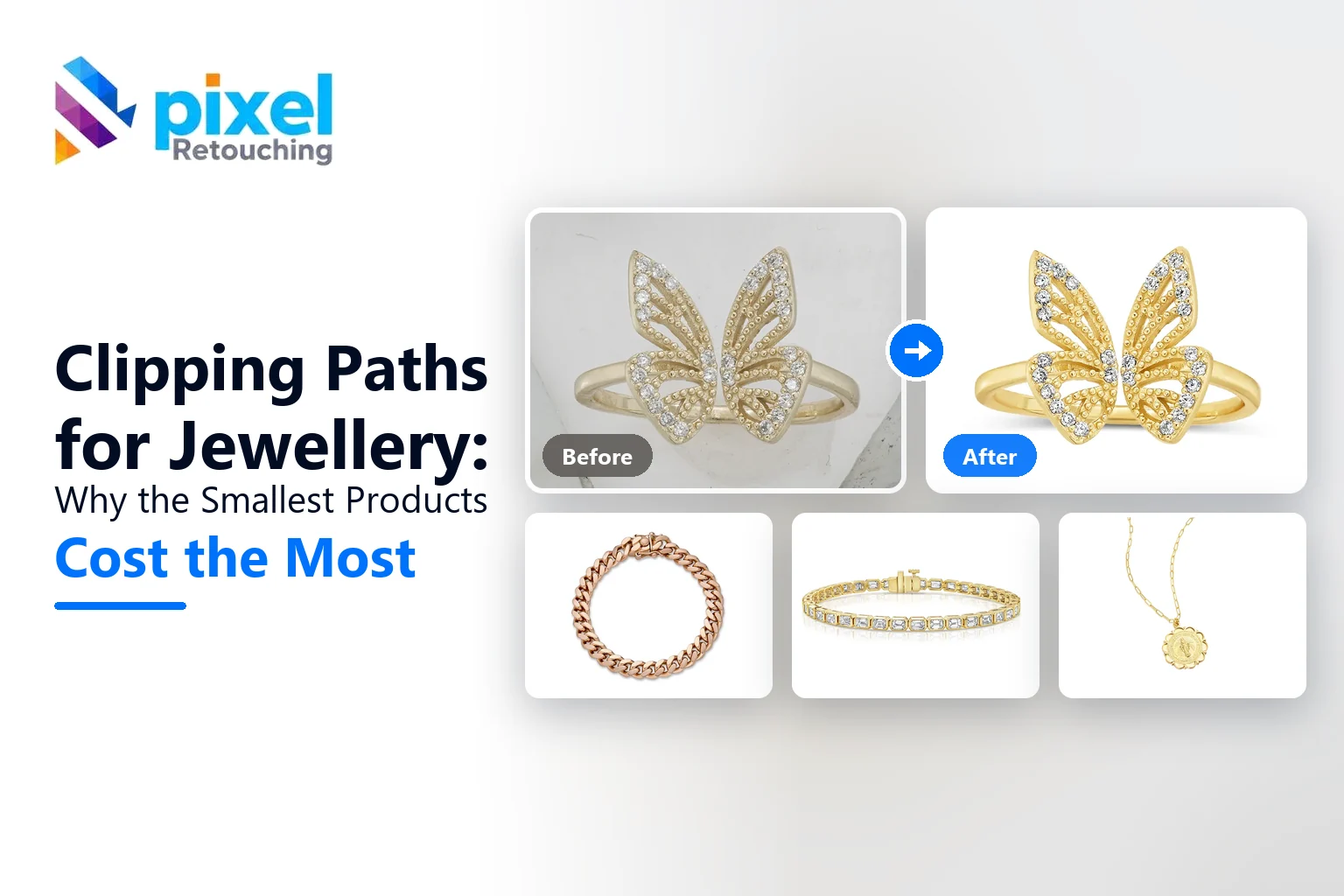
Clipping paths are sold by complexity, and almost every jewellery seller is surprised by which tier their pieces land in. A chunky ring is a simple path. A filigree pendant on a chain is one of the most expensive shapes in product editing, and it is smaller than a coin.
This explains what a clipping path is, why jewellery sits where it does on the price list, when a path is the wrong tool entirely, and how to brief one so you are not paying for complexity you do not need.
These images are not AI output. Every before and after is real client work cut by hand at Pixel Retouching.
What a clipping path is, and why it is not just background removal
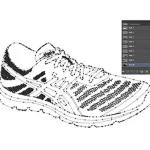
A clipping path is a hand-drawn vector outline around a product, made with the pen tool, that travels with the file. Anything outside it is cut away; the path itself stays editable, so the same file can be dropped onto white, onto a colour, or into a layout later without being cut again.
That is the practical difference from an automatic background removal. A selection is a one-time result. A path is an asset, and for a shop that will re-crop, re-background and re-use the same product shot for years, that matters more than it sounds.
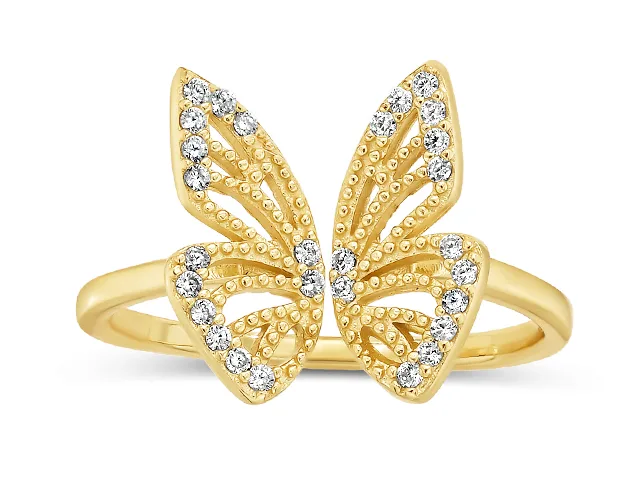
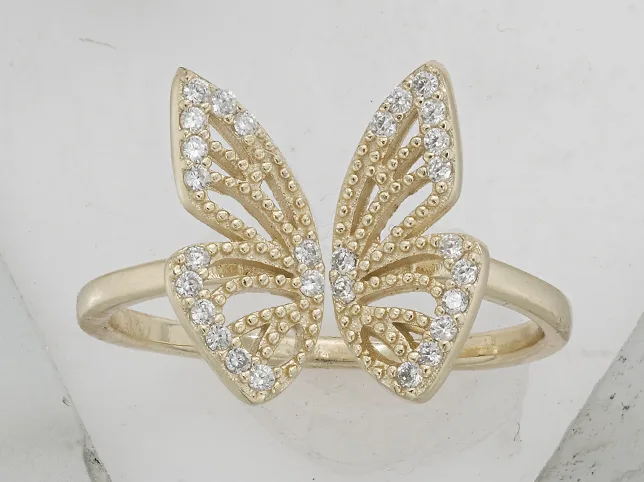
Before
After
A jewellery cut-out. Drag to compare.
The complexity tiers, and where jewellery lands
Most studios price paths in four or five bands. The band is set by how many anchor points the outline needs and how many separate holes there are, not by how big the product is.

Before
After
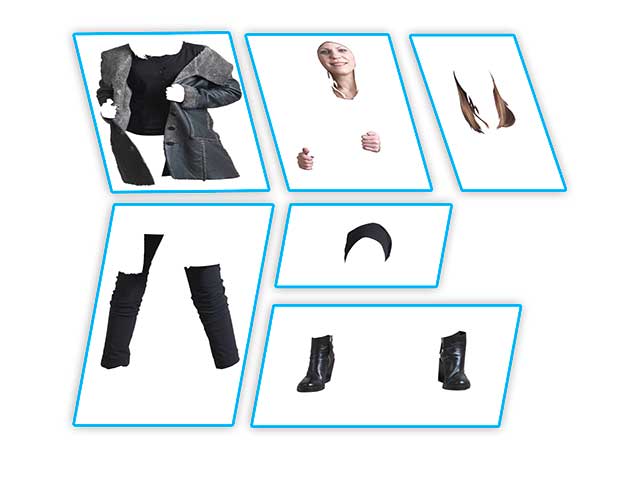
Basic: a simple closed outline, few curves, no interior holes.
Basic is a simple shape with a smooth outline: a plain band, a solid pendant, a bangle photographed closed. A few dozen anchor points.
Before
After
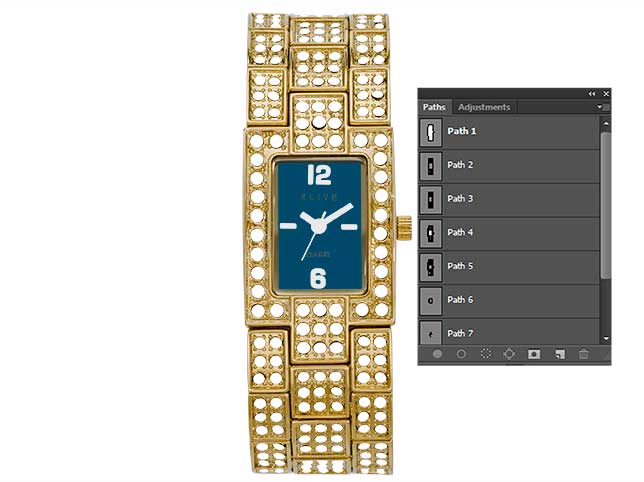
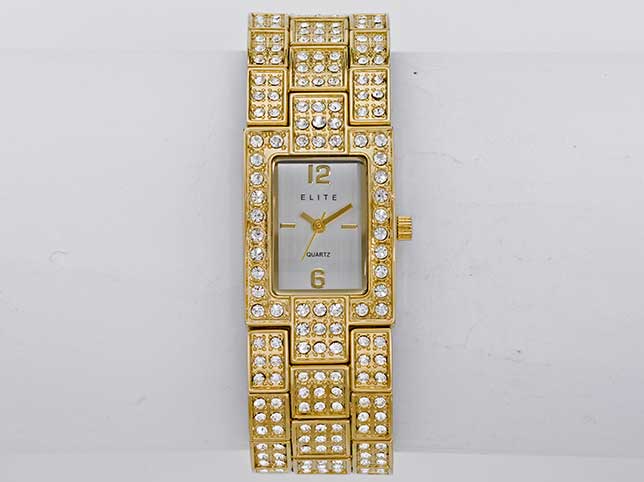
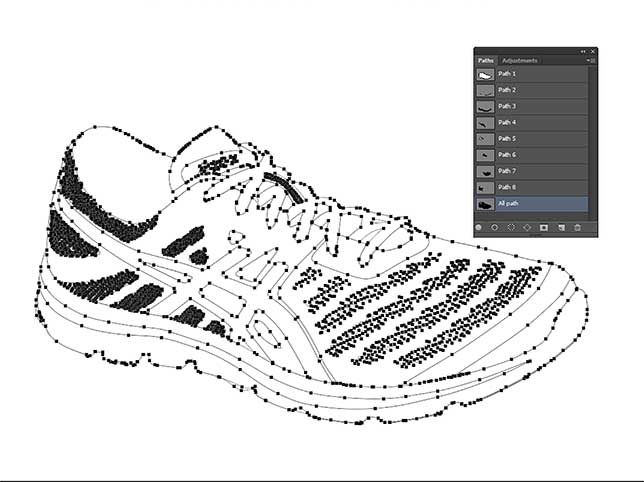
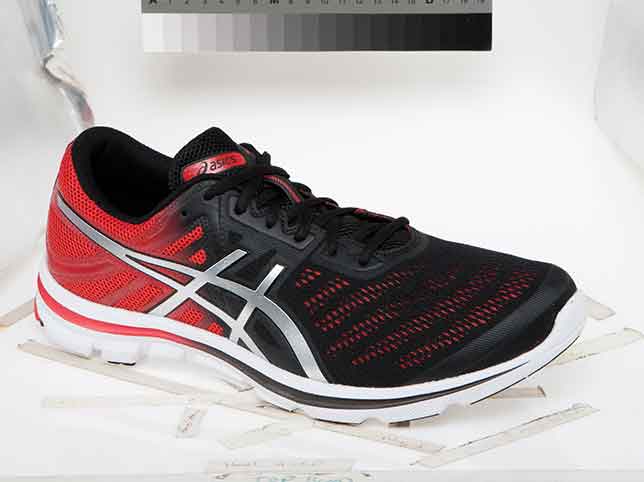
Medium: interior openings appear, and each one needs its own path.
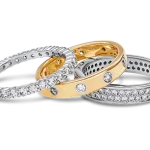
Medium introduces holes. A ring is the obvious jewellery example and the one people underestimate: the outside is easy, and the inside of the band is a second path that has to be as accurate as the first. Hoop earrings, open bangles and any pierced design sit here.
Before
After
Complex: many separate elements, each individually pathed.
Complex is many separate elements in one frame. A tennis bracelet where every link and every stone setting is its own outline. A cluster ring with claws. A necklace laid out with the chain doubling back on itself.
Before
After
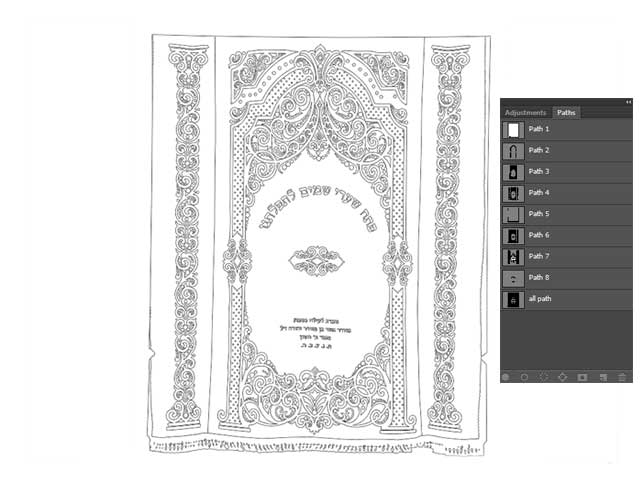
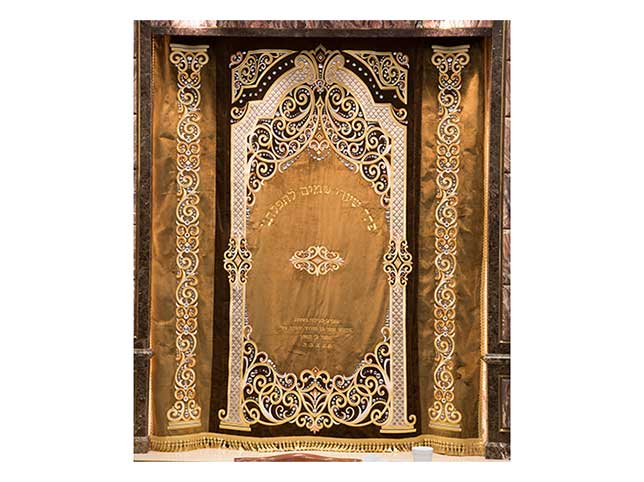
Super complex: filigree, chain and openwork, where the holes outnumber the product.
Super complex is where filigree, fine chain and openwork live. A filigree band can need more anchor points than a piece of furniture, which is the sentence that explains most jewellery quotes.
Our tiers and rates are on the clipping path service page, and multi-element pieces are priced as multiple clipping paths rather than as one.
When a path is the wrong tool
A path is a hard edge. Some jewellery does not have one, and forcing a path onto it produces a cut-out that looks stamped.
Chain below a certain thickness. At a few pixels wide, a path around every link is neither accurate nor economic. This is masking work, not path work.
Anything transparent. A glass bead, a crystal, an enamel piece with depth. The background has to change through the material, which a path cannot do on its own.
Soft or fibrous elements. A silk cord, a tassel, a leather strap with a frayed edge.
Those go through image masking instead, and a good studio will tell you which one your piece needs rather than quoting a path for everything. If all you want is the product on white and you will not re-use the file, plain background removal is cheaper than either.
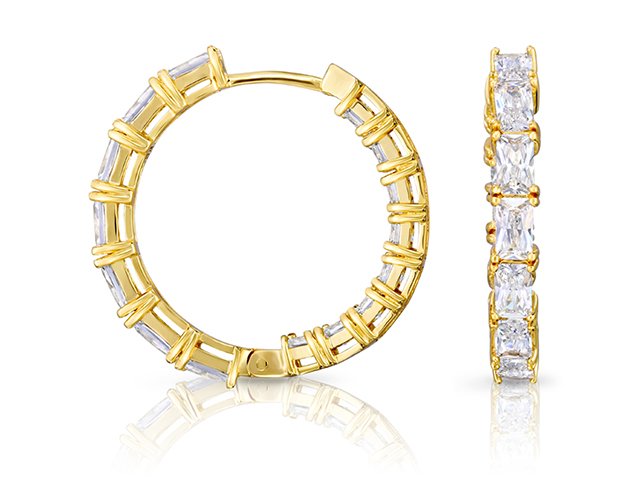
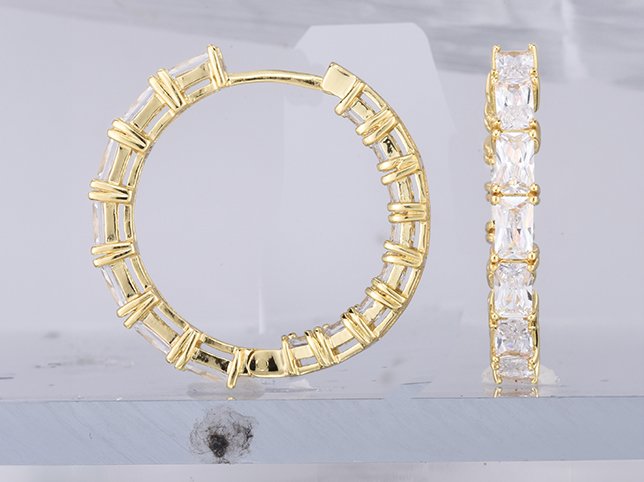
Before
After
Background removal on jewellery, where the file will not be re-used.
Four things that go wrong on jewellery cut-outs
These are what to look for when a batch comes back, and they are all easier to see than people expect.
The inside of the ring. Enclosed areas are missed far more often than outer edges. A perfect outline with a grey patch inside the band is the single most common fault, and it is invisible on white.
Halo. Put the cut-out on a mid-grey background for ten seconds. Every fringe, rim and leftover pixel appears instantly. On white they hide completely.
Rounded-off detail. A path with too few anchor points smooths the shape. On filigree or a claw setting, that quietly changes the piece.
The contact point. Where the piece sat on the surface holds tone from both, so leftover grey survives at the bottom edge, which is the part of the frame nobody checks.
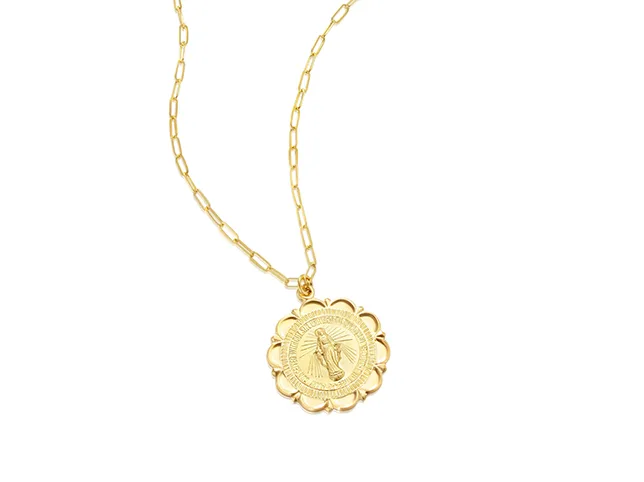
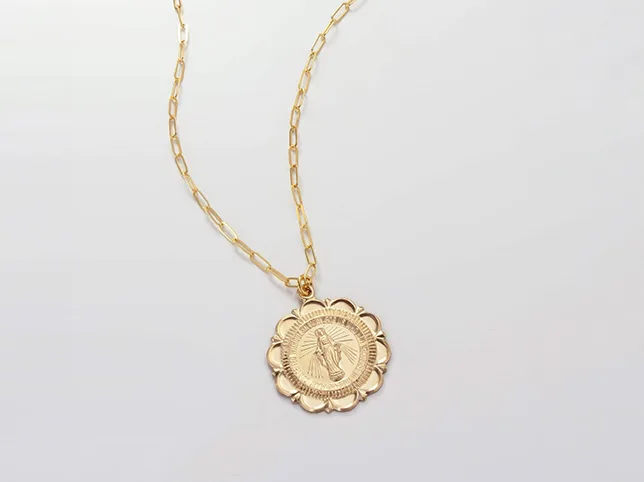
Before
After
The interiors matter as much as the outline.
Briefing a path so you do not overpay
- Say what the file is for. One listing on white, or a reusable asset for layouts and ads. The answer changes whether you need a path at all.
- Name the hard part yourself. The gap inside the band, the chain, the openwork. It stops a quote being padded for unknowns.
- Split the batch by tier. Do not pay super complex rates on plain bands because they arrived in the same folder as a filigree pendant.
- Ask for the path to be saved in the file if you want to re-use it. It costs nothing extra at the time and a full re-cut later.
- Decide the shadow separately. A cut-out and a shadow are two jobs; see which shadow a piece of jewellery needs.
Frequently asked questions
What is a clipping path for jewellery?
A hand-drawn vector outline around the piece, saved in the file, used to separate it from its background. On jewellery it usually needs several paths rather than one, because rings, hoops and openwork all have interior holes.
Why is jewellery more expensive to path than bigger products?
Because price follows anchor points and separate holes, not size. A filigree band can need more of both than a chair.
Clipping path or image masking for jewellery?
Path for hard edges: bands, solid pendants, settings. Masking for fine chain, transparent stones, cord and tassels. Many pieces need both, and a studio should tell you which parts fall where.
Can AI do jewellery clipping paths?
It can produce a selection, and on a simple band that is often enough. It does not produce an editable path, and on chain and openwork it smooths what it cannot resolve. The grey-background check will tell you in seconds whether the result holds.
Do I need a clipping path if I just want a white background?
Not necessarily. If the file is for one listing and will not be re-used, background removal is cheaper. The path earns its keep when the same shot goes into ads, layouts and different backgrounds later.
How do I check a cut-out is good?
Put it on mid-grey. Then look inside the piece rather than around it, and at the bottom edge where it met the surface. Those three checks catch almost everything.
Send the piece you think is hardest
Filigree, a fine chain, or a ring you have never got a clean inside edge on. Three images through the free trial, cut by hand, back within 24 hours, no card, and we will tell you which of your pieces genuinely need a path and which do not.