When it comes to selling furniture online, visual presentation is everything. Shoppers don’t get to sit on your sofa or touch the wood texture – they buy based on the photos they see. That’s why professional-quality furniture image editing is one of the most crucial factors in building trust and driving conversions for your eCommerce business.
Whether you’re a furniture retailer, product photographer, or interior designer, the right furniture image editing app can completely transform how your catalog looks – from plain, cluttered photos to showroom-ready visuals that sell.
In this guide, we’ve reviewed and compared the 12 best furniture image editing apps combining AI, color precision, virtual staging, and eCommerce optimization – so you can choose the right tools for your business.
Why Furniture Image Editing Matters
In online furniture stores, your photos act as your digital showroom. A clean, well-lit, and realistically staged image can increase buyer confidence and conversion rates by up to 63% (Shopify study). However, even great photos need post-processing to reach their full potential.
Editing furniture photos helps to:
- Remove distracting backgrounds and clutter
- Adjust color tones to match real-life furniture finishes
- Highlight wood grains, fabric textures, and shadows
- Virtually stage furniture in realistic interiors
- Maintain consistency across large eCommerce catalogs
Modern editing tools now make this process faster and smarter with AI-powered automation, batch editing, and virtual room staging – saving hours of manual work.
Note: Sometimes, even the best apps can’t edit furniture photos perfectly — colors look off, lighting feels unnatural, or backgrounds appear fake. At PixelRetouching, our expert editors bring out true-to-life textures, perfect lighting, and professional finishing — ensuring every product photo looks studio-ready and drives real sales.
Top 12 Furniture Image Editing Apps
Below are the leading tools that combine ease of use, powerful features, and optimized workflows for furniture photography and e-commerce.
1. Adobe Lightroom Mobile
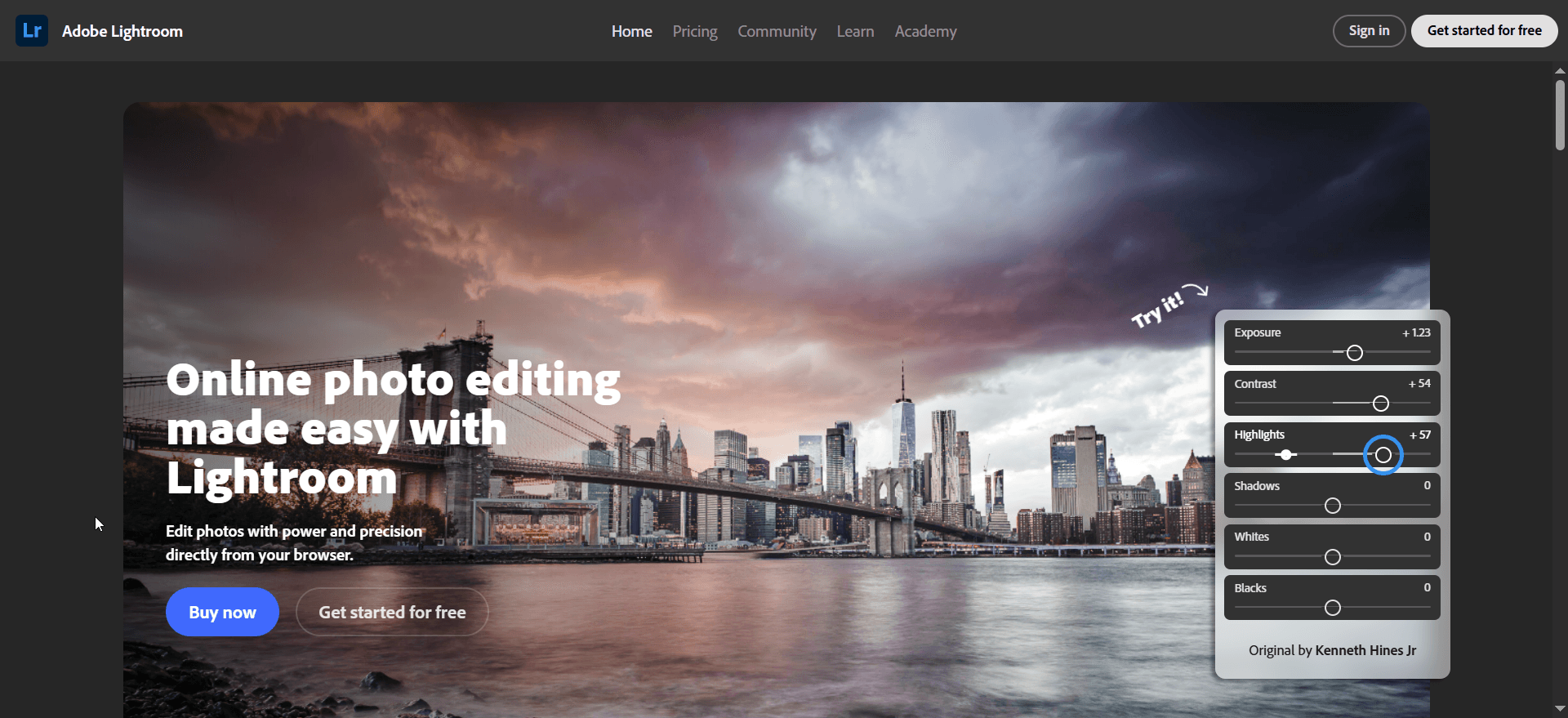
Platform: iOS / Android | Price: $4.99/month
Best For: Professional furniture photographers needing color accuracy
Adobe Lightroom Mobile is a gold standard for anyone serious about color precision. For furniture businesses, color accuracy is crucial – you can’t afford for your oak table to look orange or your blue sofa to appear purple. Lightroom’s RAW editing, color calibration, and perspective correction make it perfect for maintaining consistency across product lines.
Key Features:
- RAW format support for highest quality editing
- Color calibration tools for realistic wood and fabric tones
- Perspective correction to fix lens distortion
- Batch processing for catalog workflows
Pro Tip: Use Lightroom’s “Selective Adjust” feature to brighten furniture surfaces without affecting shadows – it creates a professional studio effect in minutes.
2. Snapseed (by Google)

Platform: iOS / Android | Price: Free
Best For: Precision retouching and detail enhancement
Snapseed brings professional-level control in a free, easy-to-use app. Its Selective Adjust and Healing tools are perfect for removing dust spots or small reflections on furniture surfaces.
Key Features:
- 29 editing tools and filters
- Selective area editing
- RAW file support
- Structure tool for texture enhancement
Snapseed remembers your edits, allowing you to apply consistent styles to multiple images – ideal for large product catalogs.
3. PhotoRoom
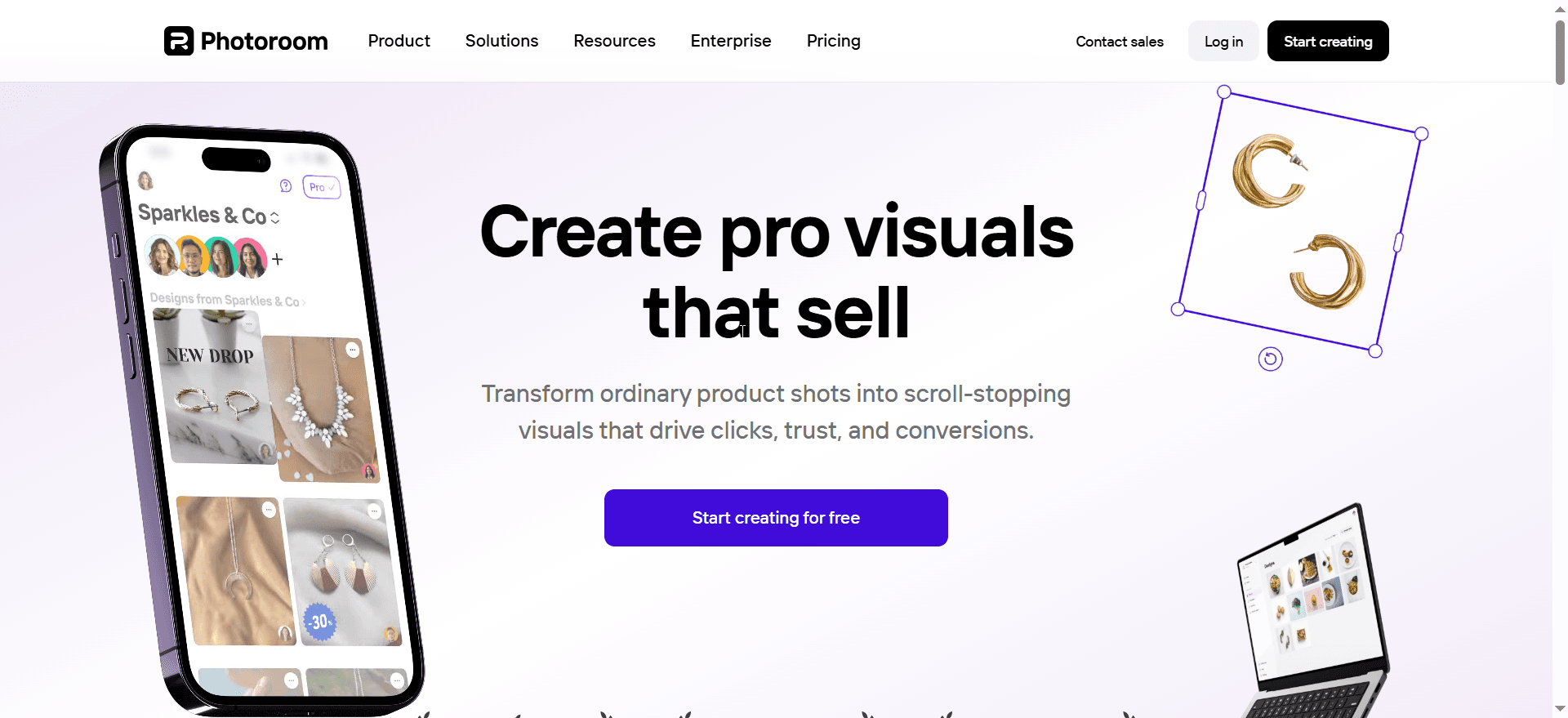
Platform: iOS / Android | Price: Free with Premium
Best For: Furniture sellers needing quick background removal and staging
PhotoRoom has revolutionized furniture eCommerce with its AI-powered background removal and virtual staging tools. You can instantly remove the background and replace it with a modern living room, office, or outdoor setup.
Key Features:
- One-tap AI background removal
- Virtual staging for furniture placement
- Scene templates optimized for furniture
- Batch editing for catalog creation
With over 300 million users, PhotoRoom is trusted by top sellers on Amazon, Shopify, and Etsy.
4. Adobe Photoshop Express
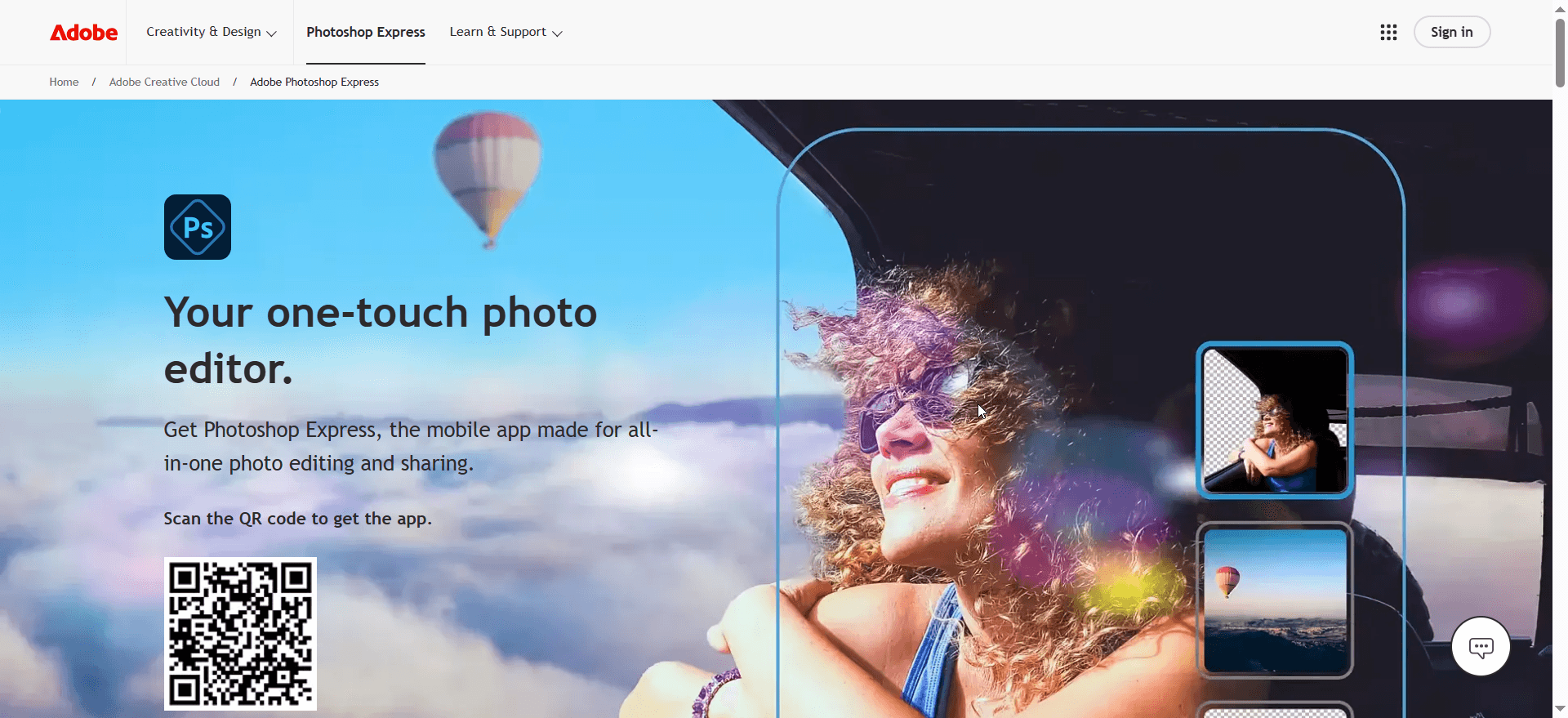
Platform: iOS / Android | Price: Free with Premium
Best For: Users needing professional Photoshop quality on mobile
A simplified mobile version of the classic Photoshop, this app offers AI-powered background removal, object retouching, and color control tools.
Key Features:
- High-resolution editing
- AI filters for lighting and clarity
- Color and tone correction
- Easy export to social and eCommerce formats
Perfect for professionals who want desktop-level results on their phone.
5. DoMyShoot Product Photo Studio
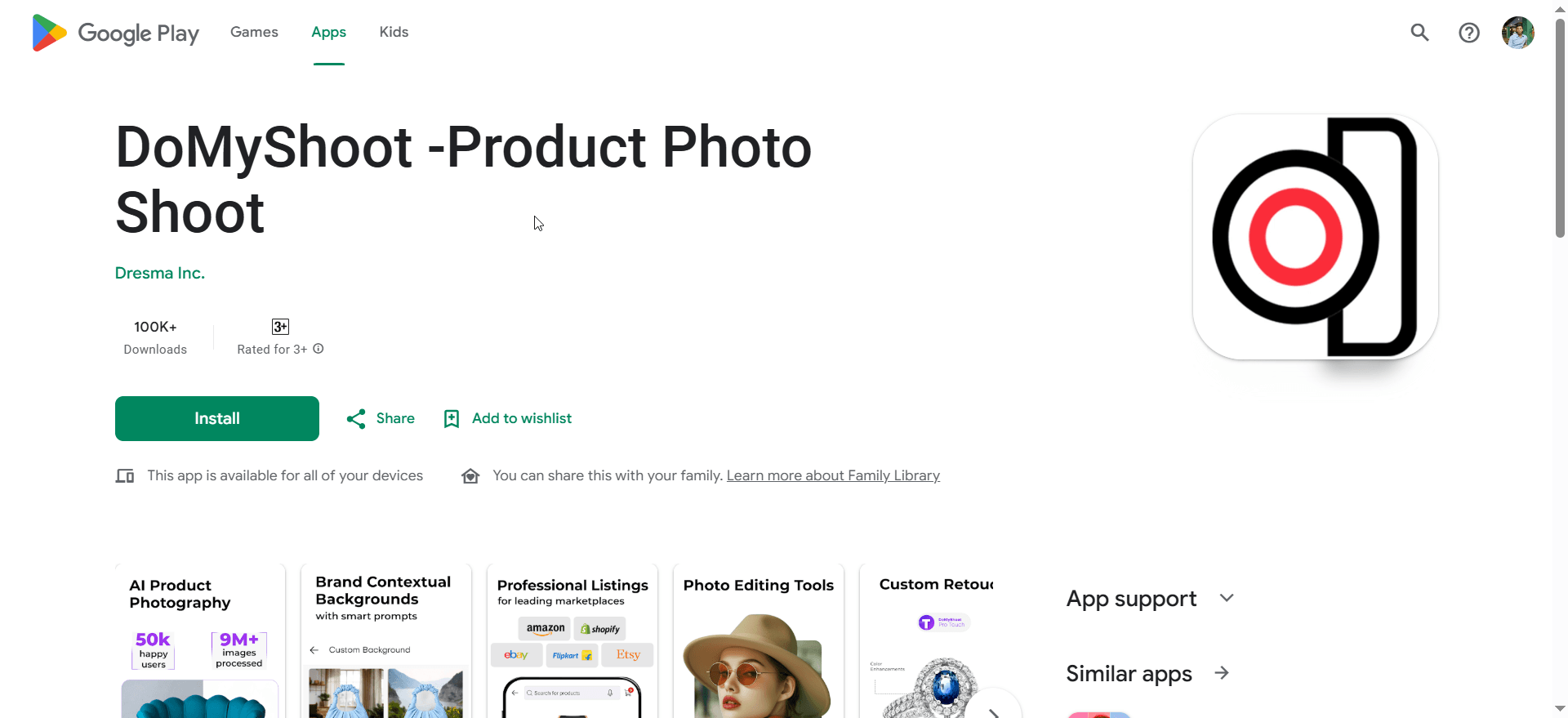
Platform: iOS / Android | Price: Free with in-app purchases
Best For: Guided furniture photography and workflow automation
DoMyShoot provides guided photography templates for furniture and decor, ensuring consistent lighting and framing. Once you capture your image, the app automatically enhances and optimizes it for eCommerce platforms.
Key Features:
- AI-guided shooting interface
- Background removal and auto-staging
- Non-destructive editing
- eCommerce-optimized output
It’s ideal for furniture retailers without in-house photo teams.
6. Adobe Photoshop (Desktop)
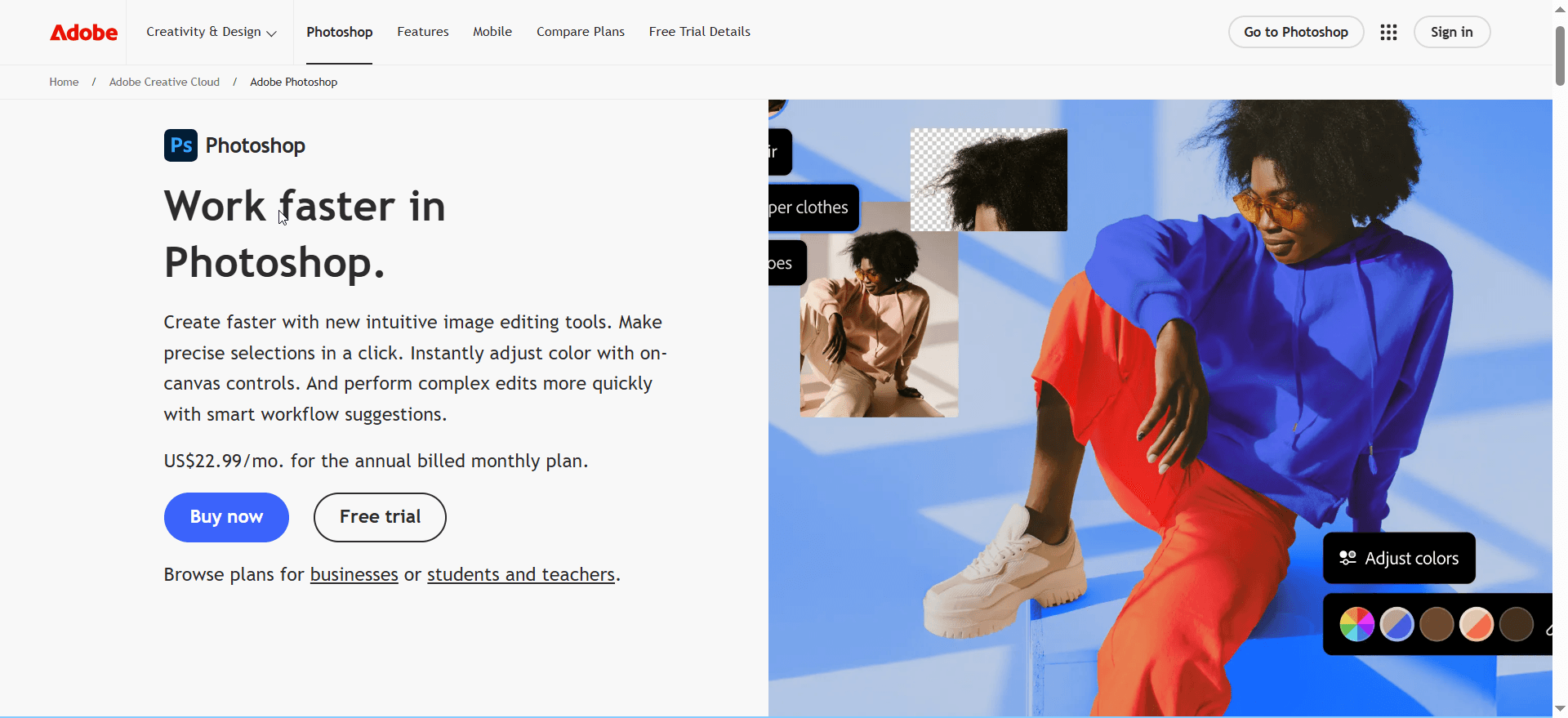
Platform: Windows / Mac | Price: $20.99/month
Best For: Full creative control and complex image manipulation
The industry benchmark for professional image editing. From compositing multiple pieces to adding branding elements, Photoshop offers unlimited customization.
Key Features:
- Layer-based editing and blending
- Object removal and shadow creation
- Color calibration and tone curves
- 25,000+ fonts for catalog design
If you handle high-end furniture catalogs or ad campaigns, this is the go-to choice.
7. GIMP (GNU Image Manipulation Program)

Platform: Windows / Mac / Linux | Price: Free
Best For: Budget professionals needing advanced tools
GIMP is an open-source powerhouse. While it has a learning curve, it offers incredible flexibility with Python or Perl scripting, letting you automate editing tasks or batch process images.
Key Features:
- Customizable interface
- Multi-format export (TIFF, JPEG, GIF)
- Image upscaling for low-quality photos
- Plugin support for furniture templates
Ideal for studios or startups wanting Photoshop-level control at zero cost.
8. Canva
Platform: Web / Desktop / Mobile | Price: Free + Premium
Best For: Marketing visuals and social media posts
Though best known for design, Canva now offers solid photo editing tools. You can use it to create banners, ads, and product promotions featuring your furniture images.
Key Features:
- AI-powered background remover
- Hundreds of furniture ad templates
- Manual color correction
- Quick image enhancement
Perfect for furniture brands that combine editing and marketing design in one place.
9. Fotor
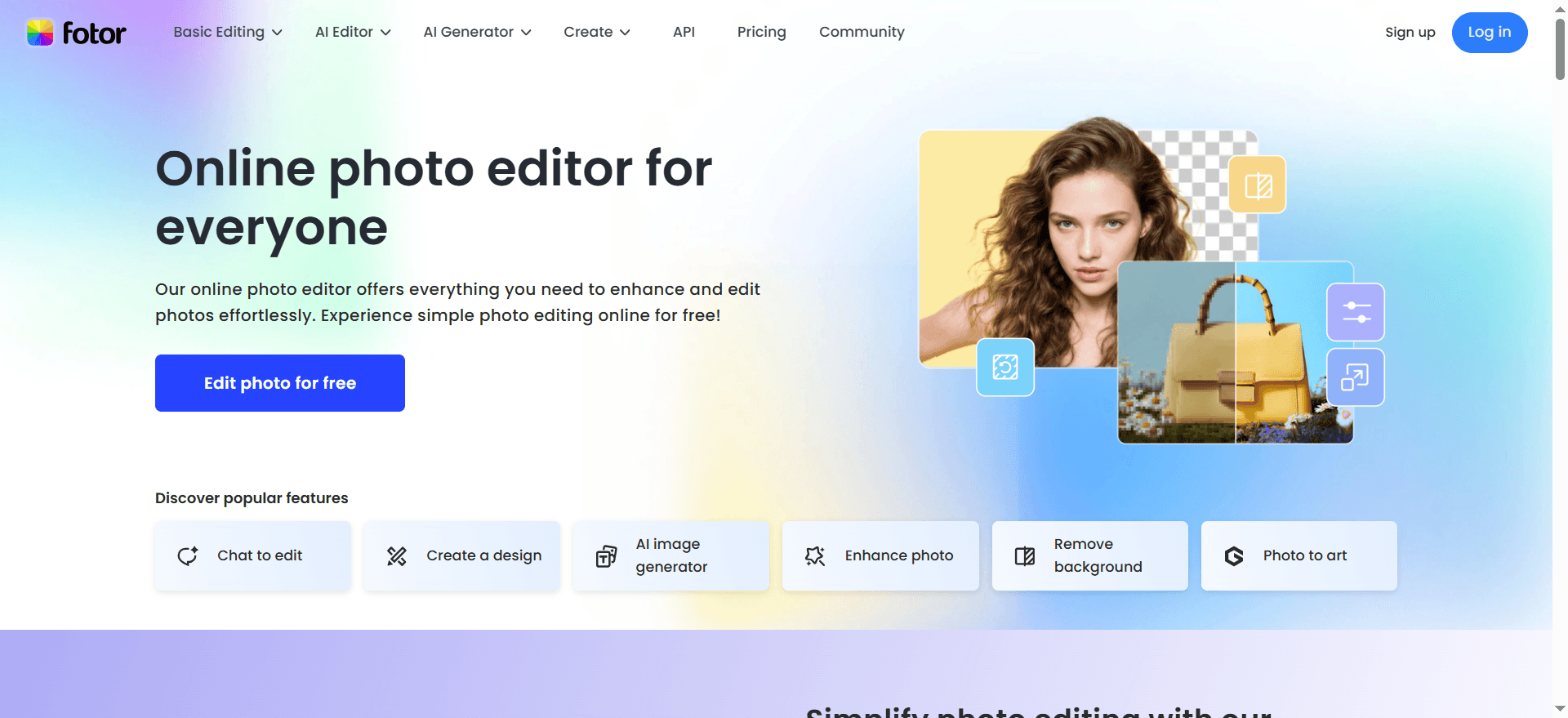
Platform: Web / Desktop / Mobile | Price: Free + Premium
Best For: E-commerce furniture sellers needing creative presentation
Fotor merges AI with manual editing for an all-around solution. It’s great for cleaning backgrounds, retouching details, and designing catalog collages.
Key Features:
- Magic Eraser for unwanted object removal
- Collage maker for multi-furniture displays
- AI art filters for creative presentation
- Precision background editing
10. Magic Studio

Platform: Web | Price: Premium
Best For: Automated eCommerce furniture photo creation
Magic Studio focuses on AI-generated product photos. Just upload a plain image, and it automatically generates realistic room settings or modern interiors that match your furniture type.
Key Features:
- Specialized eCommerce product photo tool
- AI background replacement
- Realistic staging environments
- Instant export in high-resolution formats
This is ideal for busy eCommerce teams managing hundreds of listings.
11. LightX AI Furniture Photoshoot

Platform: Web / Mobile | Price: Free + Premium
Best For: Quick AI furniture photo creation
LightX’s AI engine can automatically generate backgrounds and lighting suitable for your furniture style.
Key Features:
- AI-generated backgrounds via text prompts
- Virtual staging in realistic settings
- Lighting and shadow optimization
- Trend analysis for product styling
You can even describe a setting like “modern Scandinavian living room”, and LightX will automatically generate a matching scene.
12. PhotoCut AI

Platform: Web | Price: Free
Best For: Quick furniture background removal
PhotoCut focuses on one thing – precision background removal. It’s optimized for furniture and home decor photos, giving you clean, transparent PNGs ready for Shopify or Amazon uploads.
Key Features:
- Automatic object detection
- Realistic shadow retention
- Transparent background export
- Batch processing
Comparison Table
|
App |
Platform |
Best For |
Key Strength |
|---|---|---|---|
|
Adobe Lightroom |
Mobile |
Color accuracy |
RAW color control |
|
Snapseed |
Mobile |
Detail retouching |
Selective editing |
|
PhotoRoom |
Mobile |
Virtual staging |
AI background removal |
|
Photoshop |
Desktop |
Professional editing |
Full creative control |
|
GIMP |
Desktop |
Budget editing |
Open-source flexibility |
|
Canva |
Multi |
Marketing visuals |
Templates & ease |
|
Fotor |
Multi |
E-commerce focus |
Background precision |
|
LightX |
Web/Mobile |
AI staging |
Automated photos |
|
Magic Studio |
Web |
E-commerce automation |
Realistic staging |
|
Photoleap |
Mobile |
Creative effects |
Artistic enhancement |
Choosing the Right App for Your Business
- For color precision: Adobe Lightroom Mobile
- For virtual staging: PhotoRoom or LightX AI
- For social media visuals: Canva or VSCO
- For budget editing: GIMP or Snapseed
- For guided workflows: Fotor
Your choice depends on your workflow – whether you shoot with a DSLR or smartphone, edit in bulk, or design for social media campaigns.
Final Thoughts
Furniture photography isn’t just about taking photos – it’s about telling a story. The right furniture image editing app helps you control light, color, and context to present your furniture in the most appealing way possible.
By adopting modern AI tools like PhotoRoom and LightX or professional suites like Adobe Lightroom and Photoshop, furniture sellers can now produce studio-quality visuals without hiring a full editing team.
Great visuals don’t just attract customers – they build trust, strengthen brand identity, and ultimately boost sales. So choose the app that fits your workflow and start creating images that make your furniture shine.