For product photographers, Capture One vs Lightroom has a fairly clear answer: Capture One is better in the studio, and Lightroom is better everywhere else. Capture One’s tethering, colour tools and per-variant workflow make it the standard for catalogue shoots. Lightroom is cheaper, easier to learn and stronger for organising, syncing and mobile editing.
So the question isn’t which editor is “best”. It’s how much of your work happens with a camera plugged into a laptop.
The short comparison
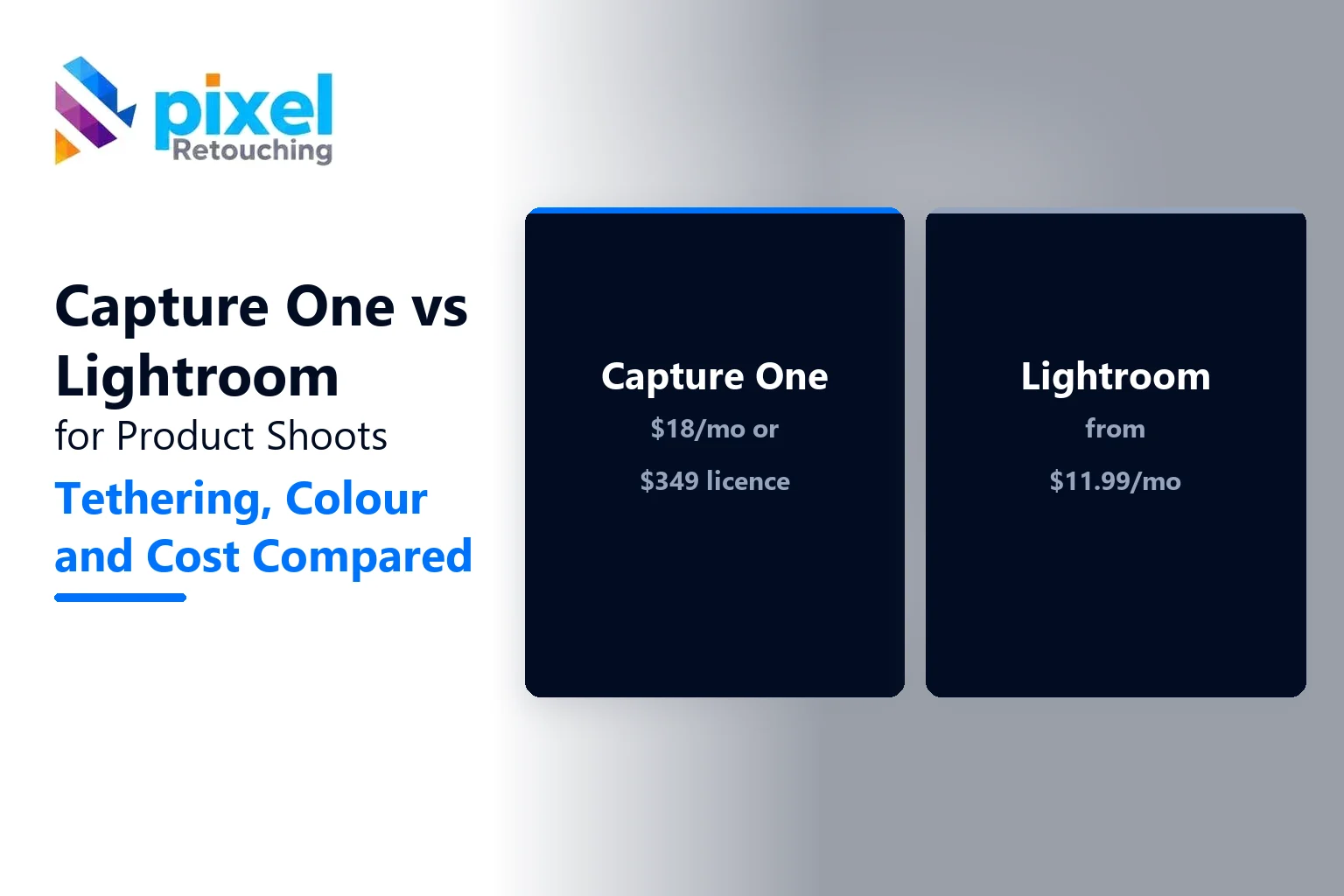
| Capture One Pro | Lightroom Classic | |
|---|---|---|
| Subscription | $18/month on an annual plan | $11.99/month (Lightroom plan) |
| Buy outright | Perpetual licence, about $349 | Not available |
| Tethered shooting | Industry standard, live view, fast | Basic, fewer cameras |
| Colour tools | Colour Editor, skin tone tool, layers | HSL, colour grading, point colour |
| Layers | Yes, full adjustment layers | Masks, no layer stack |
| Catalogue | Catalogues and Sessions | One catalogue |
| AI masks | Yes | Yes, more mature |
| Mobile | iPad and iPhone apps | iOS, Android, web |
Capture One changed its prices in June 2026. Check the current price on captureone.com before you buy.
How a product shoot runs in each one
Let’s walk through a typical day: 40 products, each with three angles and two colour variants, shot on white.
1. Tethering
This is where Capture One earns its price. Images land on the screen in a second or two, live view lets you adjust styling without touching the camera, and you can apply a saved style to every frame as it comes in. Lightroom Classic can tether, but it supports fewer cameras, has no live view, and drops connection more often on long sessions.
2. Keeping every shot consistent
Capture One’s Sessions keep each shoot in its own folder structure: Capture, Selects, Output and Trash. Combined with “next capture adjustments”, every frame gets the same white balance, exposure and crop guide as it arrives. In Lightroom you sync settings afterwards, which works, but it’s a step you can forget.
3. Matching colour to the real product
Capture One’s Colour Editor lets you select a narrow range, such as one shade of red on a dress, and shift only that. Lightroom’s HSL and point colour tools do similar work, but with less precision on close shades. For brands with strict colour references, this matters.
4. Layers and local fixes
Capture One works in layers, like Photoshop, so you can stack a brightening layer on a label, a colour layer on a strap and a clone layer on dust. Lightroom uses masks attached to one edit stack. Both get there. Capture One is easier to keep tidy on complex products.
5. Export
Both handle batch export well. Capture One’s process recipes can export several sizes and formats at once, such as a full TIFF for the retoucher and a web JPEG for review, in one click.
Where Lightroom wins
- Price: cheaper per month, and the Photography plan adds Photoshop for $14.99.
- Learning curve: most photographers learn Lightroom first, and the tutorials are everywhere.
- Library: one catalogue for your whole archive, with fast search, faces and keywords.
- Mobile and cloud: edit on Android, iOS or a browser and keep everything in sync.
- Photoshop round trip: “Edit in Photoshop” and back is seamless.
Which should you choose?
| If you… | Choose |
|---|---|
| Shoot tethered most days | Capture One |
| Shoot catalogues with strict colour references | Capture One |
| Hate subscriptions | Capture One perpetual licence |
| Shoot a few products a week for your own shop | Lightroom |
| Also shoot events, travel or portraits | Lightroom |
| Need Photoshop anyway | Lightroom (Photography plan) |
What happens after the RAW edit
Neither Capture One nor Lightroom will give you a marketplace-ready image on its own. Amazon wants pure white at RGB 255, Shopify themes want the same crop and padding on every image, and clothing needs ghost mannequin work or a clean neck joint.
That’s the stage studios usually outsource. Export your developed TIFFs, and our eCommerce photo editing services handle cut-outs, shadows, colour variants and sizing from $0.39 per image. For colour variants specifically, see our colour change service.
The verdict
In Capture One vs Lightroom for product photography, the studio photographer should pick Capture One. Everyone else will be happier, and better off, with Lightroom. If you’re not sure which group you’re in, try Capture One’s free trial on one real tethered shoot. You’ll know by lunch.
Frequently asked questions
Is Capture One better than Lightroom for product photography?
For studio product photography, usually yes. Capture One has faster, more reliable tethering, live view, Sessions for organising shoots and finer colour editing. Lightroom is better for organising large archives, mobile editing and lower cost.
How much does Capture One cost?
Capture One Pro costs $18 a month on an annual subscription, or about $349 for a perpetual licence. Prices changed in June 2026, so check captureone.com for the current price in your region.
Can I move from Lightroom to Capture One?
Yes. Capture One has a Lightroom catalogue importer that brings over your images, folders, ratings, keywords and some basic adjustments. Complex Lightroom edits and masks don’t transfer exactly, so plan to re-edit important images.
Why do studios use Capture One?
Studios use Capture One for tethered shooting. Images appear on screen within seconds, with live view, automatic styles on each capture and Session folders that keep every shoot organised. It also gives precise colour control for matching brand colours.
Is Lightroom good enough for eCommerce photos?
Yes, for most small and medium shops. Lightroom handles white balance, exposure, colour and batch editing well. You’ll still need Photoshop or a retoucher for pure white backgrounds, shadows and clean cut-outs.