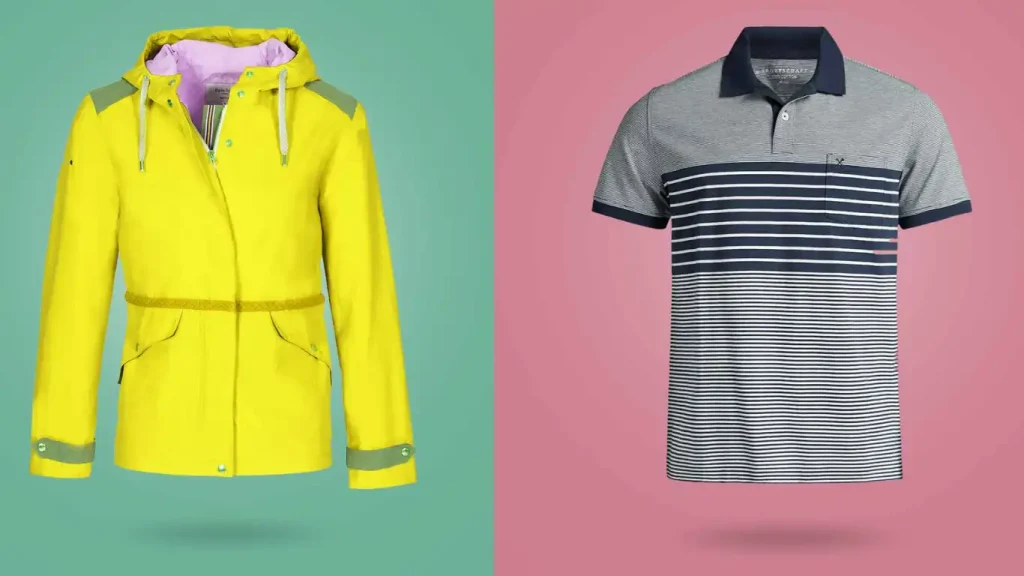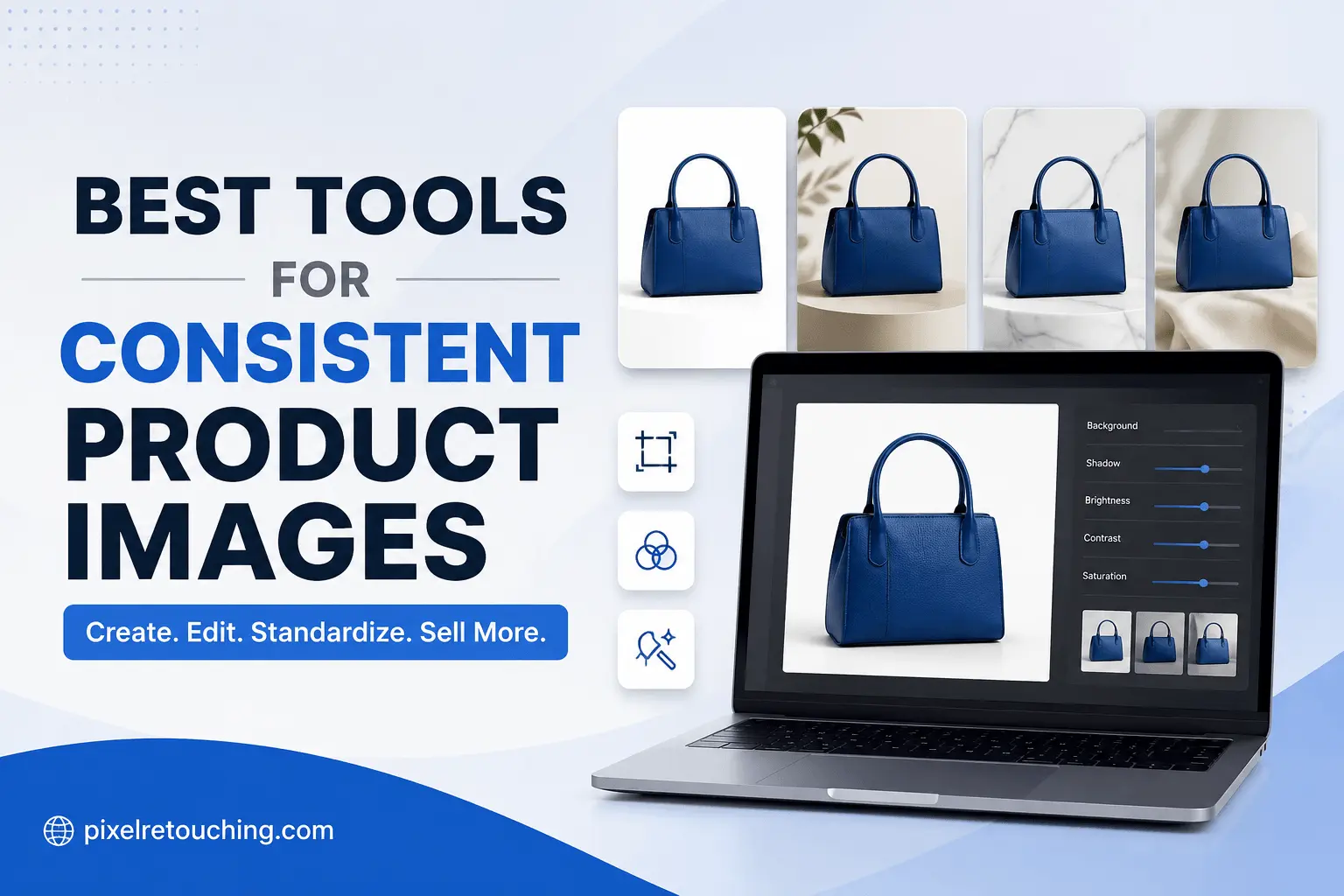
Product photography is one of the biggest factors influencing online sales. Even when your products are excellent, inconsistent images can make your store look unprofessional and reduce customer trust.
Different backgrounds, lighting, shadows, cropping, and image sizes create an uneven shopping experience. Whether you’re selling on Shopify, Amazon, Etsy, or your own website, maintaining a consistent visual identity is just as important as having quality products.
Fortunately, AI-powered editing tools have made it easier than ever to standardize product images. From automatic background removal to batch editing and reusable templates, these platforms can dramatically reduce editing time.
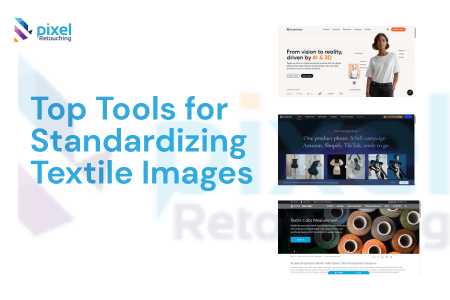
In this guide, we’ll compare the best tools for consistent product images, highlighting where each one excels and where professional retouching is still the better choice.
Why Consistent Product Images Matter
Consistency isn’t just about aesthetics—it directly impacts customer confidence and conversion rates.
A consistent product catalog helps you:
- Build a recognizable brand identity
- Improve customer trust
- Create a premium shopping experience
- Meet marketplace image requirements
- Reduce distractions that take attention away from the product
- Maintain uniform listings across multiple sales channels
For businesses managing hundreds or thousands of products, consistency also makes future catalog updates much easier.
How We Evaluated These Tools
Rather than focusing only on AI features, we evaluated each platform based on factors that matter to eCommerce businesses:
- Batch editing capabilities
- Background consistency
- Color accuracy
- Template reuse
- Lighting consistency
- Product fidelity
- Ease of use
- Scalability
- Marketplace readiness
These are the areas that determine whether your product catalog looks professionally managed or assembled from multiple sources.
1. Photoroom
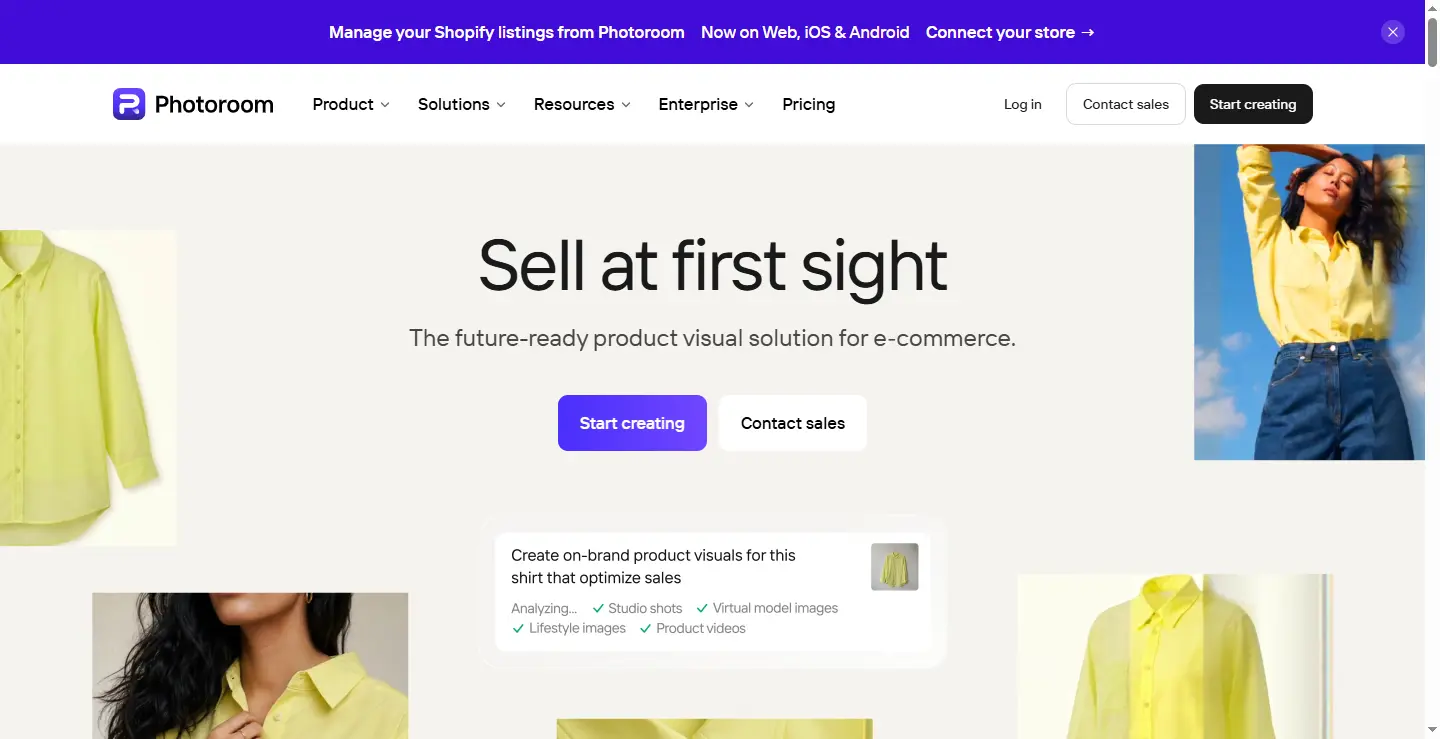
Photoroom has become one of the most widely used AI product photography tools for small and medium-sized businesses.
Its biggest strength is speed. Users can remove backgrounds, apply consistent templates, generate realistic shadows, and process large batches of products without advanced editing skills.
The Batch Mode supports editing hundreds of product images while maintaining identical margins, spacing, and composition.
Best Features
- AI background removal
- Batch editing
- Brand templates
- Automatic shadows
- Mobile and web support
Best For
- Shopify stores
- Amazon sellers
- Etsy shops
- Small eCommerce brands
Pros
- Extremely beginner friendly
- Fast batch workflow
- Excellent template system
Cons
- Limited advanced retouching control
- AI occasionally struggles with reflective products
2. Claid.ai
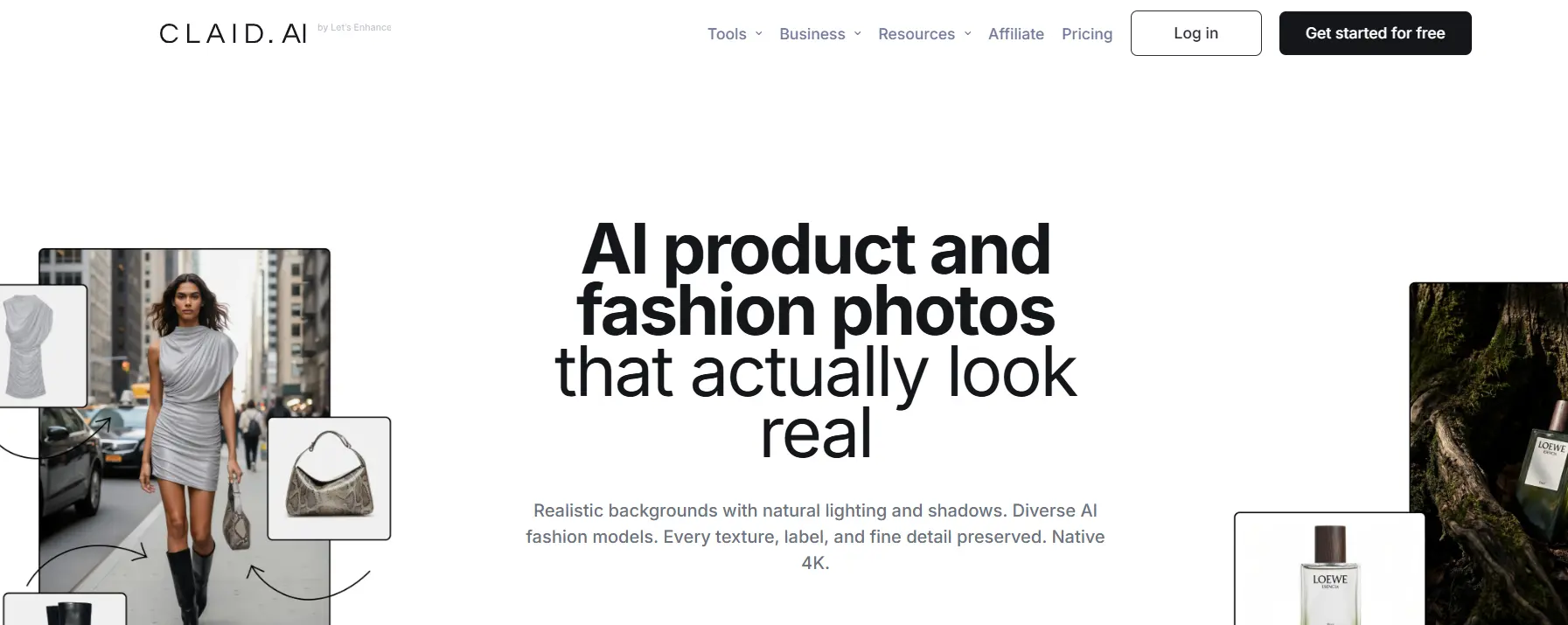
Claid.ai is designed for businesses managing large product catalogs.
Instead of editing images one by one, Claid focuses on automation through workflows and API integrations. It can normalize lighting, image ratios, and backgrounds across thousands of supplier images while preserving product quality.
Its AI enhancement tools are particularly useful when dealing with inconsistent manufacturer photography.
Best Features
- AI lighting restoration
- Image enhancement
- 4K upscaling
- API automation
- Color standardization
Best For
- Enterprise retailers
- Large marketplaces
- Brands managing thousands of SKUs
Pros
- Highly scalable
- Strong automation
- Excellent for bulk catalogs
Cons
- More complex than beginner tools
- Better suited for larger teams
3. Flair.ai
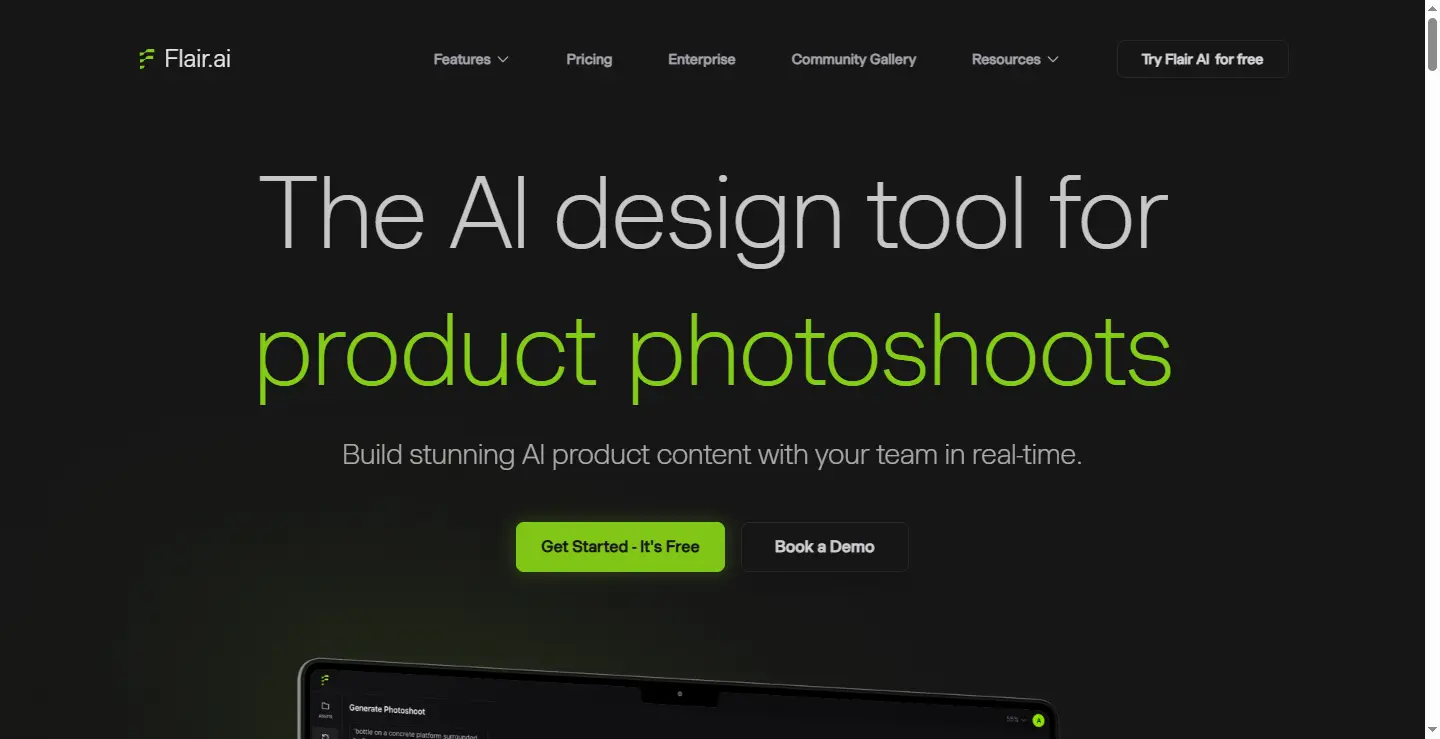
Flair.ai approaches product photography differently.
Instead of generating random scenes, it allows users to build reusable layouts using drag-and-drop templates. Once the scene is finalized, different products can be swapped into the same composition while maintaining identical lighting, props, and camera angles.
This creates remarkable consistency for lifestyle product photography.
Best Features
- Scene templates
- AI product placement
- Camera controls
- Reusable assets
- Lifestyle compositions
Best For
- Beauty brands
- Skincare products
- Food packaging
- Beverage brands
Pros
- High creative control
- Consistent lifestyle imagery
- Professional marketing visuals
Cons
- Learning curve
- Less focused on pure catalog editing
4. Pebblely

Pebblely is built for entrepreneurs who want professional-looking product photos without investing heavily in design software.
Users simply upload a product, choose from pre-designed environments, and generate multiple marketing-ready images in minutes.
Although simple, its themed templates help maintain a unified visual style across product collections.
Best Features
- AI lifestyle backgrounds
- Quick editing
- Template library
- Automatic lighting adjustment
Best For
- Etsy sellers
- Handmade products
- Boutique stores
- Social media marketing
Pros
- Easy to learn
- Affordable
- Fast content creation
Cons
- Limited customization
- Less suitable for enterprise workflows
5. Pixelcut

Pixelcut focuses on speed and catalog production.
Its batch workspace allows users to apply identical backgrounds, sizing, and cropping to entire collections. It also includes AI-generated shadows and platform-specific resizing, making it useful for sellers publishing products across multiple marketplaces.
Best Features
- Batch editing
- Background removal
- Studio shadows
- Platform resizing
- Product variations
Best For
- Fashion stores
- Dropshipping businesses
- Social commerce
Pros
- Quick workflow
- Mobile friendly
- Excellent catalog management
Cons
- Limited high-end retouching
- AI quality varies with complex products
6. Adobe Photoshop with Firefly
Photoshop remains the industry standard for professional image editing.
While newer AI tools emphasize automation, Photoshop combines traditional precision with Adobe Firefly’s generative AI capabilities. Designers can automate repetitive tasks using Actions while maintaining complete control over masking, colors, and retouching.
For brands where color accuracy is critical, Photoshop continues to set the benchmark.
Best Features
- Layer-based editing
- Professional retouching
- Batch Actions
- Firefly AI
- Precise color correction
Best For
- Professional designers
- Agencies
- Premium eCommerce brands
Pros
- Maximum editing control
- Industry-leading precision
- Unlimited flexibility
Cons
- Steeper learning curve
- Subscription required
7. ProductShot AI
ProductShot AI specializes in preserving product integrity.
Unlike some AI generators that distort labels, logos, or packaging, ProductShot AI prioritizes maintaining accurate product textures while replacing backgrounds and applying consistent lighting.
This makes it especially useful for packaged consumer goods.
Best Features
- Product preservation
- White background generation
- Studio lighting
- Label protection
Best For
- Electronics
- Vitamins
- Consumer packaged goods
- Beverage brands
Pros
- Strong product fidelity
- Consistent studio appearance
- Marketplace-ready output
Cons
- More specialized than general-purpose editors
8. Pixelz

Pixelz combines AI automation with professional human quality assurance.
Instead of relying entirely on AI, businesses upload a detailed style guide specifying margins, shadows, cropping, alignment, and brand standards. AI handles repetitive work while experienced editors review every image.
This hybrid workflow produces highly consistent commercial product photography.
Best Features
- Custom style guides
- Human quality control
- Advanced retouching
- Color correction
- Enterprise workflow
Best For
- Fashion retailers
- Apparel brands
- Premium eCommerce businesses
Pros
- Exceptional consistency
- Human-reviewed results
- Excellent color accuracy
Cons
- Higher cost
- Longer turnaround than AI-only platforms
Quick Comparison
| Tool | Best For | Strength |
|---|---|---|
| Photoroom | Small businesses | Fast batch editing |
| Claid.ai | Enterprise | Large-scale automation |
| Flair.ai | Lifestyle brands | Reusable scene templates |
| Pebblely | Small sellers | Easy AI backgrounds |
| Pixelcut | Catalog creation | Fast resizing & batching |
| Photoshop | Professionals | Complete editing control |
| ProductShot AI | Packaged products | Product fidelity |
| Pixelz | Premium brands | AI + human quality assurance |
AI Tools vs Professional Retouching
AI has dramatically improved product photography workflows, but it isn’t perfect.
Highly reflective jewelry, transparent glass, luxury fashion, cosmetics, watches, and products requiring exact color matching often need manual refinement. AI can also struggle with intricate edges, metallic reflections, fine textures, and maintaining brand-specific editing standards.
For brands where image quality directly influences purchasing decisions, professional retouching remains an important part of the workflow.
Many successful eCommerce businesses now combine both approaches: AI handles repetitive production work, while expert retouchers perform final quality checks on hero images, advertising assets, and premium product collections.
Final Thoughts
The best tool depends on your business size, workflow, and quality expectations.
If you need quick catalog images, Photoroom and Pixelcut are excellent choices. Pebblely is ideal for small businesses creating lifestyle content, while Claid.ai offers powerful automation for enterprise catalogs. Flair.ai shines in creative product staging, ProductShot AI prioritizes product accuracy, and Adobe Photoshop remains the benchmark for precision editing.
For businesses that cannot compromise on consistency, combining AI with professional retouching often delivers the strongest results. AI accelerates production, while experienced editors ensure every image meets your brand standards across every marketplace.