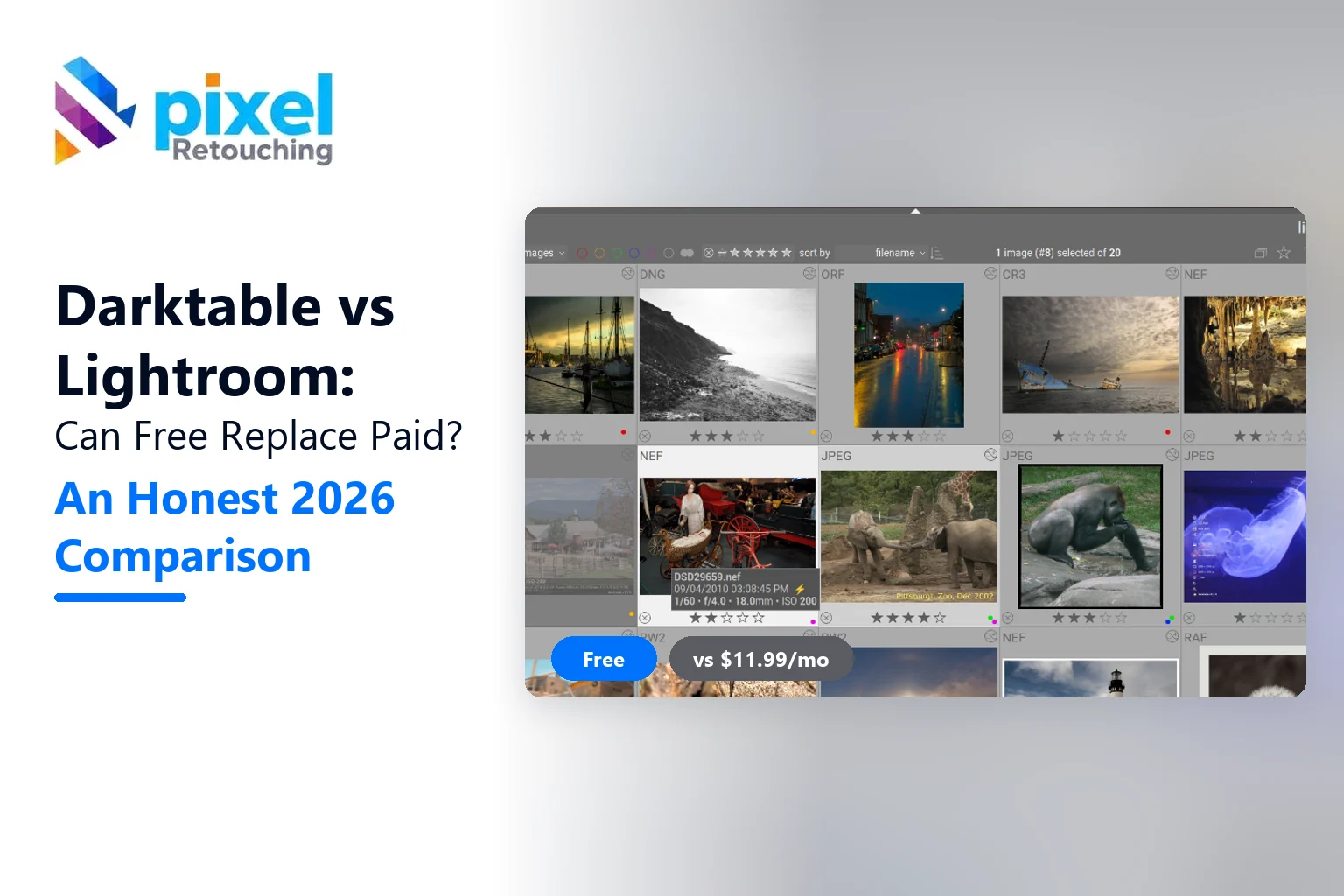
Darktable vs Lightroom comes down to one trade: Darktable costs nothing and gives you more control, while Lightroom costs about $144 a year and saves you time. If you edit a few hundred RAW files a month and enjoy learning how an image is built, Darktable can replace Lightroom. If you deliver client work on deadlines, Lightroom still wins.
That’s the short answer. But the choice isn’t really about features. It’s about how you work, how much time you have, and how many photos leave your desk every week.
We see both sides every day. Photographers send us RAW files edited in Darktable, Lightroom Classic, Capture One and everything in between. Some files arrive clean. Some arrive with crushed shadows and halos we have to undo before the real retouch starts. This guide is written from that seat.
Quick verdict
- Choose Darktable if you want a free, open source RAW editor, you use Linux, or you want to stop paying a subscription.
- Choose Lightroom if you shoot volume (weddings, events, product catalogs), need phone and desktop sync, or rely on one-click AI masks.
- Use both if you’re testing the switch. Keep Lightroom for live jobs and learn Darktable on personal work for a month.
Darktable vs Lightroom at a glance
Here’s how the two compare on the things photographers actually ask about. Versions are current as of November 2026: Darktable 5.6.2 and Lightroom / Lightroom Classic on Adobe’s Creative Cloud plans.
| What matters | Darktable | Lightroom (Classic) |
|---|---|---|
| Price | Free, open source (GPL) | From US$11.99/month (Lightroom plan) |
| Platforms | Windows, macOS, Linux | Windows, macOS, iOS, Android, web |
| Learning curve | Steep. Plan on 2 to 4 weeks | Gentle. Usable in a day |
| Editing model | Stack of modules, scene-referred | Fixed panels with sliders |
| AI masks (subject, sky, people) | No. Drawn and parametric masks | Yes, one click |
| AI denoise | Profiled denoise, no AI model | Yes (Denoise) |
| Library and catalogue | Lighttable with tags, ratings, collections | Mature catalogue, smart collections |
| Cloud sync | None built in | Yes, across devices |
| Tethered shooting | Yes (via gphoto2) | Yes (Classic) |
| Your files if you stop | Yours forever, edits in XMP sidecars | Edits stay, but editing needs a plan |
A table only tells you what exists. So let’s look at how it feels to use each one.
How Darktable thinks (and why it confuses Lightroom users)
Darktable doesn’t have a “Basic” panel. Instead, every edit is a module, and modules stack in a fixed pipeline order. Exposure, colour calibration, filmic or sigmoid tone mapping, local contrast, sharpen: each one is its own block with its own controls.
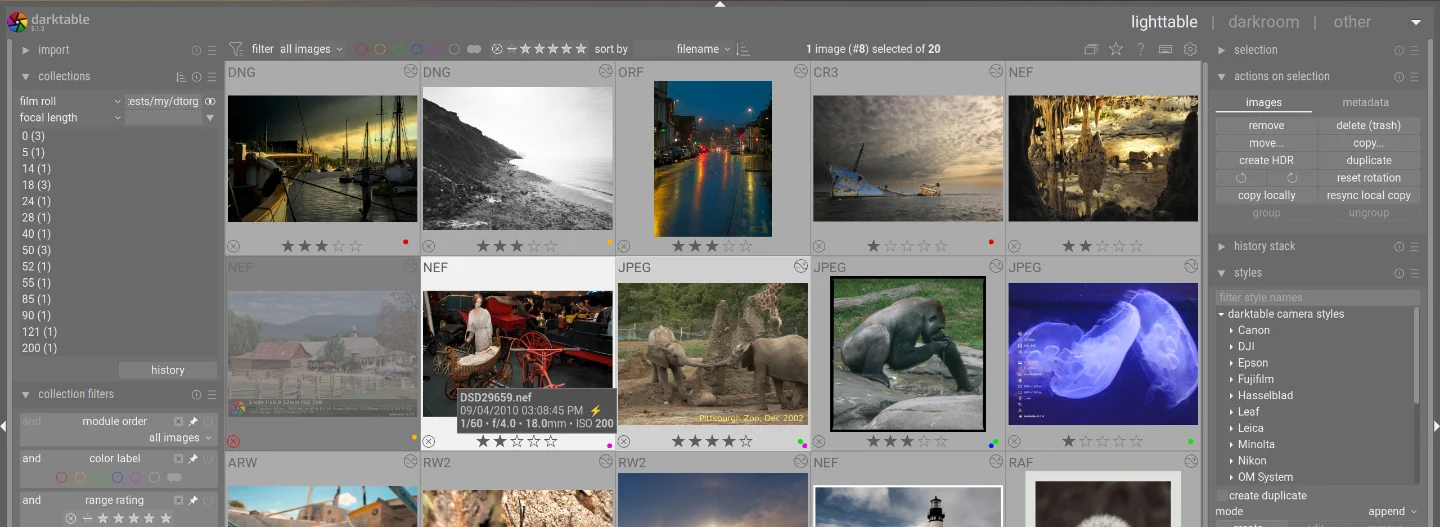
The second difference is bigger. Darktable works scene-referred. In plain words: it keeps the light values the camera recorded, does the edit in that wide range, and only squeezes the image into screen brightness at the end. Lightroom hides this step from you.
Why should you care? Because scene-referred editing handles bright skies, windows and specular highlights more gracefully. In jewellery and interior files, that’s exactly where Lightroom edits tend to clip first.
The catch is the learning curve. Most Lightroom users open Darktable, push the exposure slider, and wonder why the image looks flat. It isn’t broken. It’s waiting for the tone mapping module to do its job.
Where Darktable wins
- Cost: nothing to pay, today or in five years.
- Control: you choose the order and strength of every operation, and you can apply a module more than once.
- Masks on every module: any module can be limited by a drawn shape, a luminance range, a colour range, or all three combined.
- Linux support: Lightroom doesn’t run on Linux. Darktable is native there.
- Ownership: edits live in small XMP files next to your RAWs, readable by Darktable on any machine, forever.
Where Lightroom wins
- Speed on volume: sync settings across 800 wedding frames, export, done. Darktable can batch too, but it takes more setup.
- AI masking: select subject, sky, background, people, even eyes and lips, in one click.
- Denoise and Generative Remove: high-ISO files clean up fast, and small distractions disappear without a trip to Photoshop.
- Mobile: edit on the phone, finish on the desktop, with the same catalogue.
- Hand-off: almost every retoucher, assistant and client knows Lightroom. “Send me the catalogue” just works.
The real cost over 3 years
Price is the reason most people look at Darktable. So here’s the math, using Adobe’s current US pricing (annual plan, billed monthly).
| Plan | Per month | 3 years |
|---|---|---|
| Darktable | $0 | $0 |
| Adobe Lightroom plan (1 TB) | $11.99 | $431.64 |
| Adobe Photography plan (20 GB, with Photoshop) | $14.99 | $539.64 |
That being said, time costs money too. If Darktable adds 20 minutes to every shoot you deliver, and you deliver four shoots a week, the “free” editor costs you about 70 hours a year. For a hobbyist that’s fine. For a working studio, it’s usually not.
Which one should you choose?
Skip the feature list and match your situation instead.
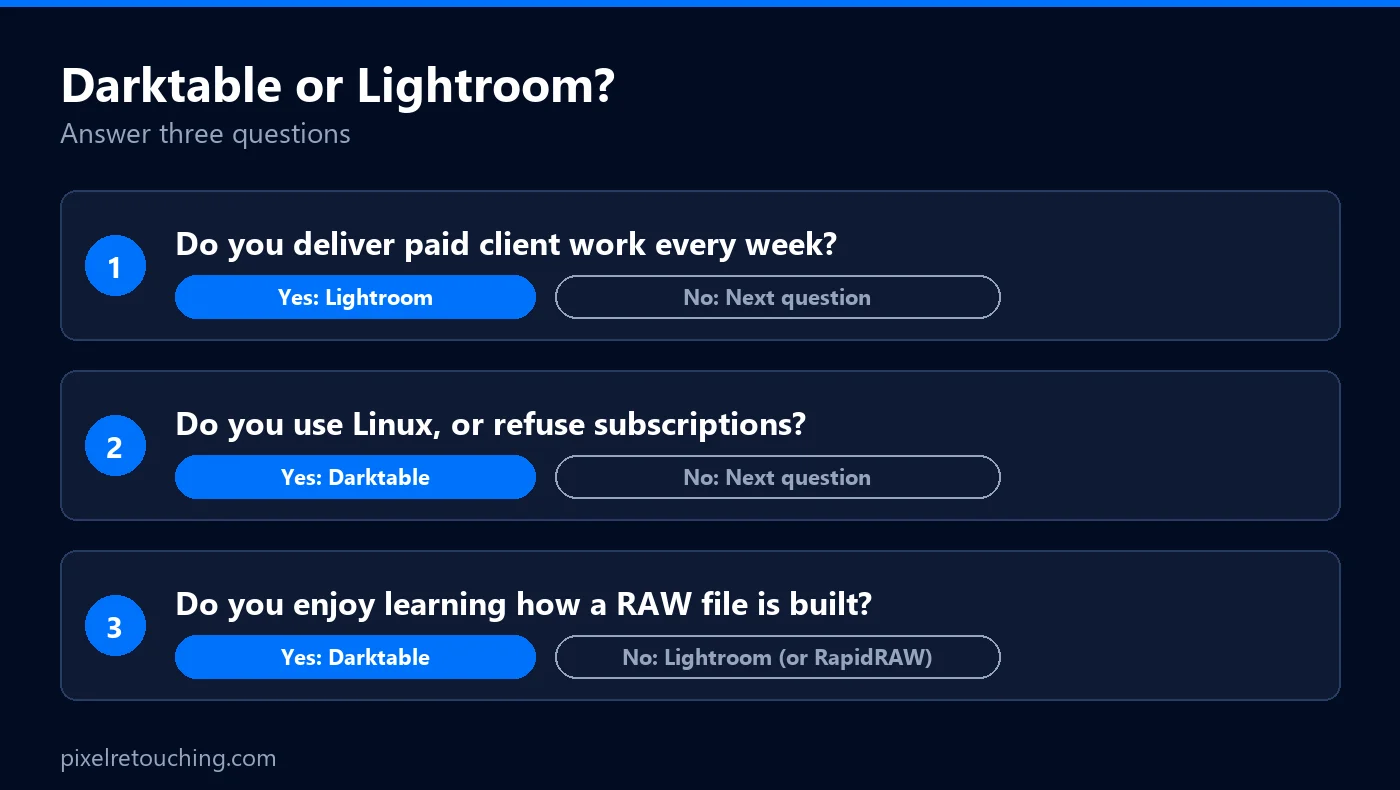
| You are… | Pick | Why |
|---|---|---|
| A hobbyist tired of subscriptions | Darktable | Free, powerful, and time isn’t billable |
| A Linux user | Darktable | Lightroom isn’t an option |
| A wedding or event photographer | Lightroom | Batch speed and AI masks save hours per job |
| A product or eCommerce photographer | Either, then outsource cleanup | RAW look matters less than consistent background and colour |
| A landscape photographer who loves process | Darktable | Scene-referred tone mapping handles skies well |
| A student on a budget | Darktable, then Lightroom later | Learn the fundamentals first, pay when work pays |
How to switch from Lightroom to Darktable without losing work
Don’t switch on a client job. Switch on your own photos first. Here’s the order we suggest:
- Export your finished Lightroom work as full-size JPEG or TIFF. Darktable won’t recreate your Lightroom looks, so keep the finals.
- Write XMP sidecars from Lightroom (Catalogue Settings, then “Automatically write changes into XMP”). This keeps ratings, labels and keywords.
- Import the folder into Darktable with “add to library”. Your stars, labels and tags come along.
- Edit 20 new photos only in Darktable. Learn exposure, colour calibration, the tone mapper and local contrast first. Ignore the other 60+ modules.
- Save your starting point as a style, so every new import begins from the same base.
- Cancel Lightroom only after one full month of real shoots, not before.
For a deeper look at the free side of the market, see our comparisons of RawTherapee vs Darktable and RapidRAW vs Darktable, or the full list of free RAW editors for photographers.
What a retoucher notices in the files
Here’s the part comparison charts skip. Editors leave fingerprints.
- Darktable files usually arrive with better highlight detail, but heavy local contrast can leave halos around edges. On product shots, that halo shows up the moment we cut the background.
- Lightroom files arrive consistent, but strong Clarity and Dehaze often crush shadow texture. On fabric and leather, that texture is hard to bring back.
- Both struggle with the same jobs: clean white backgrounds, exact colour matching across a catalogue, dust on jewellery, and skin that still looks like skin.
That last point matters. Neither editor is a retouching tool. They develop the RAW. The pixel-level work, the clipping paths, shadows, and catalogue-wide colour consistency, still happens in Photoshop or with a team like ours. If that part is eating your evenings, our photo retouching services take it off your plate, and you can test us with three free images first.
The bottom line
Darktable vs Lightroom isn’t a fight between a good tool and a bad one. Darktable is the better deal if your time is your own. Lightroom is the better tool if your time is billed.
So try Darktable on a weekend shoot. If you enjoy the process, you’ve just saved $144 a year. If you don’t, you’ve lost nothing but a Saturday.
Frequently asked questions
Is Darktable as good as Lightroom?
For image quality, yes. Darktable’s RAW processing and scene-referred tone mapping match or beat Lightroom on difficult highlights. It falls behind on speed, AI masking, denoise and mobile sync, so it’s as good for the result but slower for the workflow.
Can Darktable open Lightroom edits?
Partly. Darktable can read ratings, colour labels, keywords and some basic adjustments from Lightroom XMP files, but it can’t rebuild your Lightroom look. Export your finished Lightroom images before you switch.
Is Darktable really free?
Yes. Darktable is free and open source under the GPL license, with no paid tier, no ads and no subscription. It’s built by volunteer developers and runs on Windows, macOS and Linux.
Is Darktable good for beginners?
Not at first. Beginners usually find Lightroom easier because its sliders work as expected. Darktable rewards people who want to understand how a RAW file becomes a photo, and most users need two to four weeks to feel comfortable.
Does Darktable have AI masking like Lightroom?
No. As of version 5.6, Darktable uses drawn masks and parametric masks based on brightness and colour. They’re precise, but there’s no one-click subject or sky selection like Lightroom’s AI masks.