RAW files capture unprocessed sensor data from your camera, giving you maximum flexibility during post-processing. Unlike JPEGs, which are already compressed and processed, RAW files let you adjust white balance, recover highlights, and fine-tune colors without degrading image quality. The challenge? You need specialized software to unlock their potential.
Whether you’re a professional photographer or an enthusiastic hobbyist, finding the right RAW editor can transform your workflow. While premium options like Adobe Lightroom dominate the market, there’s a growing ecosystem of free RAW editors that rival paid alternatives in both features and performance.
At Pixel Retouching, we work with thousands of images daily, and we understand how crucial the right editing tools are. After extensive testing, we’ve compiled this guide to help you choose the best free RAW image editor for your needs.
Why RAW Editing Matters for Professional Photography
Before diving into our top picks, let’s understand why RAW editing is essential:
- Greater Dynamic Range: Recover details from shadows and highlights that would be lost in JPEG
- Non-Destructive Editing: Make unlimited adjustments without degrading the original file
- Color Accuracy: Adjust white balance perfectly, even after shooting
- Professional Output: Create images with depth and quality that clients expect
When you need advanced image retouching services beyond basic RAW editing, our professional team can help you achieve publication-ready results.
The 10 Best Free RAW Image Editors
1. RawTherapee – The Power User’s Choice
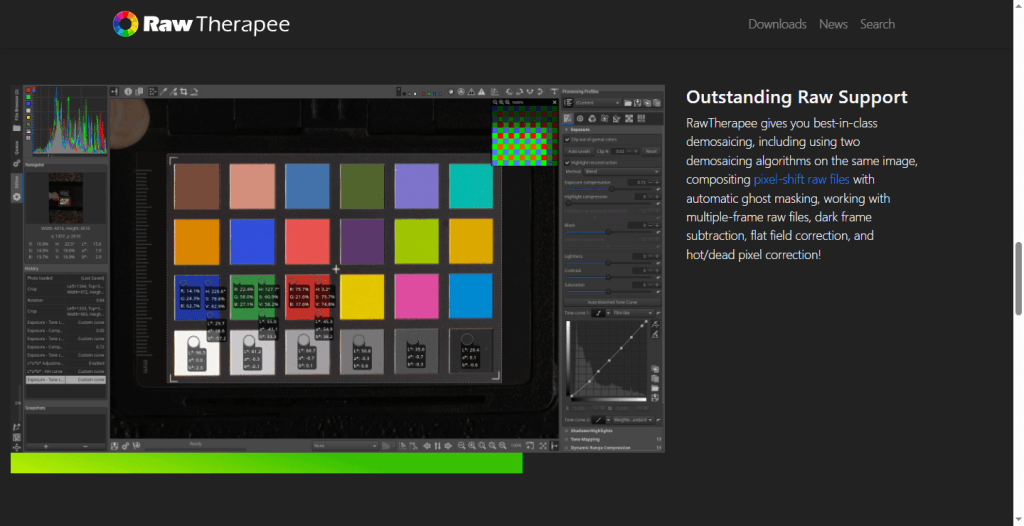
RawTherapee is a powerhouse RAW editor that rivals commercial software in features and image quality. This open-source application offers professional-grade tools wrapped in a clean, if somewhat dense, interface.
Key Features:
- Advanced demosaicing algorithms for exceptional detail
- Sophisticated noise reduction and sharpening
- Local adjustments with graduated and radial filters
- Excellent lens correction database
- Batch processing capabilities
Best For:
Photographers who want maximum control and aren’t intimidated by extensive options. RawTherapee excels at extracting every bit of quality from your sensor data.
Platform: Windows, macOS, Linux
2. darktable – The Lightroom Alternative
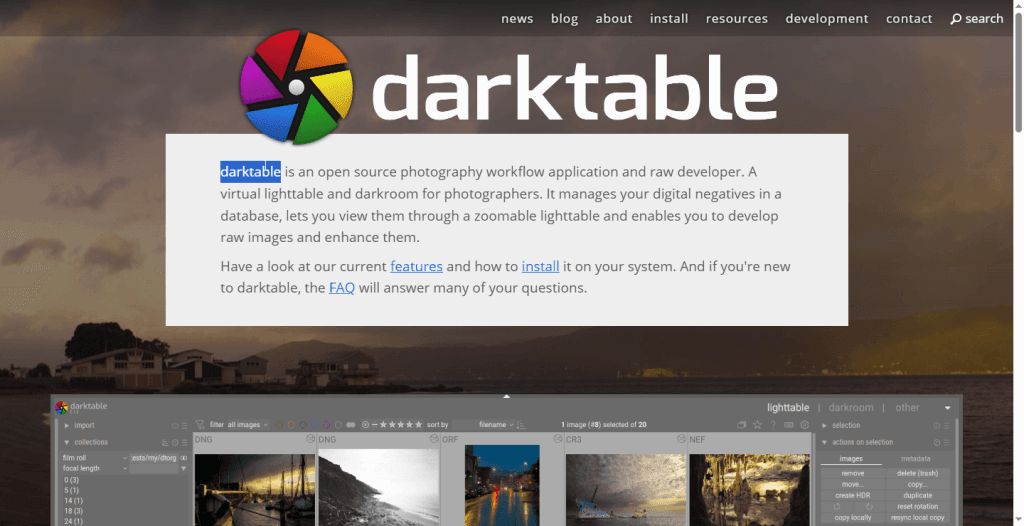
darktable is often called the open-source answer to Adobe Lightroom, and for good reason. It combines RAW processing with comprehensive photo management, making it ideal for photographers handling large image libraries.
Key Features:
- Non-destructive editing with complete revision history
- GPU-accelerated processing for smooth performance
- Powerful masking and local adjustments
- Tethered shooting support
- Built-in photo management and tagging
Best For:
Wedding photographers, event shooters, and anyone managing hundreds or thousands of images. The combination of editing power and organizational tools makes workflow management effortless.
Platform: Windows, macOS, Linux
3. GIMP with UFRaw – The Versatile Combo
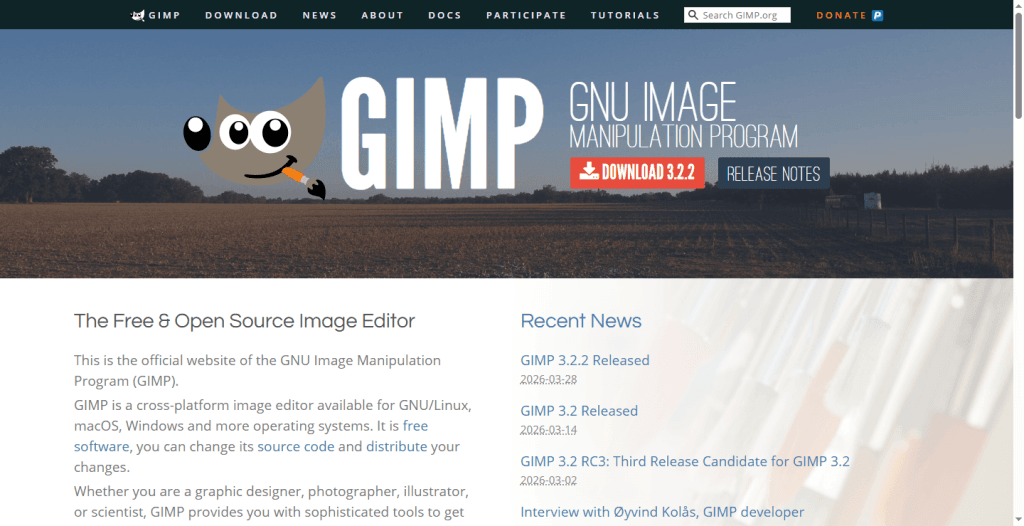
GIMP (GNU Image Manipulation Program) paired with the UFRaw plugin creates a powerful duo for RAW editing and pixel-level manipulation. While GIMP alone is a Photoshop alternative, UFRaw adds robust RAW processing capabilities.
Key Features:
- Full-featured image editing suite beyond RAW processing
- Layer-based editing with advanced compositing
- Extensive plugin ecosystem
- Color management and curve adjustments
- UFRaw provides white balance, exposure, and color controls
Best For:
Photographers who need both RAW processing and advanced photo retouching capabilities in one package. Perfect for creative projects requiring manipulation beyond standard adjustments.
Platform: Windows, macOS, Linux
4. Capture One Express – Pro Quality, Free Version
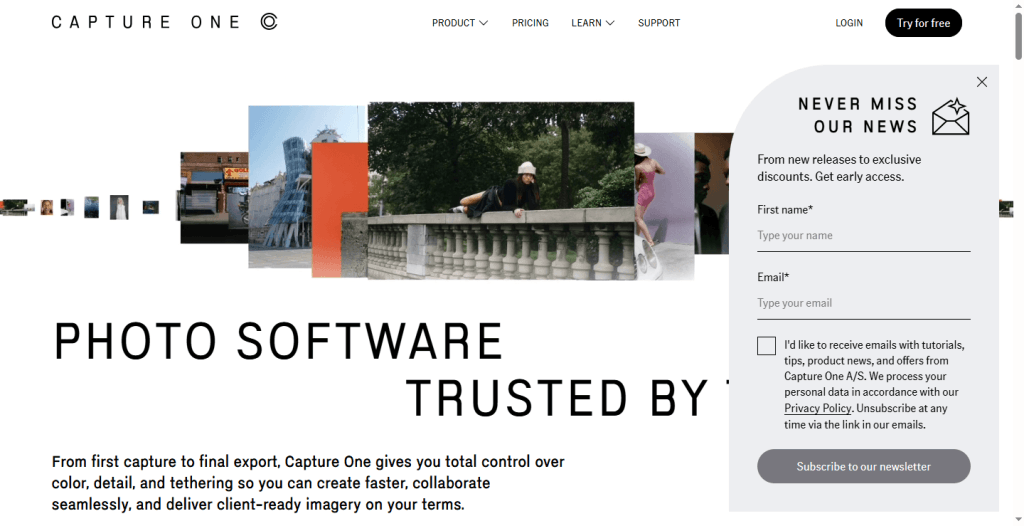
Capture One Express is the free version of one of the industry’s most respected RAW processors. While limited compared to the Pro version, it still delivers exceptional image quality and professional color science.
Key Features:
- Industry-leading color grading and color balance
- Precise local adjustments with layers
- Tethered capture support (Sony and Fujifilm cameras only)
- Professional-grade sharpening and noise reduction
- Customizable workspace and keyboard shortcuts
Limitations: Limited to Sony and Fujifilm RAW files only
Best For:
Sony and Fujifilm shooters who want professional-quality color rendering. The free version is genuinely powerful, not a stripped-down demo.
Platform: Windows, macOS
5. Photopea – The Browser-Based Wonder
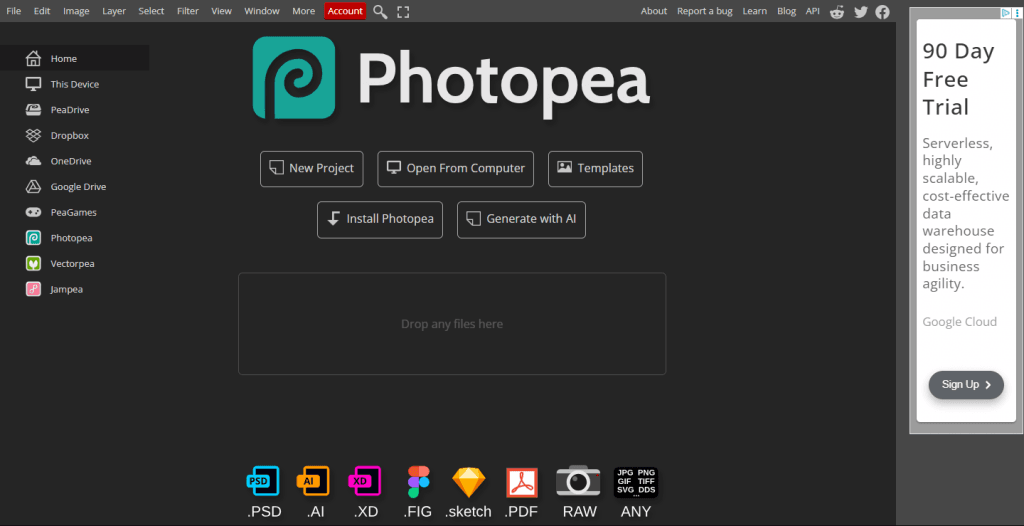
Photopea is remarkable: a full-featured image editor that runs entirely in your web browser. It handles RAW files from most major camera manufacturers and provides Photoshop-like functionality without installation.
Key Features:
- No installation required – works on any device with a browser
- Photoshop-compatible interface and tools
- Layer-based editing with blend modes
- Supports major RAW formats (CR2, NEF, ARW, DNG, etc.)
- Completely free with optional ad removal
Best For:
Photographers who work across multiple devices or need quick edits without software installation. Perfect for travel photographers using internet cafes or borrowed computers.
Platform: Web browser (all platforms)
6. Exposure X7 (Free Trial) – Film Emulation Master
Exposure X offers a 30-day free trial of its full software, but it’s worth mentioning because many photographers find its authentic film emulations and creative tools invaluable enough to consider the paid version afterward.
Key Features:
- 500+ realistic film presets and looks
- Customizable creative effects and overlays
- RAW processing with organizational tools
- Layer-based editing workflow
- Works standalone or as a plugin
Best For:
Portrait and wedding photographers seeking authentic film aesthetics and creative control. The trial period is generous enough for completing projects.
Platform: Windows, macOS
7. Adobe Camera Raw with Bridge – The Industry Standard
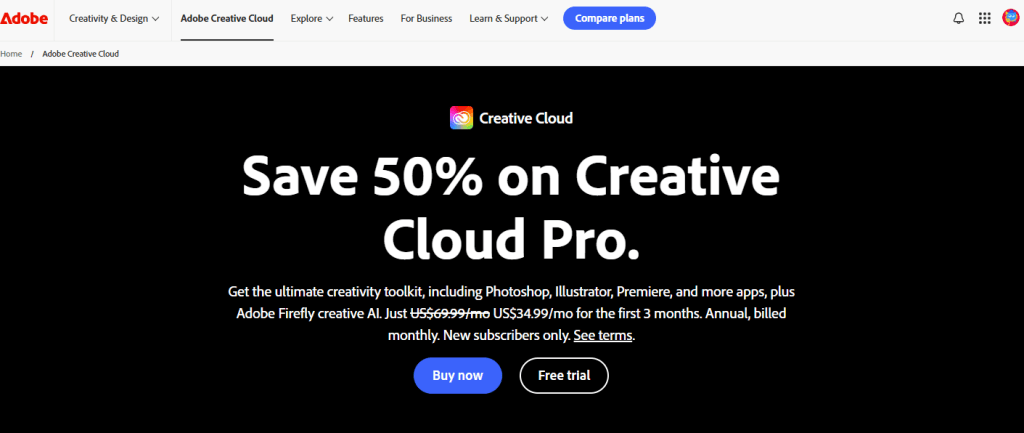
While Adobe’s Creative Cloud requires a subscription, Camera Raw with Bridge can be used with their free trial. Many educational institutions also provide free access, making this a legitimate free option for students.
Key Features:
- Seamless integration with Photoshop workflow
- AI-powered auto adjustments and object selection
- Professional color grading tools
- Preset synchronization across devices
- Regular updates with new camera support
Best For:
Students and professionals already in the Adobe ecosystem or considering a subscription. The integration between Camera Raw and Photoshop is unmatched.
Platform: Windows, macOS
8. Polarr Photo Editor – The Modern Interface
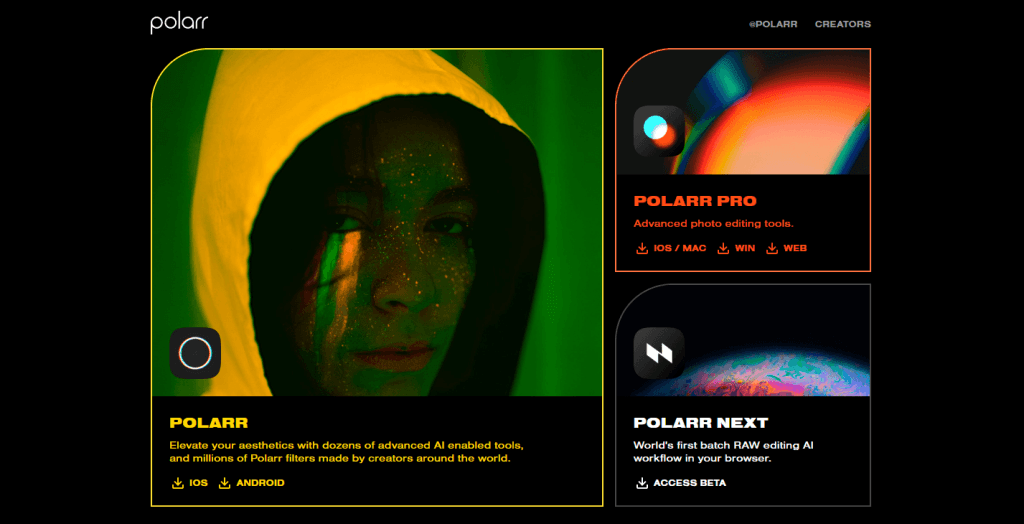
Polarr brings a fresh, intuitive interface to RAW editing. Its free version provides surprisingly robust features wrapped in a design that feels contemporary and approachable.
Key Features:
- Clean, modern user interface
- AI-powered auto-enhance
- Local adjustments with brushes and gradients
- Custom filter creation and sharing
- Cross-platform with cloud sync
Best For:
Hobbyist photographers and content creators who prioritize ease of use and aesthetic appeal. Great for those transitioning from smartphone editing apps to desktop RAW processing.
Platform: Windows, macOS, Web, iOS, Android
9. Corel AfterShot Pro 3 – The Speed Demon
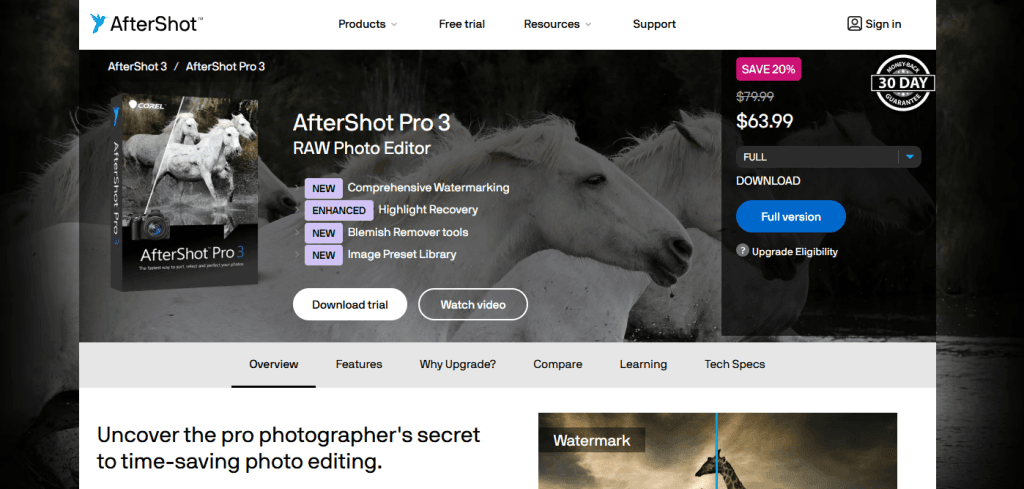
AfterShot Pro occasionally offers free promotions and a generous trial period. It’s designed for photographers who process large volumes of images and need blazing-fast performance.
Key Features:
- Ultra-fast batch processing
- Low system resource requirements
- Efficient photo organization
- Plugin support for extended functionality
- Watermarking and copyright protection
Best For:
High-volume shooters and product photography studios that need to process hundreds of images efficiently. If speed is paramount, AfterShot delivers.
Platform: Windows, macOS, Linux
10. FastStone Image Viewer – The Lightweight Champion
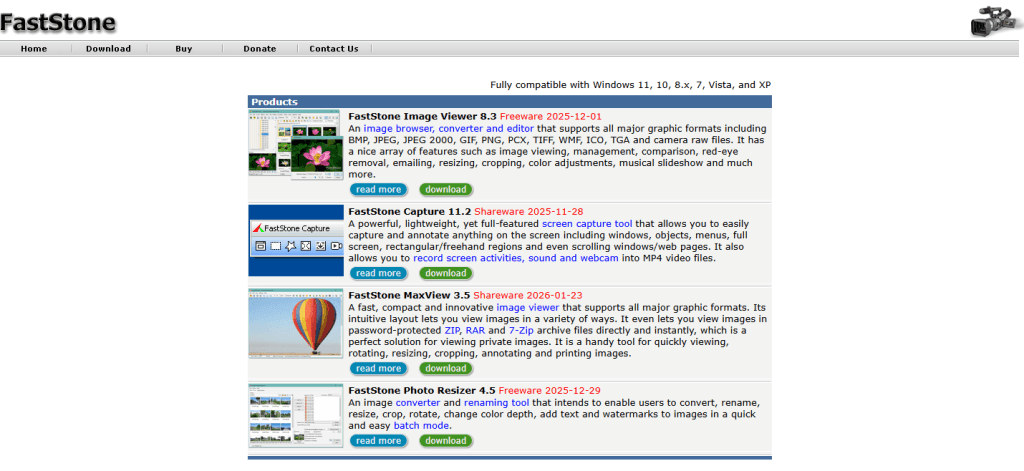
FastStone Image Viewer is completely free for personal use and remarkably capable for its tiny footprint. While not as feature-rich as other options, it’s perfect for quick RAW conversions and basic adjustments.
Key Features:
- Extremely lightweight and fast
- Built-in image browser and organizer
- Basic RAW conversion with essential controls
- Batch processing and renaming
- Screen capture and annotation tools
Best For:
Photographers who need quick RAW previews and conversions on older or resource-limited computers. Excellent as a secondary tool for fast culling and basic adjustments.
Platform: Windows only
How to Choose the Right Free RAW Editor
Selecting the perfect RAW editor depends on your specific needs and workflow. Here’s how to make the right choice:
Consider Your Camera System
If you shoot Sony or Fujifilm, Capture One Express offers professional quality. For other brands, RawTherapee and darktable provide universal RAW support with excellent results.
Evaluate Your Volume
Wedding and event photographers handling thousands of files will appreciate darktable’s organizational tools or AfterShot’s processing speed. Portrait photographers might prefer the creative control of Exposure X or RawTherapee.
Match Your Technical Comfort
Beginners should start with Polarr or Photopea for their intuitive interfaces. Advanced users wanting maximum control will love RawTherapee’s depth, while darktable offers the best balance of power and usability.
Think About Your Workflow
If you need extensive retouching beyond RAW conversion, consider GIMP with UFRaw or Photopea for their pixel-level editing capabilities. For pure RAW processing with minimal manipulation, RawTherapee or darktable are ideal.
When Free Tools Aren’t Enough
While free RAW editors are incredibly powerful, certain professional scenarios demand expertise beyond software capabilities:
- High-end retouching: Skin smoothing, blemish removal, and beauty enhancement for commercial work
- Product photography: Professional background removal, color correction, and shadow creation
- Real estate editing: HDR blending, sky replacement, and architectural corrections
- Bulk processing: Consistent editing across large catalogs for e-commerce or events
This is where professional image editing services become invaluable. At Pixel Retouching, we combine expert human touch with advanced techniques to deliver results that automated tools simply can’t match.
Essential Tips for RAW Editing Success
1. Shoot in RAW from Day One
Even if you’re still learning, shooting RAW preserves maximum flexibility. You can always improve your editing skills, but you can’t recover data that was discarded during in-camera JPEG processing.
2. Calibrate Your Monitor
Accurate color representation requires a calibrated display. Even inexpensive colorimeters like the Datacolor SpyderX can dramatically improve editing accuracy.
3. Use Non-Destructive Editing
Always preserve your original RAW files. Most free editors (RawTherapee, darktable, Capture One Express) save adjustments in separate sidecar files, leaving originals untouched.
4. Master the Histogram
The histogram shows your image’s tonal distribution more accurately than your eyes. Learning to read it prevents blown highlights and blocked shadows.
5. Develop a Consistent Workflow
Edit in a logical sequence: lens correction → white balance → exposure → contrast → color → sharpening. This order prevents redundant adjustments and produces more predictable results.
Final Thoughts: The Best Free RAW Editor Is the One You’ll Use
Every photographer’s needs are unique. RawTherapee offers unmatched control for pixel-peepers. darktable provides Lightroom-like workflow at zero cost. Capture One Express delivers professional color for Sony and Fujifilm shooters. Photopea works anywhere without installation.
The best approach? Download two or three options that match your needs and spend a weekend testing them with your actual photos. You’ll quickly discover which interface feels natural and which tools align with your creative vision.
Remember, RAW editing is just the foundation. When you need professional-level retouching, complex compositing, or consistent bulk processing for commercial work, partnering with experienced professionals can elevate your photography business.
At Pixel Retouching, we handle everything from basic color correction to advanced beauty retouching, allowing you to focus on what you do best: capturing incredible moments. Contact us to discuss how we can support your photography workflow.
Ready to Transform Your RAW Files?
Whether you’re processing your first RAW file or your hundred-thousandth, the right tools make all the difference. Start with these free options, develop your skills, and remember that professional retouching services are here when you need that extra polish.
Explore our portfolio to see the difference expert retouching makes, or request a free trial to experience our services firsthand.