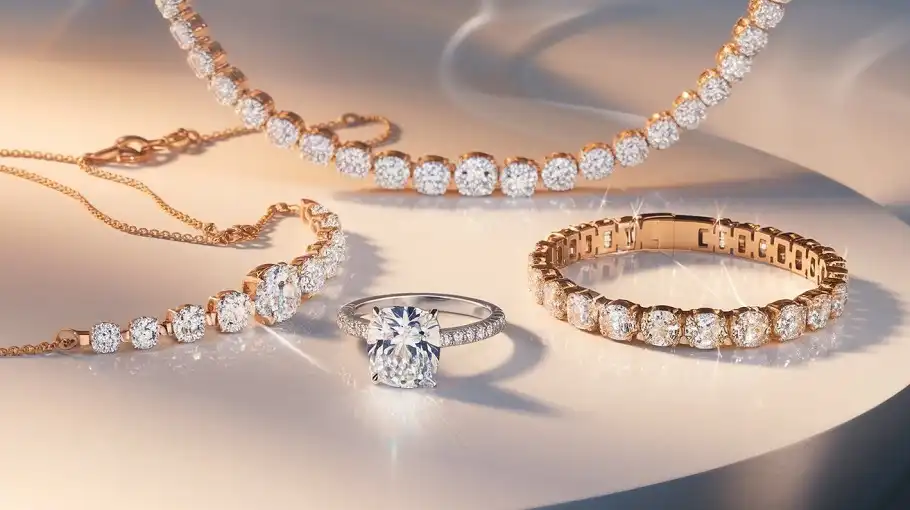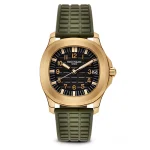
Jewelry photography is one of the most difficult areas of product photography. Small dust particles, reflections, scratches, and uneven lighting can easily reduce the quality of a photo. Traditionally, editors spent hours in Photoshop cleaning each image. Today, AI tools for jewelry retouching can complete many of these tasks automatically, saving time and improving consistency.
In this guide, you will learn about the 10 best AI tools for jewelry retouching, how they work, and which tool is best for different use cases such as e-commerce, studio photography, or social media marketing.
This article is written in a clear, practical style to help photographers, jewelry sellers, and beginners choose the right solution.
What Is AI Jewelry Retouching?
AI jewelry retouching uses machine learning to improve jewelry photos automatically. These tools are trained to detect common problems in jewelry images and fix them quickly. Most AI jewelry editing tools can handle:
- Dust and scratch removal
- Reflection balancing
- Gemstone brightness enhancement
- Color correction
- Background removal or replacement
- Sharpness and clarity improvement
Because jewelry has fine details and reflective surfaces, general photo editing tools sometimes fail. Jewelry-specific AI tools are trained to preserve tiny details such as engravings and stone edges.
How We Selected the Best AI Jewelry Retouching Tools
To create this list, we considered several important factors:
- Jewelry-specific features
- Detail preservation and image quality
- Ease of use for beginners
- Batch processing for large catalogs
- Pricing and accessibility
- Popularity among photographers and sellers
The tools below include both specialized jewelry AI software and popular AI tools widely used in jewelry workflows.
Below is a carefully selected list of the 10 best AI tools for jewelry image editing. These tools were chosen based on image quality, ease of use, editing features, and suitability for different users, including photographers, e-commerce sellers, and jewelry brands.
1. OIS.GOLD
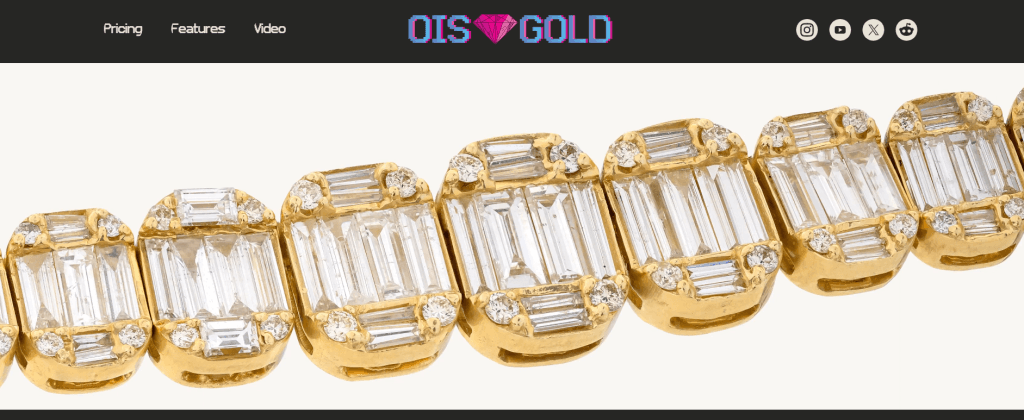
OIS.GOLD is one of the most specialized tools designed specifically for jewelry retouching workflows.
Key features
- Removes dust, scratches, and noise automatically
- Enhances metal surfaces and gemstones
- Maintains original color profiles and resolution
- Batch processing for large catalogs
- PSD output for further editing
Why it stands out
Unlike many general editing tools, OIS.GOLD focuses on texture preservation. This is important because jewelry photos require high accuracy, especially for luxury brands and e-commerce catalogs.
Best for
- Jewelry studios
- Professional photographers
- Online stores with large product catalogs
2. NeuroViz AI Jewelry Retoucher

NeuroViz is designed specifically for jewelry photography and works through a web interface.
Key features
- Automatic scratch and dust removal
- Lighting and shine enhancement
- Texture-aware retouching
Strengths
The tool is simple to use and works well for product catalogs where consistent quality is required.
Best for
- Small jewelry businesses
- Shopify and online stores
3. LightX AI Jewelry Photography
LightX is an AI photo editing tool available on web and mobile platforms, perfect for use as a jewelry retoucher tool.
Key features
- Background generation
- Lighting adjustments
- Ready-to-use product presentation styles
Strengths
LightX is helpful for sellers who want social media-ready jewelry images without advanced editing skills.
Best for
- Social media marketing
- Beginners
4. SnappyIT AI Jewelry Retouch
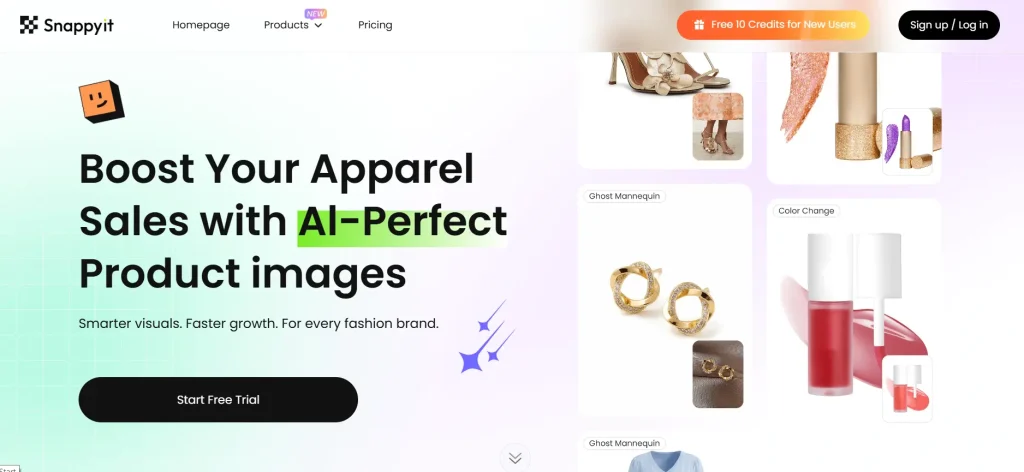
SnappyIT focuses on fast product photo editing and automation.
Key features
- Quick studio-style output
- Minimal manual editing
- Clean background processing
Strengths
The tool is useful for quick workflows when speed matters more than deep manual control.
Best for
- Small businesses
- Bulk image processing
5. Picsart AI (Product Editing Tools)

Picsart offers a variety of AI editing tools useful for product photography.
Key features
- Background removal
- Image upscaling
- Lighting adjustments
- Batch editing through APIs
Strengths
Picsart is flexible and suitable for large e-commerce workflows.
Best for
- Marketplaces
- Bulk editing
6. PhotoRoom
PhotoRoom is widely used for product photography and online stores.
Key features
- AI background removal
- Product staging
- Quick export formats
Strengths
The interface is very simple, making it ideal for beginners.
Best for
- E-commerce sellers
- Quick catalog creation
7. Claid.ai
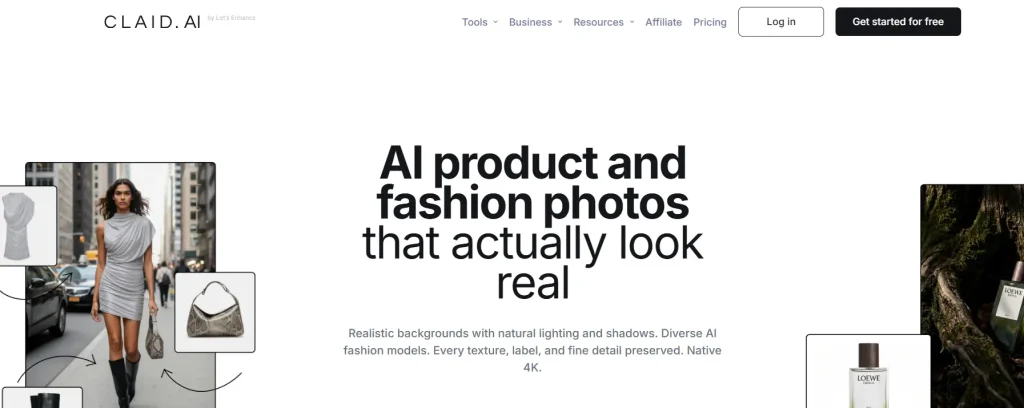
Claid.ai is designed for product image enhancement and automation.
Key features
- AI image enhancement
- Catalog optimization
- Lighting correction
Strengths
Claid.ai is effective for improving large numbers of product images with consistent quality.
Best for
- Online marketplaces
- Advertising teams
8. Luminar Neo
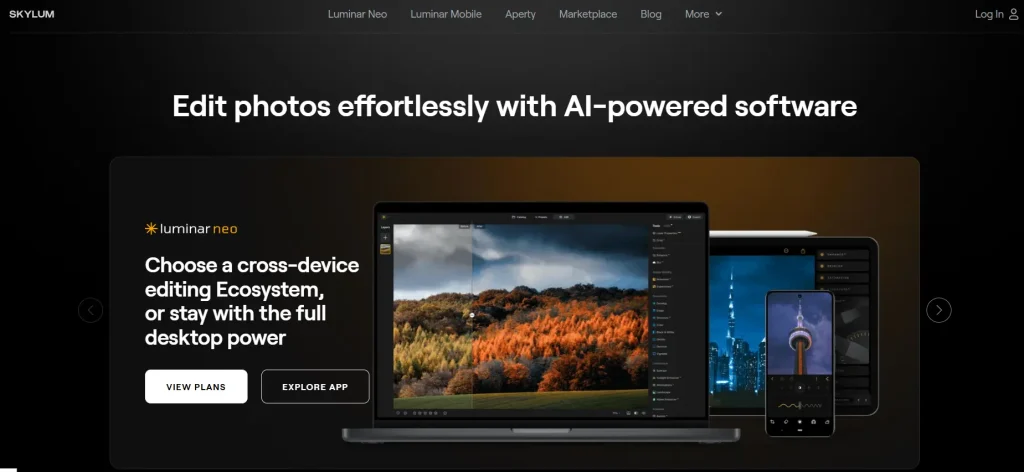
Luminar Neo is a desktop editing tool that uses AI to improve image quality.
Key features
- Detail enhancement
- Noise reduction
- Structure AI
Strengths
It is very useful for improving gemstone clarity and fine details.
Best for
- Photographers
- High-quality edits
9. Retouch4me
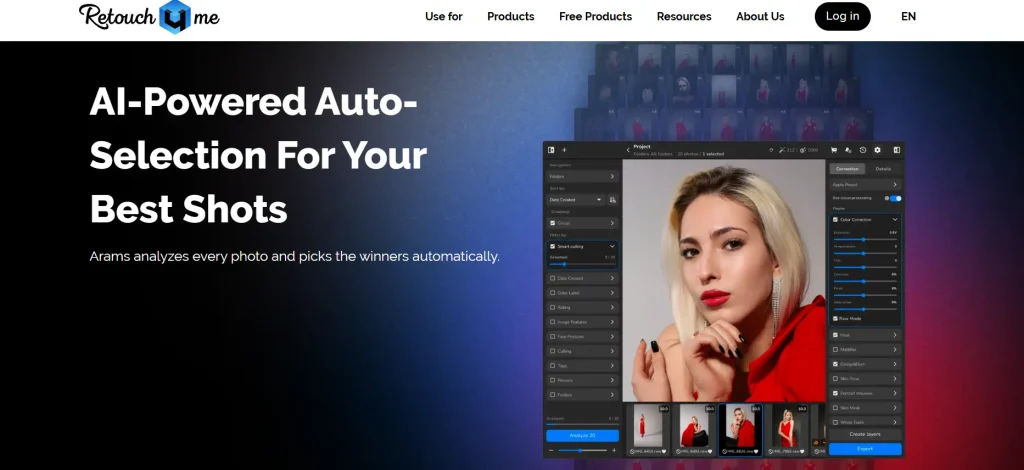
Retouch4me offers AI plugins that work with Photoshop and Lightroom.
Key features
- Neural retouch automation
- Texture-preserving edits
- Professional workflow integration
Strengths
It allows photographers to combine AI speed with manual control.
Best for
- Professional editors
- Studio workflows
10. Adobe Photoshop (with AI Features)
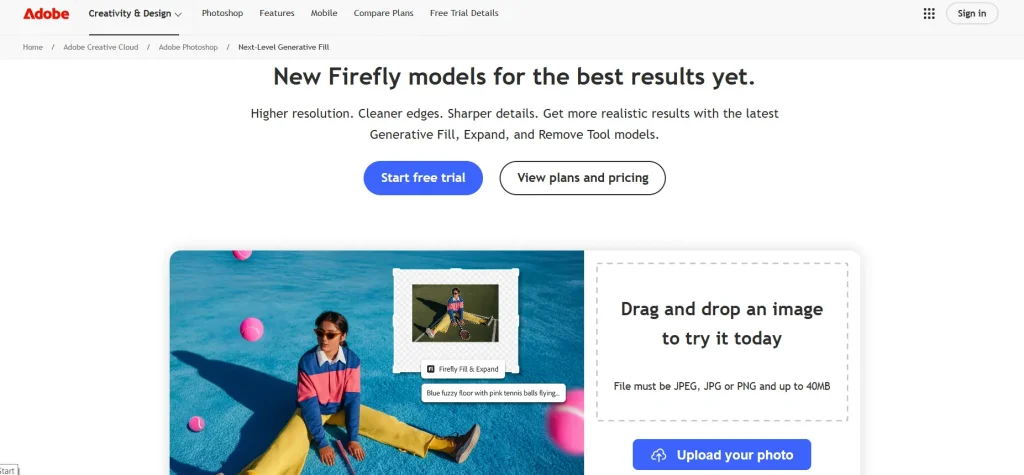
Photoshop remains one of the most powerful tools for jewelry editing.
Key features
- Generative Fill
- Object removal
- Advanced color correction
Strengths
Photoshop offers full control, especially for luxury product photography.
Best for
- Advanced retouching
- Complex editing projects
Comparison Table of AI Jewelry Retouching Tools
| Tool | Jewelry-Specific | Platform | Best For |
|---|---|---|---|
| OIS.GOLD | Yes | Web | Professional jewelry retouching |
| NeuroViz | Yes | Web | Catalog editing |
| LightX | Partial | Web/Mobile | Social media |
| SnappyIT | Yes | Web | Fast editing |
| Picsart | No | Web/API | Bulk editing |
| PhotoRoom | No | Web/Mobile | E-commerce |
| Claid.ai | No | Web/API | Catalog enhancement |
| Luminar Neo | No | Desktop | Detail enhancement |
| Retouch4me | No | Plugin | Professional workflow |
| Photoshop | No | Desktop | Full manual control |
Best AI Jewelry Retouching Tool by Use Case
Choosing the right tool depends on your needs.
Best for beginners
PhotoRoom or LightX
Best for professional studios
OIS.GOLD or Retouch4me
Best for e-commerce sellers
NeuroViz or Claid.ai
Best for bulk editing
Picsart or SnappyIT
Benefits of Using AI for Jewelry Photo Editing
AI tools provide several important advantages.
1. Faster Editing
Tasks that once required hours can now be completed in minutes.
2. Consistent Quality
AI ensures uniform brightness, color, and sharpness across product catalogs.
3. Lower Costs
Businesses can reduce the need for manual retouching services.
4. Easy for Beginners
Many tools require no professional editing experience.
Limitations of AI Jewelry Retouching
AI tools are powerful but not perfect.
Reflection Handling
Very complex reflections may still need manual correction.
Color Accuracy
Luxury brands sometimes require manual color calibration.
Fine Artistic Retouching
High-end advertising images may still require Photoshop finishing.
Understanding these limits helps users choose the right workflow.
Tips for Better Jewelry Photos Before Using AI
AI works best when the original photo is good.
Simple tips:
- Use soft lighting
- Clean jewelry before shooting
- Use a stable camera
- Shoot in high resolution
Better input always produces better results.
Frequently Asked Questions
What is the best AI tool for jewelry retouching?
For professional workflows, specialized tools like OIS.GOLD or NeuroViz are strong options. For beginners, PhotoRoom is very easy to use.
Can AI retouch jewelry automatically?
Yes. Many tools can remove dust, improve lighting, and sharpen details automatically.
Is AI better than Photoshop?
AI is faster, but Photoshop still offers more manual control. Many professionals use both together.
How do you remove scratches from jewelry photos?
AI tools detect scratches and smooth surfaces automatically, or you can remove them manually using editing software.
Conclusion
AI is changing jewelry photography in a major way. Tasks that once required advanced editing skills can now be completed quickly using specialized tools.
For beginners, simple tools like PhotoRoom or LightX are a good starting point. For professionals and jewelry brands, advanced platforms such as OIS.GOLD or Retouch4me provides deeper control and higher quality results.
The best approach is often a hybrid workflow, combining AI automation with manual finishing when needed.
As AI continues to improve, jewelry retouching will become faster, more affordable, and accessible to everyone—from small online sellers to large luxury brands.