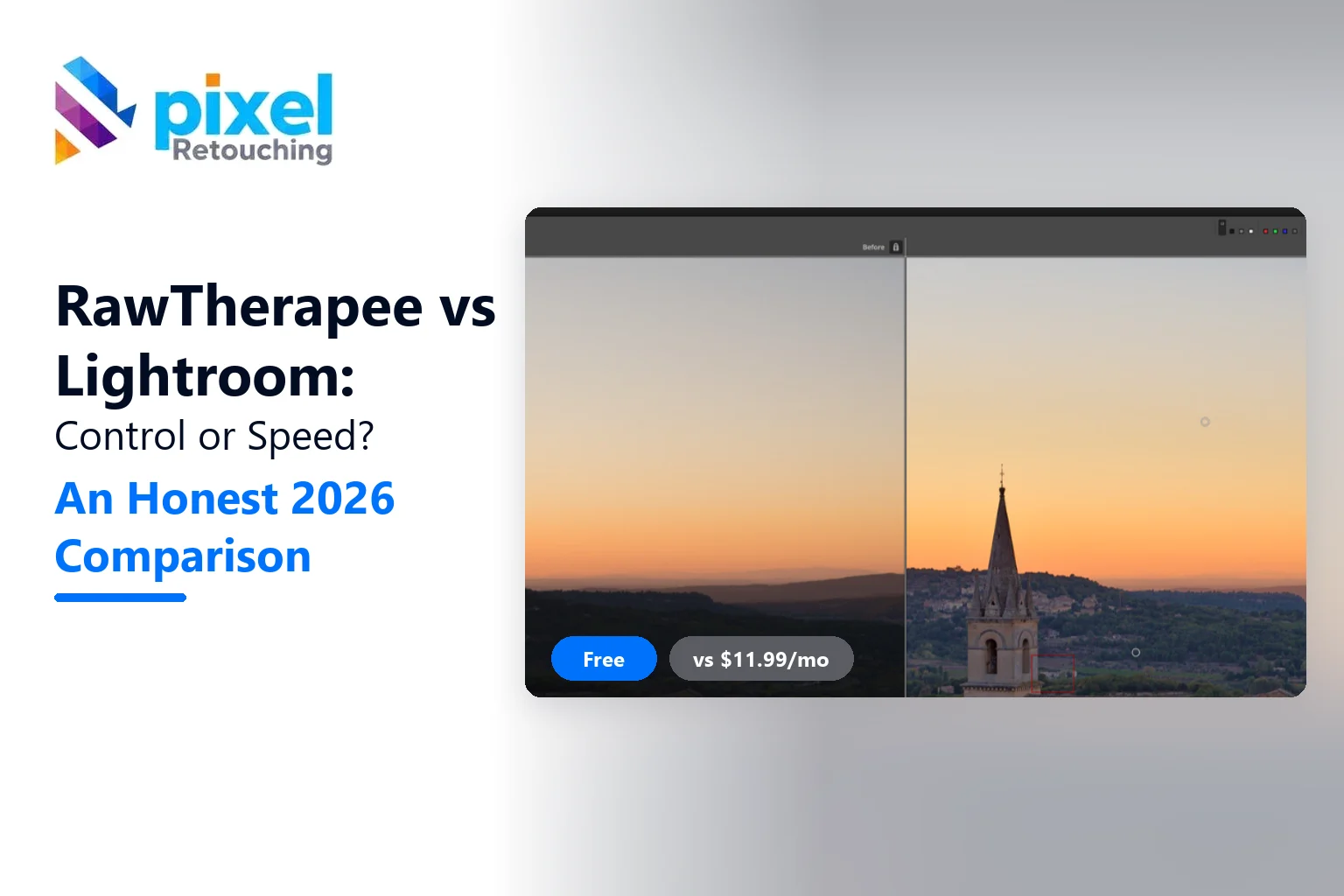
RawTherapee vs Lightroom comes down to one trade. RawTherapee gives you deeper control over how a RAW file is developed, for free. Lightroom gives you speed, a photo library and AI masking, for a monthly fee. If you edit a few images at a time and like to fine-tune, RawTherapee is enough. If you edit hundreds of images a week, Lightroom will save you more hours than it costs.
Both open the same RAW files. What they do with them, and how quickly, is where they part ways.
| RawTherapee 5.13 | Adobe Lightroom | |
|---|---|---|
| Price | Free, open source (GPLv3) | From $11.99/month |
| Latest release | 5.13, 26 July 2026 | Updated every few months |
| Platforms | Windows, macOS, Linux | Windows, macOS, iOS, Android, web |
| Photo library | File browser, no catalogue | Full catalogue with search and collections |
| Demosaicing choices | Many (AMaZE, RCD, LMMSE and more) | One, automatic |
| AI masks | No | Yes (subject, sky, people) |
| AI denoise | No (classic noise reduction) | Yes |
| Learning curve | Steep | Gentle |
What RawTherapee actually is
RawTherapee is a free RAW developer that has been around since 2006. It does one job: turning a RAW file into a finished image, with more control over each step than almost any other editor.
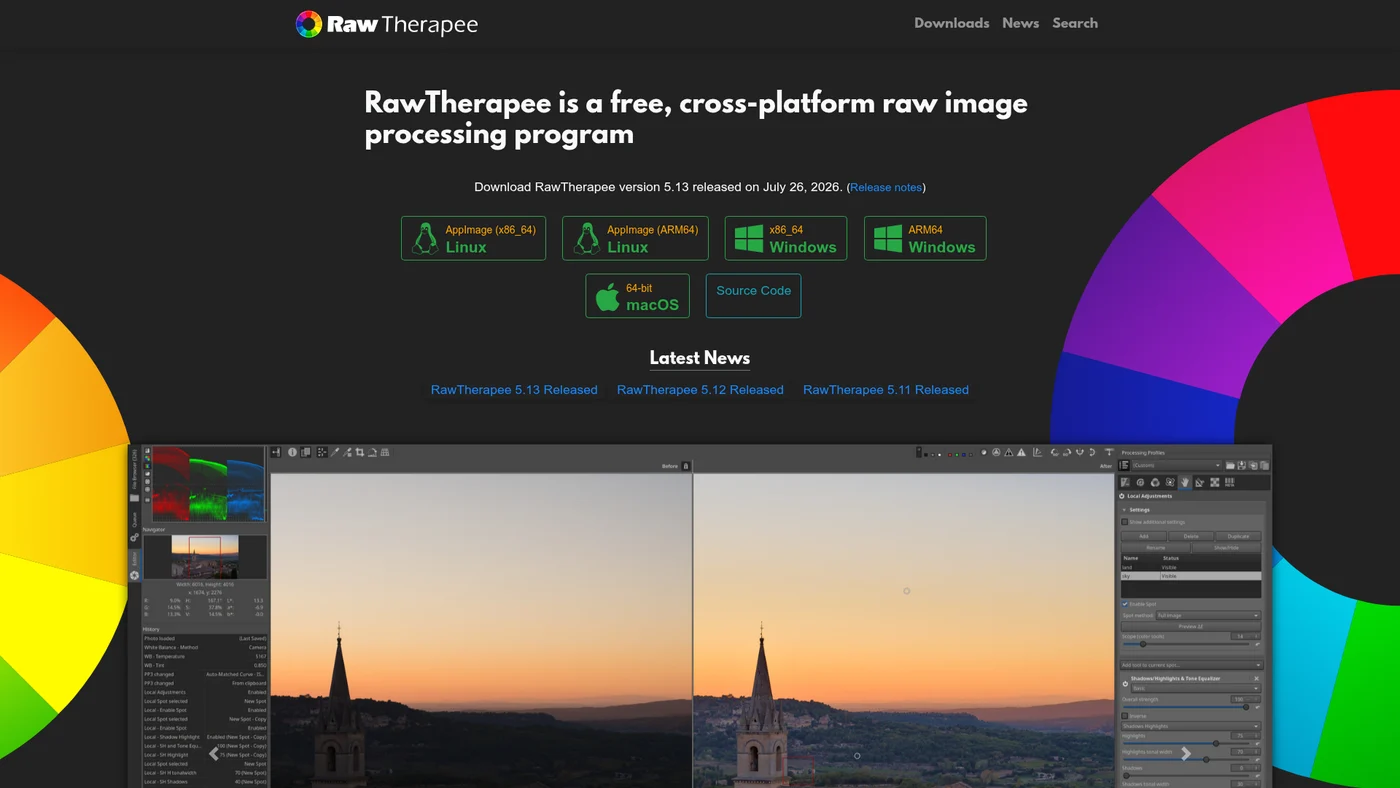
Here’s the thing that surprises Lightroom users: RawTherapee is not a photo manager. There’s no catalogue, no keywords across your library, no cloud sync. You point it at a folder, pick a file and develop it. Each edit is saved as a small .pp3 sidecar file next to the RAW.
Where RawTherapee is better
Demosaicing. This is the step where the camera’s raw sensor data is turned into colour pixels. Lightroom does it automatically. RawTherapee lets you choose the method. On fine, repeating detail like fabric weaves or distant foliage, picking the right one can reduce false colour and moiré that Lightroom leaves in.
Sharpening. Its capture sharpening and deconvolution sharpening recover fine detail without the halos you get from pushing Lightroom’s sharpening slider too far.
Colour control. Custom camera profiles, colour management and a wide set of curve types give precise control. That matters most for product colour that has to match the real item.
Price and ownership. It’s free forever, and your edits never depend on an active subscription.
Where Lightroom is better
Speed through a shoot. Import, cull, rate, sync one edit across 300 photos, export. Lightroom does this in minutes. In RawTherapee, the same job takes much longer and more clicks.
AI masking. One click selects a subject, the sky or a person’s skin. RawTherapee has local adjustments, but you build the masks yourself.
Denoise. Lightroom’s AI denoise cleans high-ISO files far better than classic noise reduction. For indoor events or dark studios, that’s a real difference.
Mobile and sync. Start on your laptop, finish on your phone. RawTherapee is desktop only.
The same edit, step by step in both
Here’s how a typical product RAW goes through each one.
| Step | RawTherapee | Lightroom |
|---|---|---|
| Open the file | Browse to the folder, double-click | Import into the catalogue |
| White balance | Pick neutral spot, fine-tune temperature and tint | Eyedropper, then sliders |
| Exposure and tone | Exposure tab with several curve types | Basic panel sliders |
| Detail | Choose demosaic, capture sharpening | Sharpening and Detail sliders |
| Local fix (a bright label) | Local adjustments, manual spot shape | AI or brush mask in seconds |
| Apply to 50 more photos | Copy profile, paste to selection | Sync settings |
| Export | Queue, then process | Export dialog with presets |
Neither is wrong. RawTherapee asks more of you at every step, and gives a little more back on detail and colour.
Cost over three years
RawTherapee costs nothing. Lightroom’s single-app plan is $11.99 a month, which is about $432 over three years, and the Photography plan with Photoshop is $14.99 a month, about $540 over three years.
Is that worth it? Short answer: it depends on how much time it saves you. If Lightroom saves you two hours a month and your time is worth more than $6 an hour, it pays for itself.
Who should use which
- Choose RawTherapee if: you edit a handful of images at a time, enjoy technical control, use Linux, or don’t want a subscription.
- Choose Lightroom if: you shoot weddings, events, catalogues or anything with hundreds of images per job, or you need AI masks and denoise.
- Use both if: you manage and batch in Lightroom, then open the one difficult file in RawTherapee for its demosaicing and sharpening.
Still deciding between free tools? Our RawTherapee vs Darktable comparison covers the other big open source option, and our list of free RAW image editors includes more.
What neither one does
Both are RAW developers. They’re great at exposure, colour and detail. They’re not built for pixel-level retouching: cutting a product out to pure white, building a natural shadow, removing a mannequin or cleaning skin at 100%.
That’s the work photographers send to us after the RAW is developed. Our photo retouching services pick up where RawTherapee and Lightroom stop, and the first three images are free.
The verdict
In RawTherapee vs Lightroom, the better tool is the one that fits your volume. RawTherapee wins on control and cost. Lightroom wins on speed and convenience. Try RawTherapee first; it’s free. If you find yourself fighting it every week, that’s your answer.
Frequently asked questions
Is RawTherapee as good as Lightroom?
For image quality, yes, and sometimes better on fine detail thanks to its choice of demosaicing methods and deconvolution sharpening. For workflow, no. Lightroom is much faster for culling, batch editing and organising large shoots, and it has AI masks and AI denoise.
Is RawTherapee completely free?
Yes. RawTherapee is free, open source software released under the GPLv3 licence. There are no paid tiers, no watermarks and no subscriptions. Version 5.13 was released on 26 July 2026 for Windows, macOS and Linux.
Can RawTherapee open Lightroom edits?
No. Lightroom edits are stored in its catalogue or in XMP files that RawTherapee can’t read as edits. RawTherapee opens the original RAW files, so you can re-edit them, but you start from scratch.
Does RawTherapee have a catalogue like Lightroom?
No. RawTherapee has a file browser with ratings and colour labels per folder, but no central catalogue, keyword search or collections across your whole library. Many users pair it with a separate photo manager.
Is RawTherapee good for beginners?
Not usually. It has many technical options and can feel overwhelming at first. Beginners often find Lightroom or a simpler free editor like RapidRAW easier, then move to RawTherapee once they want more control.