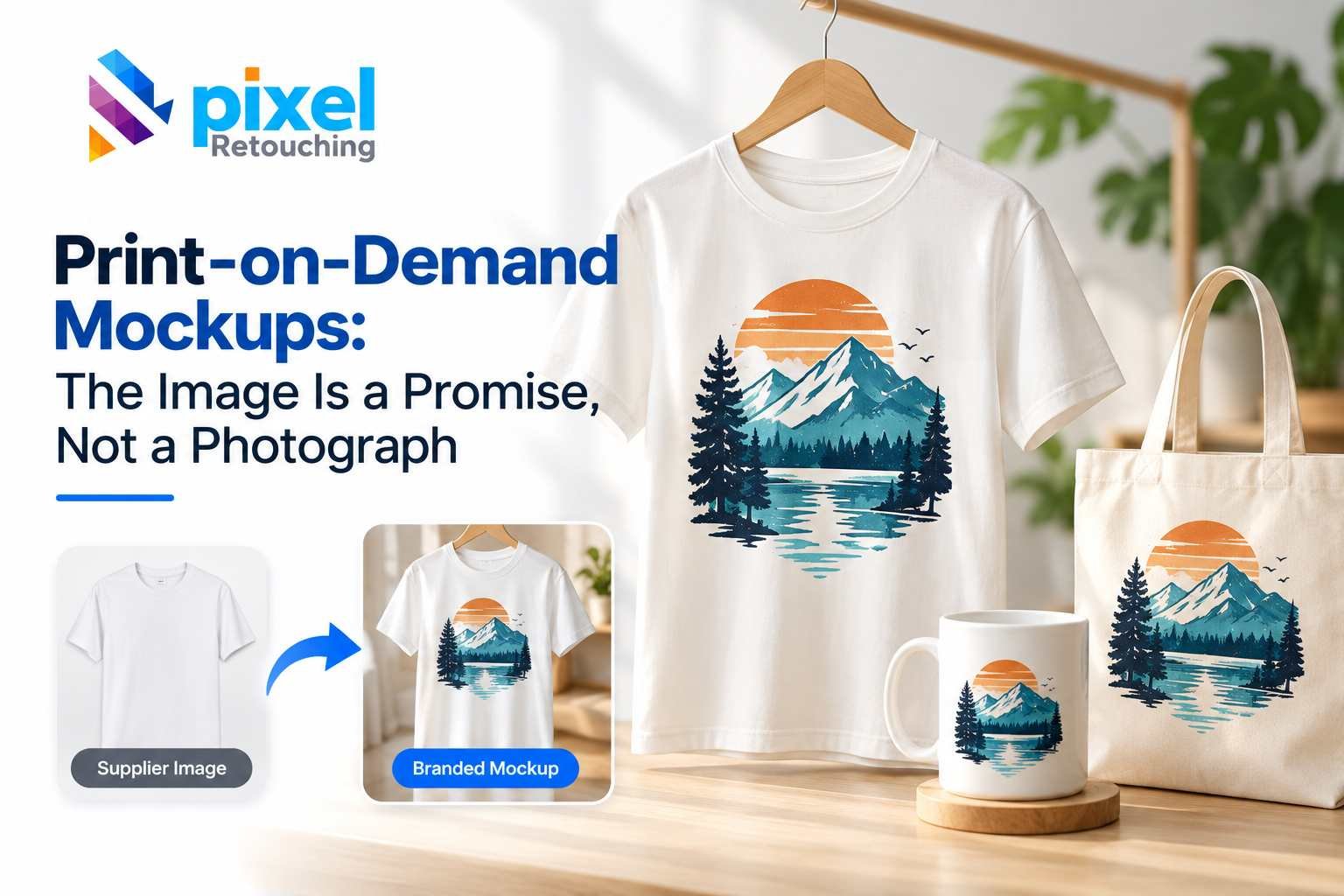
Print-on-demand sells something that does not exist yet. Every listing image is a prediction of what the printer will produce, which makes the image a promise rather than a record — and a promise you have to be able to keep.
The images here are not AI output. Every before and after is real client work retouched by hand at Pixel Retouching. Drag the handle on any of them to see what is being described.
What is the difference between a mockup and a product photo?
A product photograph records an item that exists. A mockup composites artwork onto a photograph of a blank garment, so it shows an item that has not been made. Both are legitimate; they fail differently. A photograph can be badly lit. A mockup can be wrong — showing a print placement, scale or colour the printer will not reproduce.
Why does the blank matter so much?
Every mockup you will ever make from a given garment inherits that garment’s photograph. A crease, a shadow, a colour cast or a stray thread in the blank is multiplied across every design you apply to it — a hundred listings carrying the same flaw.
Cleaning the blank once is the highest-leverage edit in print-on-demand, and the one most sellers skip because it produces no visible listing of its own.
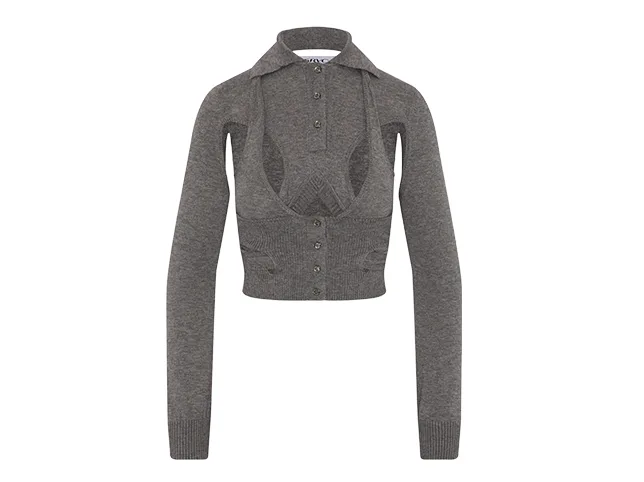

Before
After
Clean the blank once; every design inherits it. Drag to compare.
What makes a mockup look fake?
Not the artwork. The way the artwork sits on the cloth. Three things give it away:
- The print ignores the fabric. Real ink follows folds, seams and ribbing. Artwork pasted flat across a curve reads as a sticker.
- The lighting does not reach it. If the garment has a shadow under the sleeve, the print in that area has to be in shadow too.
- The edges are too perfect. Printed edges on fabric have a slight texture; vector-crisp edges look applied rather than printed.
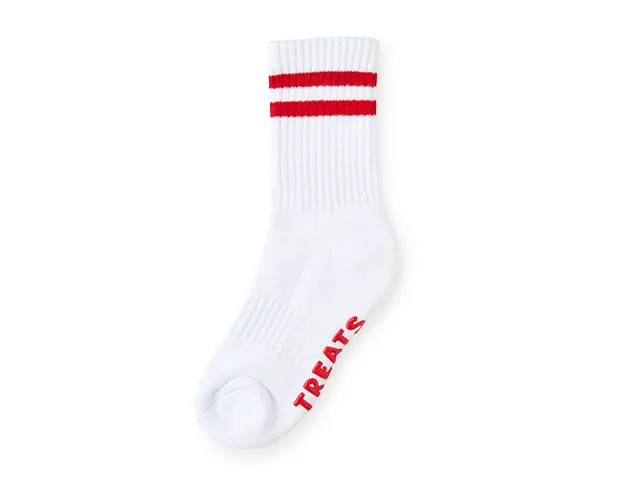

Before
After
Ink that follows the rib rather than sitting on top of it. Drag to compare.
What about all-over prints?
The hardest case, because the artwork has to continue correctly across every seam, fold and panel. Get it wrong and the garment looks like it was wrapped rather than printed — and on an all-over print there is nowhere for the error to hide.
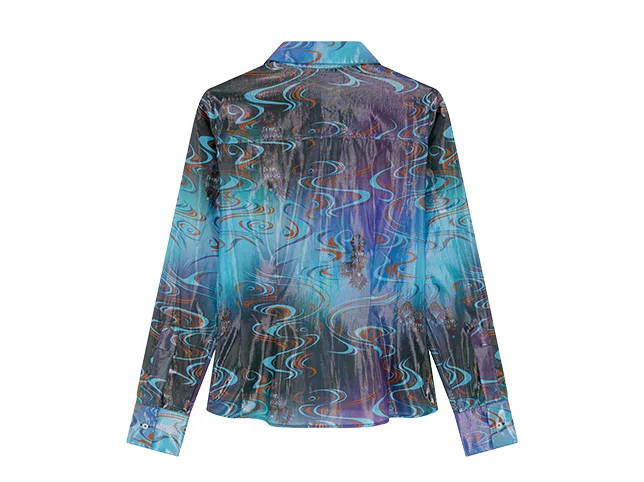

Before
After
An all-over print carried across seams and folds. Drag to compare.
How honest does a mockup have to be?
Honest enough that the parcel is not a surprise. This is not only an ethics point — print-on-demand margins are thin and a return usually costs more than the sale earned.
Three rules that keep you out of trouble:
- Match the print area to the printer’s real one. If your supplier prints to 12 inches wide, do not show artwork spanning the whole chest.
- Match the garment colour to the blank you actually use, not to a swatch that looks better.
- Do not show detail the process cannot hold. Fine lines and subtle gradients that survive on screen often do not survive on cotton.
Where you need a garment in several colours, recolouring one photograph is legitimate and efficient — as long as each result matches a blank your supplier stocks. Colour change keeps the fabric texture and shading while changing the hue.
Should you use generic mockups or your own?
Generic mockup templates are fast, free and used by thousands of other sellers – which is exactly the problem. The same three shirt templates appear across a whole category, so your listing looks like everyone else’s and carries none of your brand.
The middle path most sellers land on: use generic mockups to test which designs sell, then produce your own photography for the ones that do. The test costs nothing and the investment goes only into proven products.
If you do photograph your own blanks, photograph each one once, properly, and clean it once. That single file becomes every future listing for that garment.
What makes a print-on-demand listing convert?
- The design large and legible in the thumbnail. The artwork is the product; a tasteful shot where it occupies a fifth of the frame sells nothing.
- The garment colour options, each as its own image.
- A size or placement reference – where on the chest the print actually sits, and how big.
- A detail shot of the print itself, close enough to show the print quality you are claiming.
- Worn or in context, so the buyer can see the fit of the blank rather than only the graphic.
The mistakes that produce returns
- Print scale that the supplier will not match. Check your printer’s maximum print area before designing the mockup, not after.
- Colours that shift on fabric. Screen colour and ink on cotton are different things, particularly for saturated blues and deep blacks.
- Fine detail that will not hold. Hairlines and subtle gradients survive on a monitor and fill in on cloth.
- Showing a premium blank and shipping a basic one. The drape in the mockup is a promise about the garment as much as about the print.
Try it on three of your own
Send three listing photographs — ideally the ones you are least happy with — and we will edit them free and tell you what was holding them back.
Start a free trial — 3 images edited free. No credit card and no account required. How mockups are built and cleaned is on print-on-demand mockup editing.