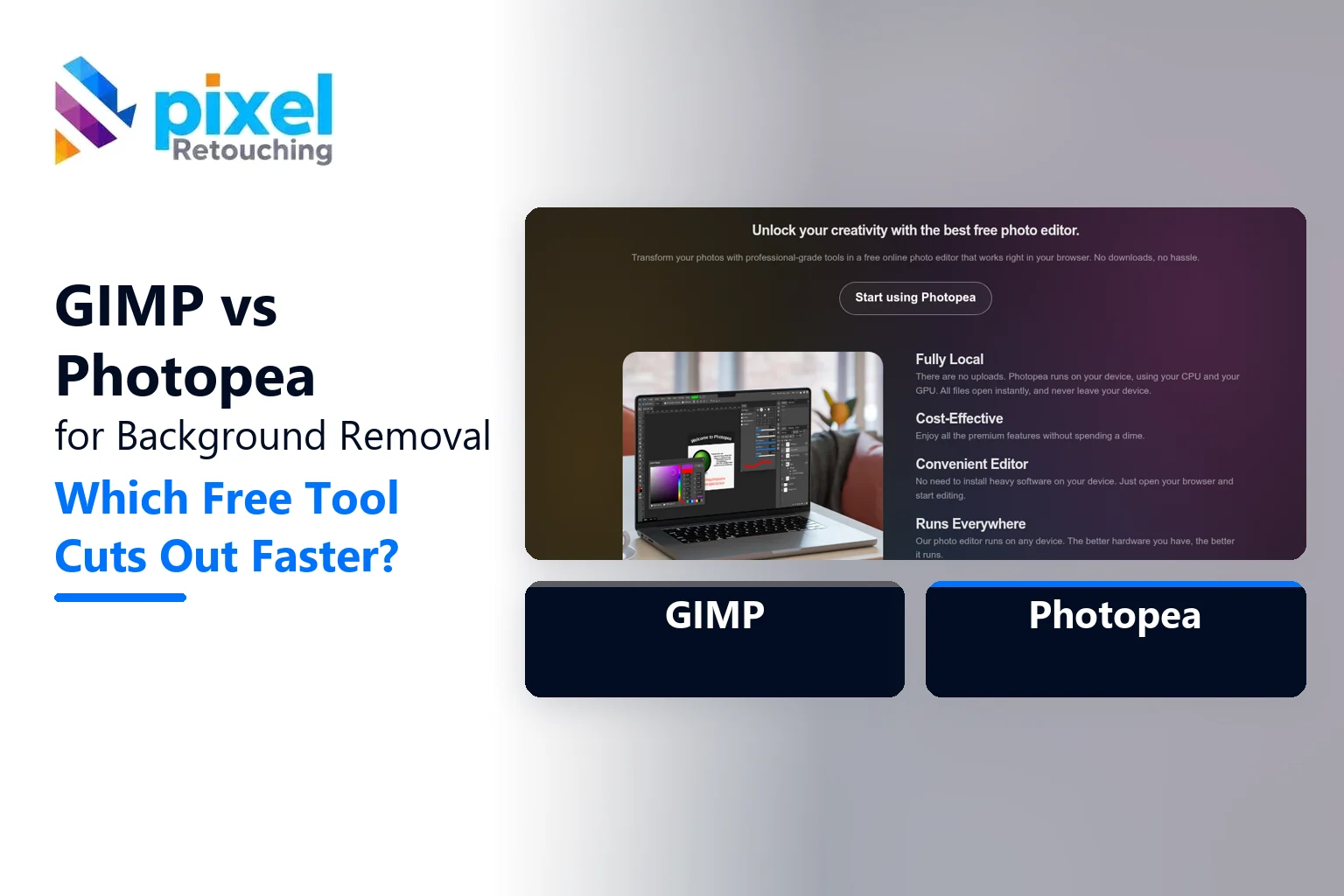
For background removal, GIMP vs Photopea comes down to speed versus control. Photopea is faster: it runs in your browser, has a one-click AI “Remove BG” tool, and handles simple products in seconds. GIMP is slower to learn, but its paths, masks and Foreground Select tool give more control on difficult edges, and it never limits how many images you process.
Both are free. Both can get you a clean cut-out. The real difference is what happens on the hard images.
At a glance
| GIMP | Photopea | |
|---|---|---|
| Price | Free, open source | Free with ads; Premium from about $5/month |
| Where it runs | Installed on Windows, macOS, Linux | In the browser, files stay on your device |
| One-click AI removal | No (needs a plug-in) | Yes, “Remove BG” |
| Pen / path tool | Yes (Paths tool) | Yes (Pen tool, Photoshop-style) |
| Hair and fur | Foreground Select, manual work | Refine Edge, manual work |
| Opens PSD files | Partly | Yes, very well |
| Feels like Photoshop | No | Yes |
Test 1: a simple product on a plain background
A mug, a shoe box or a bottle on a light backdrop. This is most product photography.
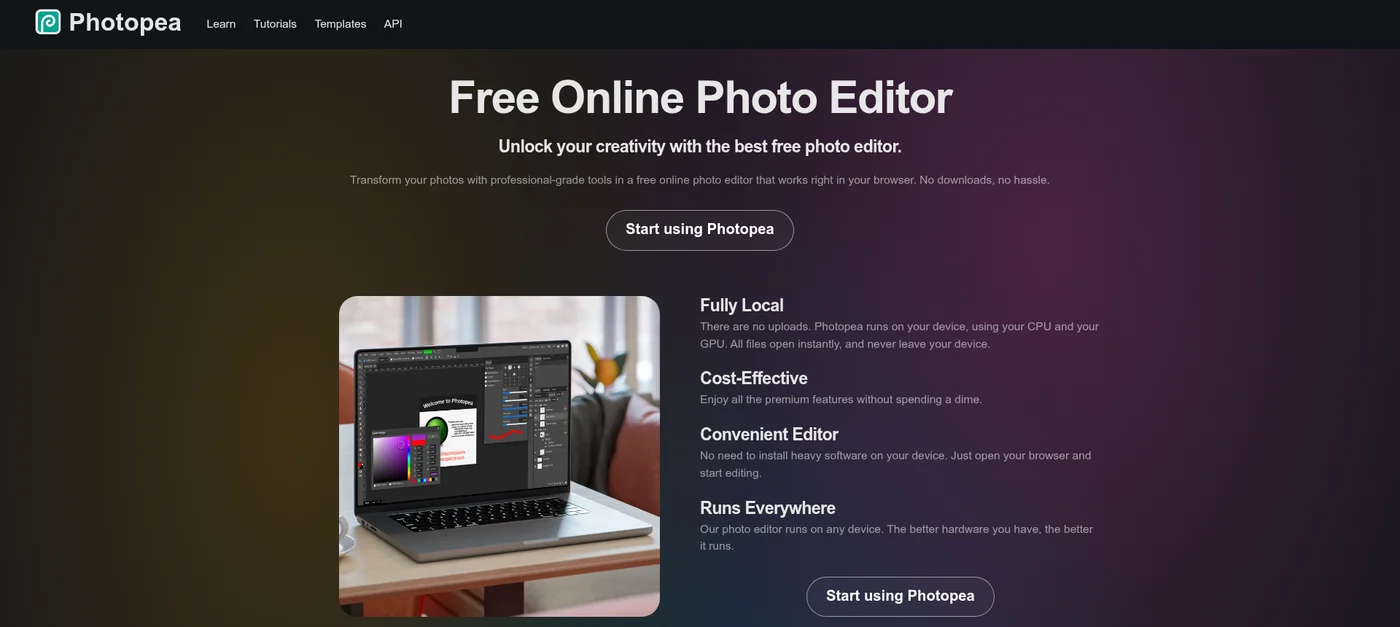
Photopea: open the image, click Select, then Remove BG. The AI finds the product and removes the background. On a clear, high-contrast shot, it’s done in a few seconds, and the result is usually good enough for a draft.
GIMP: use Fuzzy Select or Select by Colour on the background, invert, then add a layer mask. On a clean backdrop, it takes a minute or two.
Winner: Photopea, clearly. For a simple product, speed matters most.
Test 2: hard edges that must stay straight
A box, a phone or furniture legs. Here, the edge has to be crisp and perfectly straight, or the product looks warped.
Both tools offer a pen or path tool, and both give a clean, sharp edge when you draw it by hand. Photopea’s Pen tool works just like Photoshop’s, so anyone who’s used Photoshop is at home. GIMP’s Paths tool works well, but the controls feel different and take some practice.
Winner: a tie on quality. Photopea is easier if you know Photoshop.
This is the same technique behind a professional clipping path, done by hand. Our guide to clipping path vs masking vs background removal explains when each one is the right choice.
Test 3: hair, fur and soft edges
A model’s hair, a fluffy toy or a knitted scarf. This is where every free tool struggles.
Photopea: Remove BG gives a decent start, then Refine Edge helps recover fine strands. On busy backgrounds, expect a halo or some lost hair.
GIMP: Foreground Select lets you paint roughly over the subject and lets the algorithm find the edge. Combined with careful mask painting, it can do well, but it takes time and patience.
Winner: neither, honestly. Both can do it. Both take a long time to do it well.
Test 4: transparent and reflective products
Glass bottles, clear cases and chrome. The background shows through or reflects in the product itself.
One-click AI tools usually fail here. They either keep the background visible inside the glass or cut away parts of the product. In both tools, you’ll need masks at partial opacity and some careful painting. GIMP and Photopea are equal here, and both are slow.
The real cost: time per image
| Image type | Photopea (rough time) | GIMP (rough time) |
|---|---|---|
| Simple product, plain background | Under 1 minute | 1 to 3 minutes |
| Hard-edged product, pen tool | 5 to 10 minutes | 5 to 15 minutes |
| Hair or fur | 15 to 30 minutes | 15 to 40 minutes |
| Glass or transparent product | 20 minutes or more | 20 minutes or more |
Rough times for someone with a little experience. Your times will vary with the image.
Ten simple images? Either tool is fine. Three hundred images with straps, hair and glass? That’s days of work in either one.
Which should you use?
- Use Photopea if: you know Photoshop, work with PSD files, or need quick cut-outs of simple products.
- Use GIMP if: you want a free desktop tool with no ads and no limits, and you’re willing to learn its way of doing things.
- Use neither if: you have hundreds of images, strict marketplace rules, or a lot of hair, glass and fine detail.
Using GIMP? Our step-by-step guide to creating a transparent background in GIMP walks through the whole process. Prefer AI? Try our AI prompts for background removal.
When to hand it off
Free tools are good for a few images. At volume, background removal becomes a time problem, not a skill problem. Our background removal service uses hand-drawn paths and masks, handles hair and glass, and returns images within 24 hours. You can test it with three free images.
The verdict
In GIMP vs Photopea for background removal, Photopea is faster for most people, and GIMP is the better long-term free desktop tool. On hard images, they end up in the same place: careful handwork. Pick the one that feels natural, and save your time for the images that need it.
Frequently asked questions
Is Photopea better than GIMP for removing backgrounds?
For most people, yes. Photopea has a one-click AI Remove BG tool and a Photoshop-like interface, so simple cut-outs take seconds. GIMP has no built-in AI removal, but its paths and Foreground Select tool work well for careful manual cut-outs.
Is Photopea really free?
Yes. Photopea is free to use with ads. Premium, from about $5 a month, removes ads and adds more storage and higher usage of some AI tools. The editing tools themselves are the same.
Does GIMP have an automatic background remover?
Not built in. GIMP has Foreground Select, Fuzzy Select and Select by Colour, which do most of the work on simple backgrounds. Third-party plug-ins can add AI background removal.
Can GIMP or Photopea remove backgrounds from hair?
Yes, but it takes time. Photopea’s Refine Edge and GIMP’s Foreground Select can both keep fine strands of hair, but busy backgrounds and flyaway hair usually need careful manual mask work in either tool.
Do Photopea files get uploaded to a server?
According to Photopea, no. It runs in your browser and processes images on your own device, so files are not uploaded to its servers for normal editing.