When shoppers buy clothing online, they can’t touch the fabric, try on the garment, or inspect its construction in person. Product photography becomes the primary factor influencing their buying decision.
That’s why leading fashion brands, apparel manufacturers, and eCommerce retailers rely on ghost mannequin photography to present garments in the most professional and informative way possible.
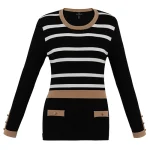
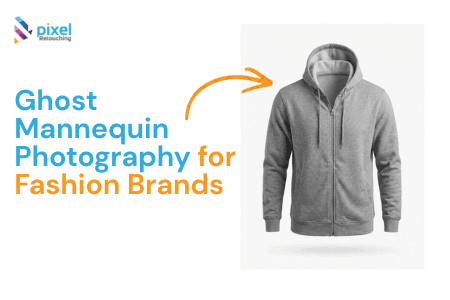
Unlike flat-lay photography or standard mannequin shots, ghost mannequin photography creates a clean, three-dimensional presentation that highlights a garment’s true shape, fit, and construction without distracting viewers with a visible model or mannequin.
At Pixel Retouching, we’ve worked with thousands of apparel images across various fashion categories, from casual wear and luxury garments to sportswear and children’s clothing. Through years of professional image editing and apparel retouching, we’ve seen firsthand how a consistent ghost mannequin workflow can significantly improve product presentation and customer confidence.
In this guide, we’ll walk through the professional process behind creating invisible mannequin images that meet modern eCommerce standards.
What Is Ghost Mannequin Photography?
Ghost mannequin photography, often called the invisible mannequin effect, is a specialized apparel photography technique where garments are photographed on a mannequin and then digitally edited to remove the mannequin from the final image.
The result is a realistic, hollow-body appearance that preserves the natural drape, fit, and structure of the garment.
This technique is widely used for:
- T-shirts
- Polo shirts
- Jackets
- Hoodies
- Dresses
- Sweaters
- Activewear
- Children’s apparel
- Luxury fashion collections
The primary goal is to help customers visualize how the garment fits without introducing distractions from models, mannequins, or inconsistent styling.
Why Ghost Mannequin Images Perform Better for Fashion eCommerce
From our experience working with apparel retailers and photography studios, ghost mannequin images consistently outperform traditional product presentations in several ways.
They Showcase Garment Structure
A flat garment rarely communicates fit accurately.
Ghost mannequin photography reveals:
- Shoulder shape
- Sleeve structure
- Collar construction
- Chest volume
- Overall silhouette
These details help customers better understand the product before purchasing.
They Create Catalog Consistency
Fashion brands often photograph hundreds or thousands of products.
Using a standardized ghost mannequin workflow ensures every product image maintains:
- Consistent proportions
- Uniform lighting
- Identical positioning
- Professional presentation
This consistency strengthens brand perception and improves user experience.
They Reduce Visual Distractions
Models naturally draw attention away from the product.
Invisible mannequin photography keeps the focus where it belongs:
On the garment itself.
For brands selling multiple styles, colors, and collections, this streamlined presentation often creates a cleaner shopping experience.
The Foundation: Studio Setup Matters
One of the biggest mistakes we see in apparel photography is inconsistency during the shooting process.
Many photographers focus heavily on post-production while overlooking the importance of a controlled studio environment.
In reality, successful ghost mannequin editing starts long before Photoshop is opened.
Keep the Camera Locked
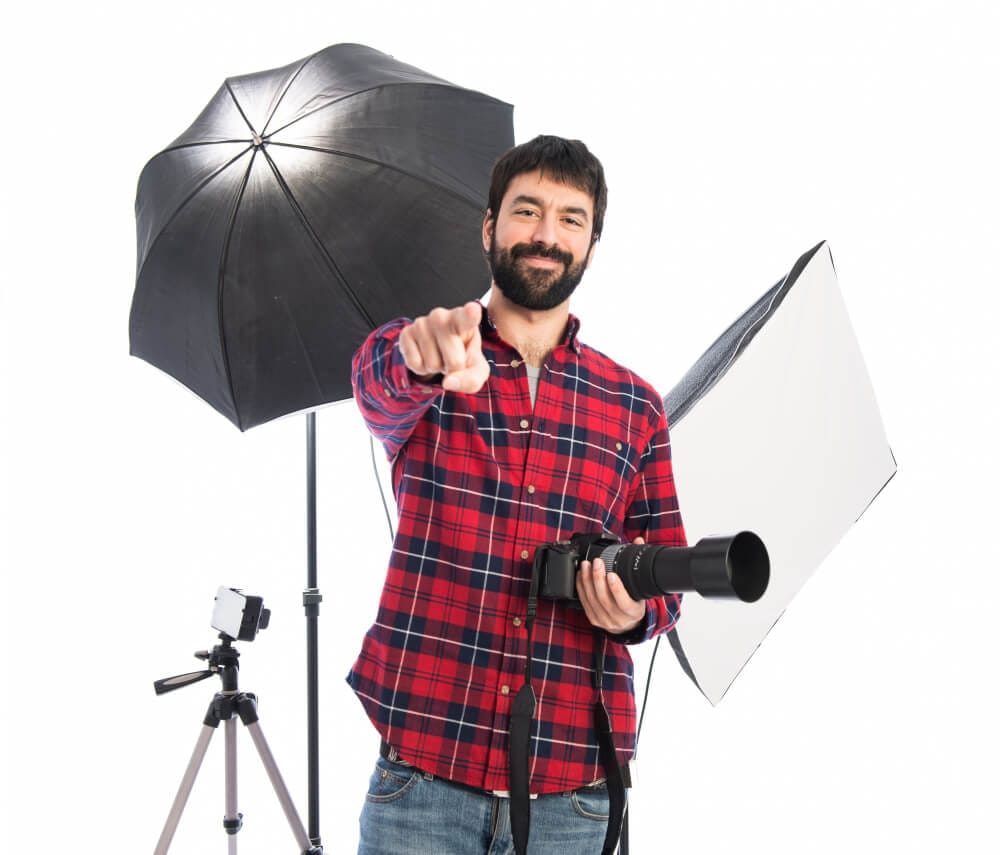
Every shot must maintain an identical perspective.
Professional apparel photographers typically:
- Mount the camera on a sturdy tripod
- Keep camera height fixed
- Maintain consistent focal length
- Avoid repositioning between front and back shots
Even small shifts can create alignment problems during compositing.
Use Balanced Lighting
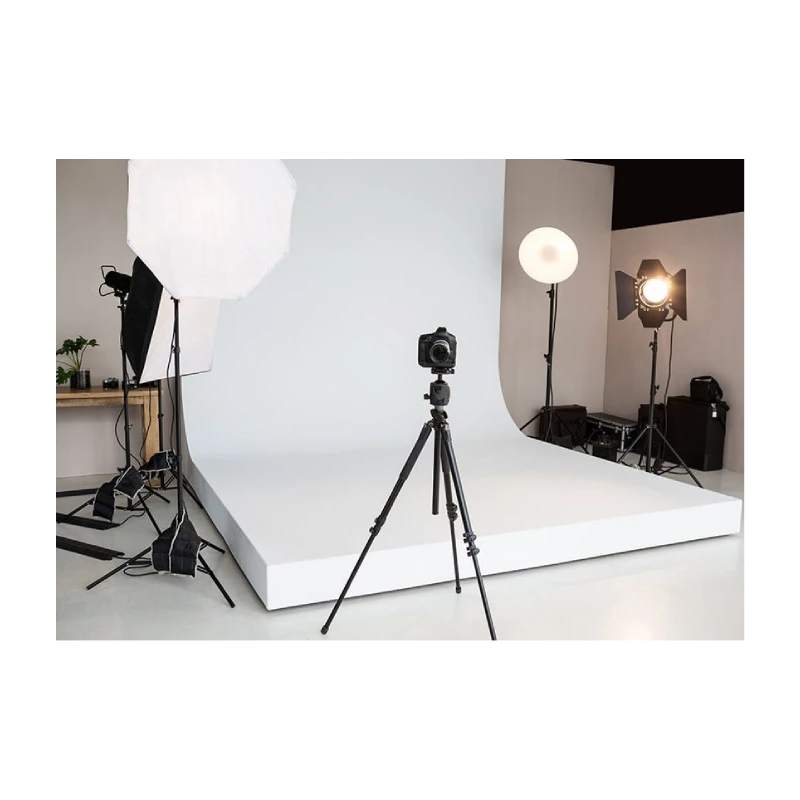
Lighting consistency directly impacts editing efficiency.
A typical setup includes:
- Two evenly positioned softboxes
- Diffused light sources
- Minimal shadow production
- Consistent white balance
Balanced lighting preserves fabric texture while making background removal significantly easier.
Use Manual Camera Settings
Professional workflows avoid automatic settings entirely.
Recommended settings include:
- ISO 100–200
- Aperture f/8–f/11
- Fixed white balance
- Manual exposure
This ensures every image within the catalog maintains identical color and brightness.
Garment Preparation: The Step That Saves Hours of Retouching
One lesson we’ve learned from handling high-volume apparel editing projects is simple:
Preparation always costs less time than correction.
Before a garment reaches the camera, it should be carefully prepared.
Steam Every Garment
Studio lighting amplifies imperfections.
Wrinkles that seem minor in person become highly visible in high-resolution product photography.
Professional preparation includes:
- Removing fold marks
- Eliminating creases
- Smoothing collars
- Refining cuffs and hems
Choose the Right Mannequin
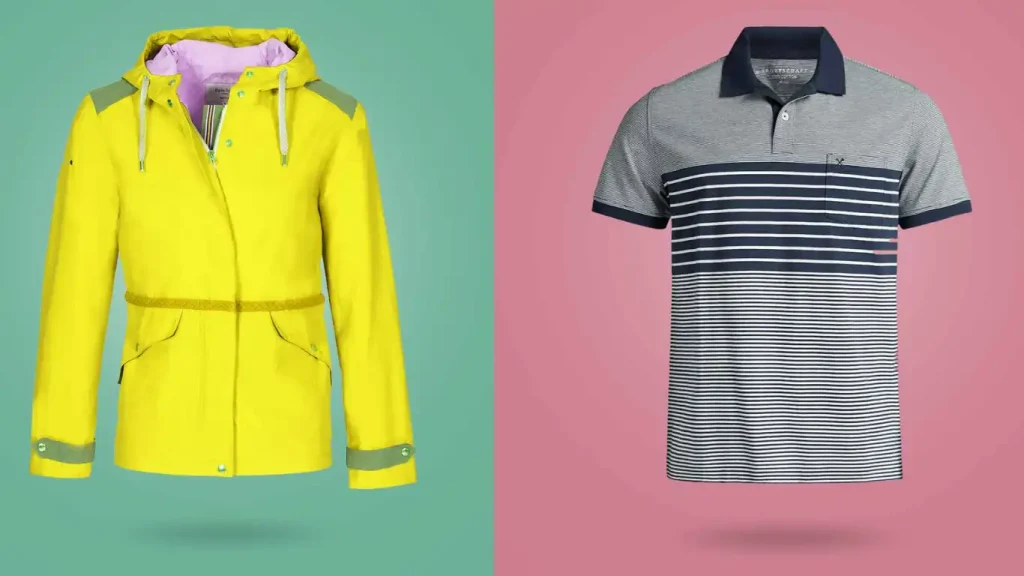
The mannequin should support the garment naturally without stretching or distorting the fabric.
An oversized mannequin can create unrealistic tension, while an undersized form may produce unwanted sagging.
The goal is to represent how the garment is intended to fit.
Style Hidden Areas
Professional stylists frequently use:
- Pins
- Clamps
- Clips
- Tissue paper
These tools remain hidden from the camera while improving garment shape and symmetry.
The Three Images Every Ghost Mannequin Project Requires
A convincing invisible mannequin effect depends on capturing multiple photographs under identical conditions.
1. Front View
The garment is photographed fully styled on the mannequin.
This image serves as the foundation of the final composite.
2. Back View
The mannequin is rotated 180 degrees while the camera and lighting remain unchanged.
This provides structural details that may be needed later during editing.
3. Interior Detail Shot
The garment is removed and photographed separately.
Key areas include:
- Necklines
- Collars
- Inner labels
- Hood interiors
- Lining details
These images allow editors to reconstruct hidden sections after removing the mannequin.
How Professional Editors Create the Invisible Mannequin Effect
Post-production is where the transformation occurs.
Experienced retouchers combine multiple images to create the illusion of a naturally worn garment without any visible support structure.
The process typically includes:
Precise Background Removal
The garment is carefully isolated from the background.
Clean edge extraction is essential for maintaining fabric detail.
Mannequin Removal
Visible portions of the mannequin are removed using advanced masking techniques.
Special attention is given to:
- Neck openings
- Sleeves
- Cuffs
- Armholes
Interior Reconstruction
Hidden fabric details captured separately are blended into the main image.
This creates the characteristic hollow-body appearance associated with professional ghost mannequin photography.
Final Retouching
Additional adjustments may include:
- Color correction
- Symmetry refinement
- Dust removal
- Fabric cleanup
- Shadow balancing
The final image should appear natural while maintaining product accuracy.
Why Many Fashion Brands Outsource Ghost Mannequin Editing
While photographing garments requires studio expertise, post-production often demands a different skill set entirely.
Fashion retailers frequently outsource ghost mannequin editing because:
- It reduces production time
- Ensures consistent quality
- Lowers operational costs
- Scales easily for large catalogs
- Delivers faster turnaround times
Professional ghost mannequin editors can often process apparel images significantly faster than in-house teams while maintaining higher consistency.
For brands looking to streamline their workflow, our Professional Ghost Mannequin Services help transform raw apparel photography into clean, publication-ready product images.
Common Mistakes That Reduce Product Image Quality
Over the years, we’ve identified several recurring issues that impact apparel presentation.
Poor Lighting Consistency
Changes in lighting create visible color differences that complicate editing.
Incorrect Garment Sizing on Mannequins
Improper fit creates misleading product representations.
Excessive Retouching
Over-editing can remove important fabric texture and make garments appear unrealistic.
Missing Interior Details
Without proper collar and neckline reconstruction, the invisible mannequin effect appears incomplete.
Final Thoughts
Ghost mannequin photography remains one of the most effective visual merchandising techniques available to fashion brands today.
When executed correctly, it combines photography, garment styling, and expert retouching to create product images that clearly communicate fit, construction, and quality.
For apparel businesses competing in today’s crowded eCommerce landscape, investing in professional ghost mannequin photography and editing isn’t simply about aesthetics. It’s about providing customers with the information they need to make confident purchasing decisions.
The more accurately your product images represent the garment, the more trust you build with potential buyers—and trust remains one of the strongest drivers of online sales.