An Amazon main image is not a photography brief. It is a compliance document: pure white at RGB 255, the product filling around 85% of the frame, no props, no text, no logos, no watermarks, nothing that is not the thing being sold. Miss any of it and the listing can be suppressed, not criticised, suppressed, with the buy box gone until you fix it.
That is why generic “make my product photo better” prompts are a poor fit here. The prompts below are written against the requirements themselves, so the model is aiming at a specification instead of at a mood. Upload your own shot, paste one in, then run the checks at the end of this article before anything goes live.
Please read this before you scroll: the images in this article are not AI output.
Every before and after on this page is real client work, retouched by hand by the team at Pixel Retouching. We have used our own portfolio deliberately, because we would rather show you the standard these prompts are aiming at than show you a set of AI attempts and call them finished.
So treat the sliders as the target, not as a promise. A good prompt will get a straightforward piece surprisingly close to what you see here. It will not get a difficult one all the way there, and the note under each prompt tells you exactly where the gap usually opens up.
Before you paste anything
These are editing prompts. Upload the product you actually photographed. A generated product is a different product, and on Amazon that is a listing accuracy problem rather than a style choice.
Say 255, not “white”. Ask for a white background and you get something around #FDFDFC, which looks white on screen and fails a corner-pixel check. Ask for RGB 255, 255, 255 and you are at least aiming at the right number.
Nothing is allowed in the frame but the product. Models like adding a surface, a soft shadow gradient, a hint of a table. On a main image every one of those is a violation.
1. Clean, compliant main image from a studio shot
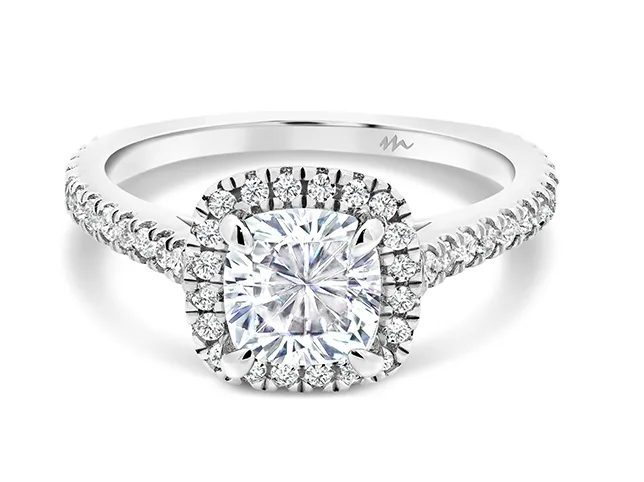

Before
After
Dust and mark clean-up. Drag to compare.
Prepare this photograph as an Amazon main image. Remove every dust speck, fibre, fingerprint and surface mark from the product. Place it on a pure white background at RGB 255, 255, 255 with no gradient and no vignette. The product should fill approximately 85 percent of the frame, centred, with even margin on all sides. No props, no text, no logos, no watermark, no shadow. Keep the product’s own colour and texture exactly as photographed.
What to watch for: the background number. Sample the four corners with a colour picker. Anything below 255 in any channel is a fail, and it is the single most common reason a main image gets flagged.
2. Cutting an existing shot out to white
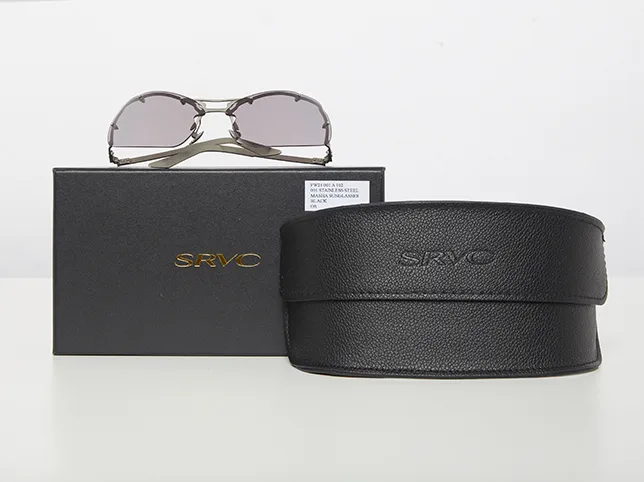
Before
After
Product background removal.
Remove the background from this product photograph completely and replace it with pure white at RGB 255, 255, 255. Follow the true edge of the product precisely, with no halo, no dark rim and no soft fringe. Do not alter the product itself: keep its shape, colour, texture and every label exactly as photographed. Return the product centred with even white margin on all sides.
What to watch for: the edge at 100%. A halo is invisible at thumbnail size and obvious the moment a customer zooms, which on Amazon is a single click away.
3. Filling the frame to the 85% rule
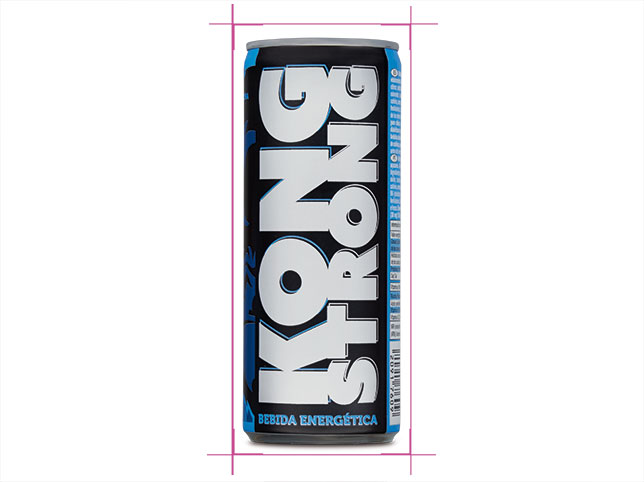
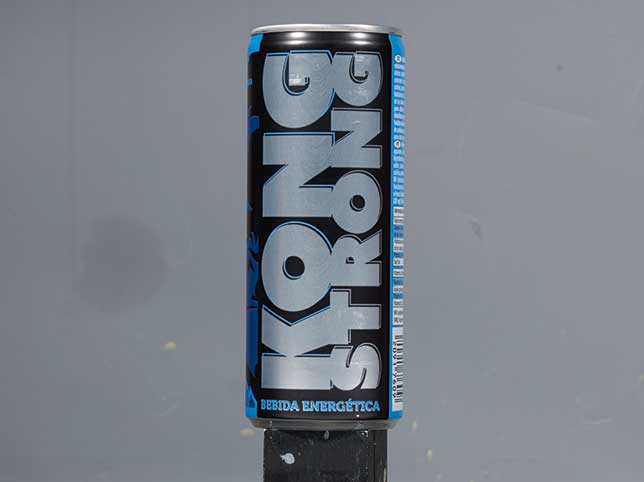
Before
After
Straightened and cropped to spec.
Straighten and crop this product photograph for an Amazon main image. Level the product so its vertical axis is truly vertical. Crop so the product occupies approximately 85 percent of the longest dimension of the frame, centred, with equal white margin left and right. Do not stretch, squash or rescale the product itself. Keep the background pure white to the edges of the new crop.
What to watch for: distortion. Asked to fill more of the frame, models sometimes scale the product non-uniformly. Check a known straight edge, a box side, a bottle shoulder, against the frame.
4. Reflective products, where the studio shows up


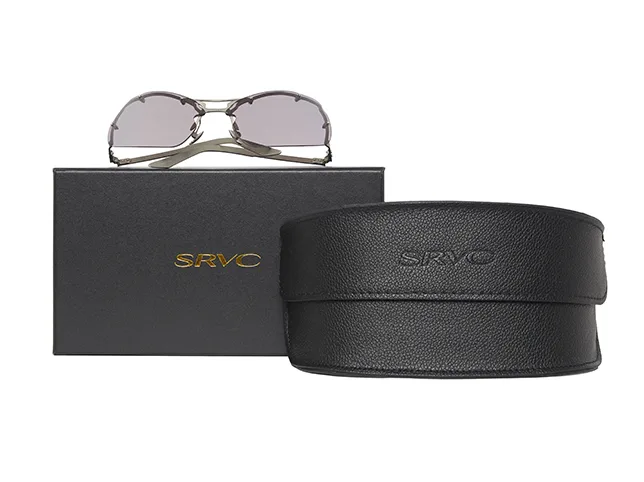
Before
After
Sunglasses retouching. Reflections are the giveaway on glossy products.
Retouch these sunglasses for a marketplace listing. Remove reflections of the studio, the photographer and any equipment from the lenses and the frame, while keeping the lenses reading as glass with their own tint and a natural highlight. Clean dust and fingerprints. Pure white background at RGB 255, 255, 255. Do not change the lens colour or the frame shape.
What to watch for: lenses that stop being lenses. Strip every reflection and the lens becomes a flat coloured shape, which reads as a cheap render rather than a photograph.
5. Texture-heavy products
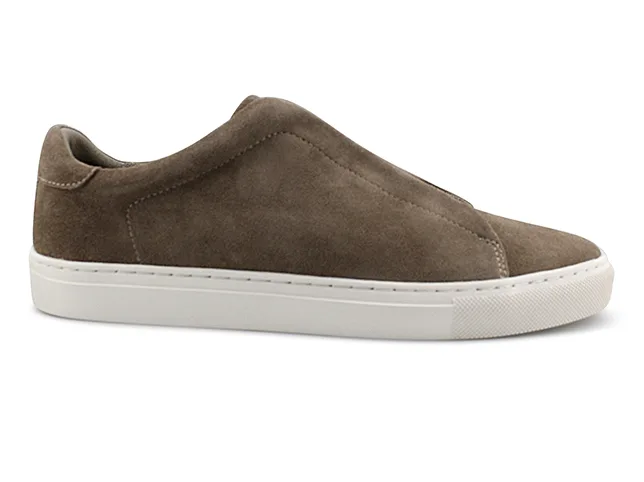
Before
After
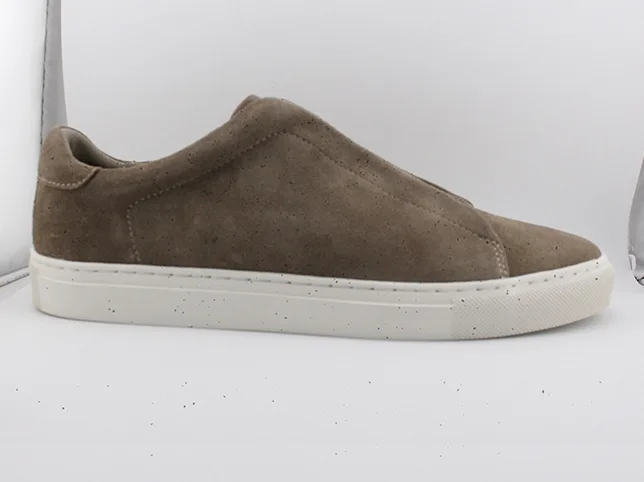
Suede sneaker retouching. The texture is the product.
Retouch this sneaker for an Amazon listing. Preserve the suede nap, the stitching and the sole texture exactly: do not smooth, denoise or sharpen the material. Remove scuffs and dust from the upper only where they are dirt rather than part of the material. Pure white background at RGB 255, 255, 255, product centred and filling around 85 percent of the frame.
What to watch for: smoothing. Cleaning and smoothing look identical to a model. If the suede comes back looking like vinyl, the listing now shows a different material from the one in the box.
6. Batches, where consistency is the requirement

Before
After
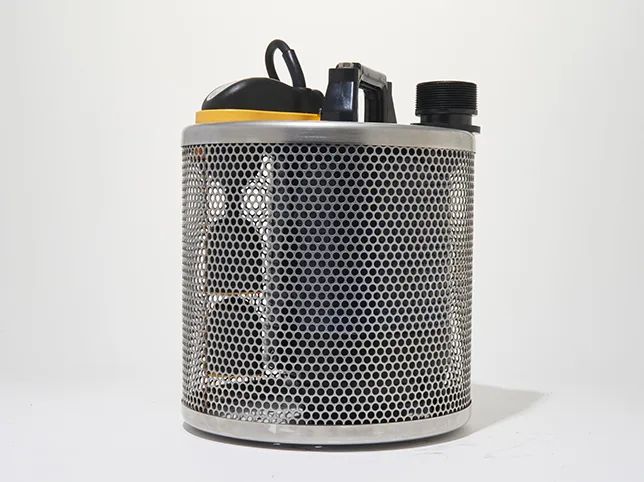
Electronics background removal.
Prepare this product as one image in a consistent set. Pure white background at RGB 255, 255, 255. Product centred, filling 85 percent of the frame height, with identical margins to the rest of the set. Neutral white balance and the same soft frontal lighting throughout. Do not crop any part of the product. Do not add shadow or reflection.
What to watch for: drift across the batch. Each generation is independent, so image twelve sits larger or warmer than image one. Lay the whole set out at thumbnail size: that is where mismatch shows, and that is how a customer sees it.
7. Colour accuracy on a returnable product
Before
After
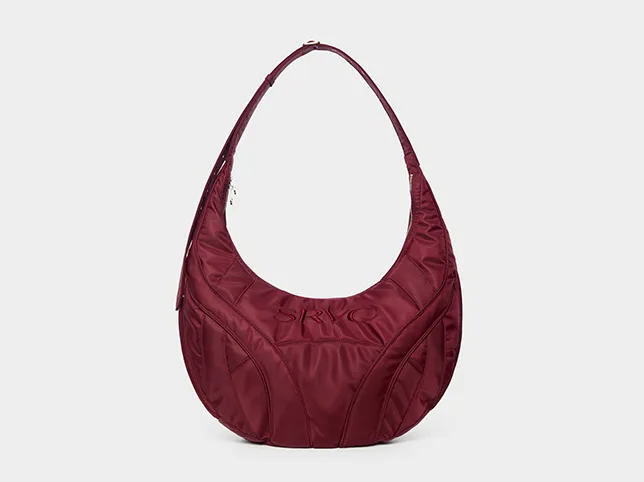
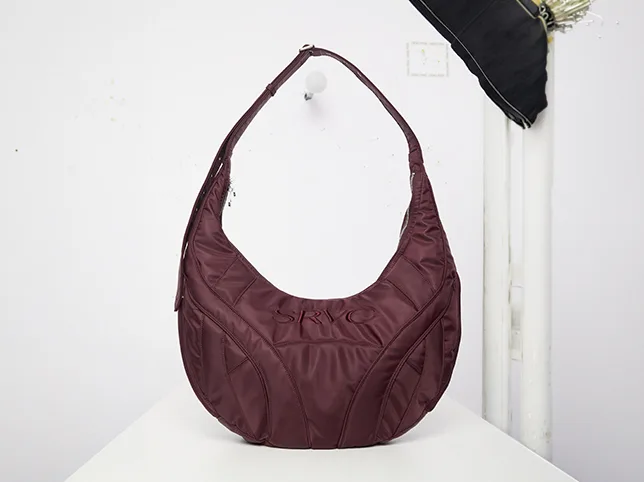
Quilted handbag colour correction.
Colour correct this product photograph only. Neutralise the colour cast from the lighting so the product reads as its true colour and the background is neutral white. Do not increase saturation, contrast or clarity. Do not change the product’s shape, texture or hardware. The correction should be limited to white balance and exposure.
What to watch for: saturation creep. Colour returns are expensive and disputed, and a model that quietly enriches a colour has written a claim into your listing you cannot support.
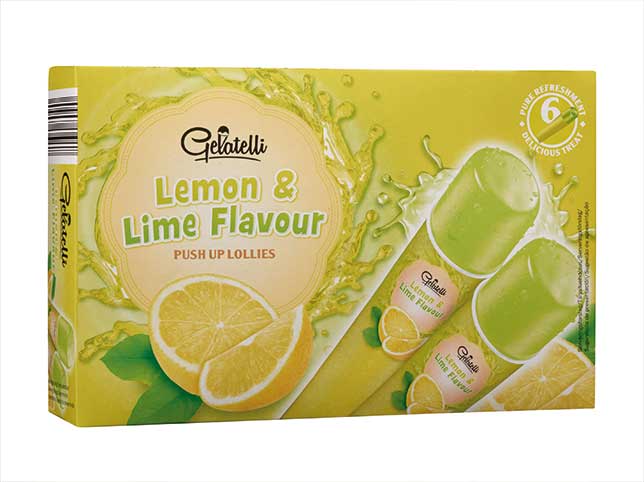
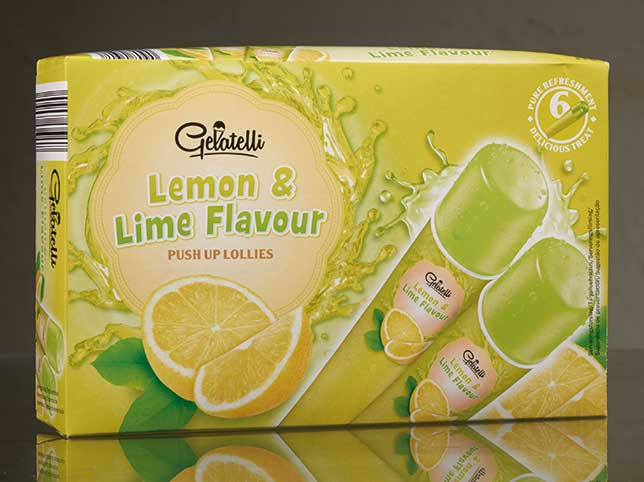
8. Packaging, where the text has to be real
Before
After
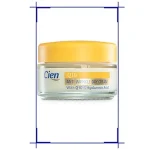
Packaging cut-out. Every word on the box has to survive the edit.
Cut this packaged product out onto pure white at RGB 255, 255, 255. Keep every word, number, barcode and symbol on the packaging exactly as photographed, at the same size and position: do not redraw, sharpen or reflow any text. Follow the true edge of the box including any transparent window. No halo, no shadow, no reflection.
What to watch for: rewritten text. Models reconstruct small text as something text-shaped. On packaging that can mean a wrong weight, a wrong claim or an invented certification mark, which is a regulatory problem, not a design one.
9. Long, thin products that fight the 85% rule


Before
After
Belt retouching.
Prepare this long, narrow product as an Amazon main image. Fill approximately 85 percent of the frame’s longest dimension without stretching or distorting the product, and centre it with even margin. If the product is coiled or arranged, keep the arrangement exactly as photographed. Pure white background at RGB 255, 255, 255. Clean dust and marks from the surface. No shadow, no props.
What to watch for: distortion to fill the frame. Narrow products tempt a model into scaling one axis. Check a buckle, a logo or a stitch line for stretching.
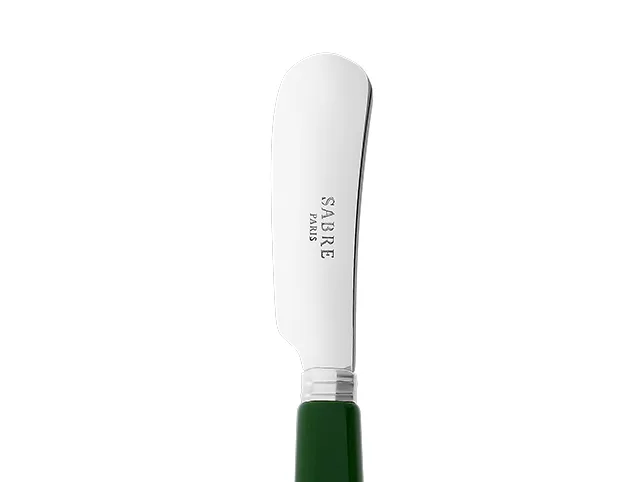
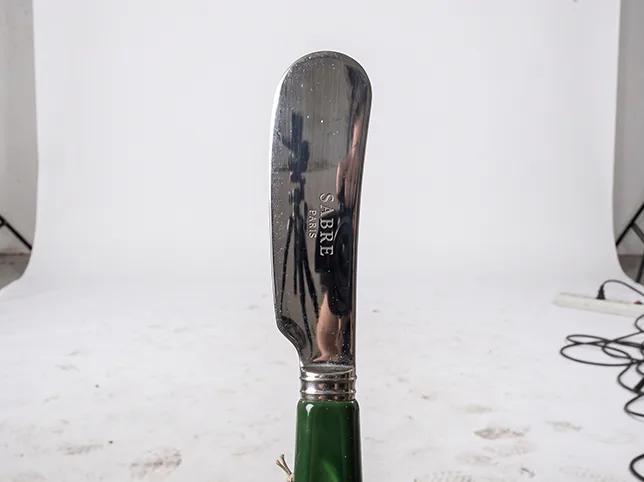
10. Products with many separate parts
Before
After
Kitchenware retouching.
Prepare this multi-part product for a marketplace listing. Keep every component in its photographed position and at its photographed size relative to the others: do not rearrange, add or remove any part. Clean dust and fingerprints from each piece. Pure white background at RGB 255, 255, 255, with the whole set centred and no part cropped.
What to watch for: a changed set. Models tidy compositions by moving or dropping items, which on a listing means the customer is shown a set that is not what ships.
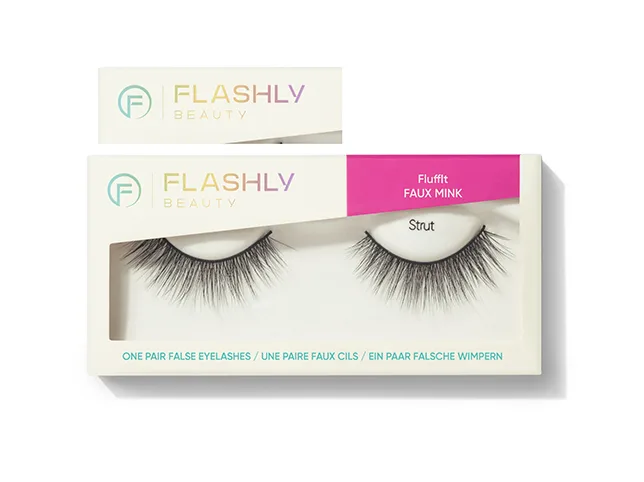
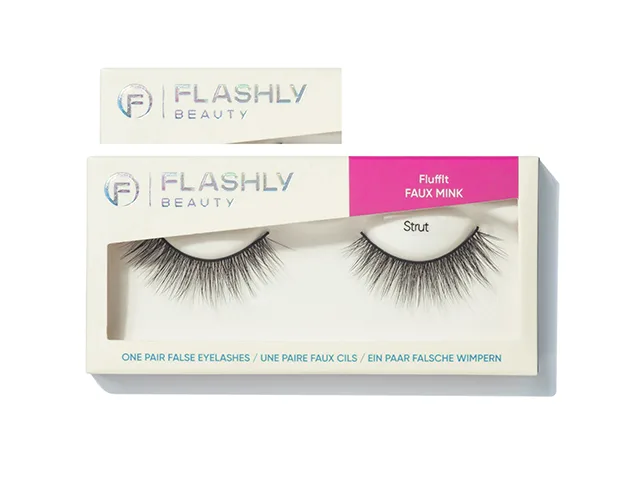
11. Packaged cosmetics, where the finish matters
Before
After
Cosmetics packaging retouching.
Retouch this packaged cosmetic for an Amazon listing. Preserve the packaging finish exactly, whether it is matte, gloss, frosted or metallic: do not render a matte surface as glossy or a metallic one as flat. Keep all label text unaltered at the same size and position. Remove dust and fingerprints. Pure white background at RGB 255, 255, 255.
What to watch for: finish drift. Matte packaging rendered glossy is a different product to a customer choosing between two similar jars, and it is the most common change in generated cosmetics shots.
12. A general product shot, prepared to spec


Before
After
eCommerce product editing.
Prepare this photograph as a compliant marketplace main image. Pure white background at RGB 255, 255, 255 with no gradient. Product centred, filling around 85 percent of the frame, nothing else in the frame. Clean all dust and marks. Neutral white balance. Keep the product’s colour, texture and every printed detail exactly as photographed, and do not add shadow, reflection or any styling element.
What to watch for: helpful additions. A soft surface, a subtle gradient, a hint of a reflection: all of them look better and all of them are violations on a main image.
Where a prompt is not enough
For a plain product on a clean background, a careful prompt will get you a usable main image. The cases below are the ones we see come back through the studio after a seller has already tried:
Products with a transparent or reflective element: glass, acrylic, polished chrome, anything where what is behind the product must change when the background does.
Fine edges: brush bristles, mesh, fabric fringe, hair on anything. Selection at that scale is guesswork and the model resolves it by smoothing.
Anything carrying text you are legally responsible for: ingredient panels, certifications, weights, warnings.
Sets that have to match: twenty variants of one product where consistency across the grid is more important than any single image.
If that describes your catalogue, prompting the easy items and sending the rest to our Amazon product photo editing service is usually faster than fighting the difficult ones. The background removal work is the same team and the same 24-hour turnaround.
Check your own listings for this
Two minutes, on images you already have. If any of these fails, the problem is in your listings right now:
- Sample the corners. Open your main image and pick the colour at each of the four corners. Any channel below 255 and the background is not white.
- Zoom to 100% along the edge. A pale or dark rim around the product means the cut-out is leaking, and a zoom on the listing page shows it.
- Read the small text. Any weight, size, ingredient or certification on the packaging: does it still say exactly what the product says?
- Lay the set out small. View all your images for one product together at thumbnail size. Does anything sit larger, warmer or brighter than the rest?
If everything passes, you do not need us yet, and prompting the rest of your catalogue is a reasonable plan. If something failed, it is failing on a live listing right now.
Frequently asked questions
Does Amazon allow AI-generated product images?
Amazon judges the image against its requirements, not against how it was made. The practical risk is accuracy: an image that shows a product Amazon or a customer can tell is not the one shipped is a listing accuracy problem regardless of the tool.
What exactly does Amazon require for a main image?
A pure white background, the product filling around 85% of the frame, no props, no additional text or graphics, no watermarks or logos that are not on the product, and the product must be the actual item for sale. Check Amazon’s current image guidelines before a large upload, as the detail changes.
Why does my white background keep failing?
Because “white” to an image model means something near-white. Specify RGB 255, 255, 255, then verify with a colour picker rather than by eye: a screen will show #FCFCFC as white all day.
Are the images in this article AI generated?
No. Every before and after here is real client work retouched by hand at Pixel Retouching, shown so you can see the standard the prompts aim at.
Can I use these prompts for Walmart, eBay or Etsy?
The compliance section is Amazon-specific, but the editing instructions travel. Each marketplace sets its own background and framing rules, so check theirs and change the numbers in the prompt.
See it on your own products
If you would rather test this on your own catalogue than on our portfolio, the fastest way is to give us the item you were least confident about. Send three images through the free trial and a retoucher will edit them by hand and send them back within 24 hours. No card, and you keep the files either way, including any you have already run through a prompt, which is the quickest way to see the two side by side.