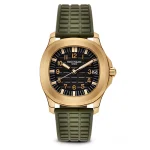
A product cut out to white with no shadow floats. It looks like a sticker, and customers read it as one: cheap, catalogue-generated, not quite real. Add the wrong shadow and it is worse: the product hovers, or sits in light that contradicts the light falling on it.
Shadows are physics, and physics is the part image models are weakest at. The prompts below name the direction, the softness and the contact point explicitly, because a model left to decide will centre a soft grey blob under everything and call it done.
Please read this before you scroll: the images in this article are not AI output.
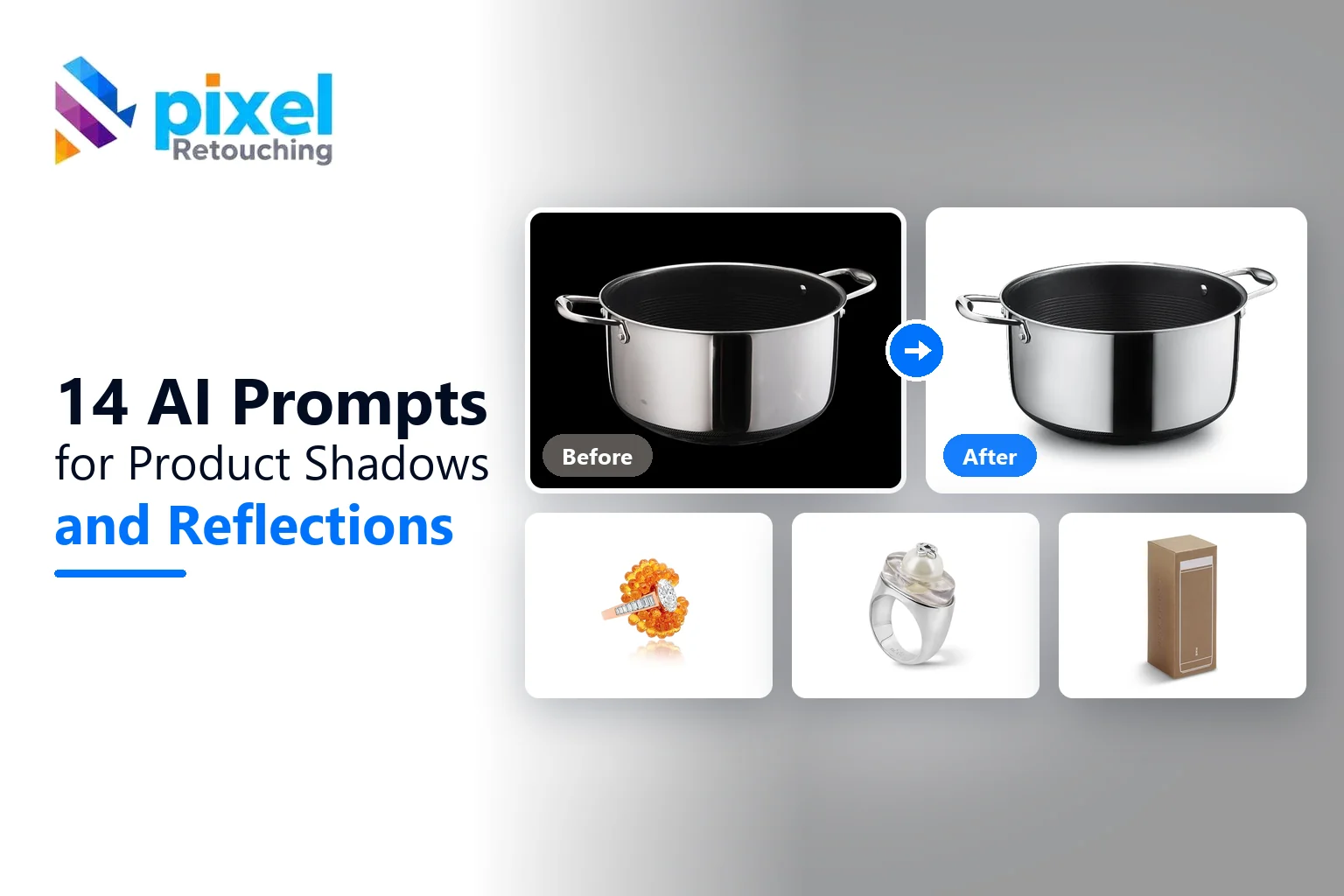
Every before and after on this page is real client work, retouched by hand by the team at Pixel Retouching. We have used our own portfolio deliberately, because we would rather show you the standard these prompts are aiming at than show you a set of AI attempts and call them finished.
So treat the sliders as the target, not as a promise. A good prompt will get a straightforward piece surprisingly close to what you see here. It will not get a difficult one all the way there, and the note under each prompt tells you exactly where the gap usually opens up.
The three things a shadow prompt must contain
Where the light is. If your product is lit from the upper left, the shadow falls to the lower right. Say so. This one instruction fixes most bad results.
Where the product touches. The contact point is the darkest, sharpest part of any real shadow, and it is what makes an object sit rather than hover.
How far it reaches. Shadows fade. Give a distance: “fading out within a third of the product’s width” beats “soft” every time.
1. A natural contact shadow

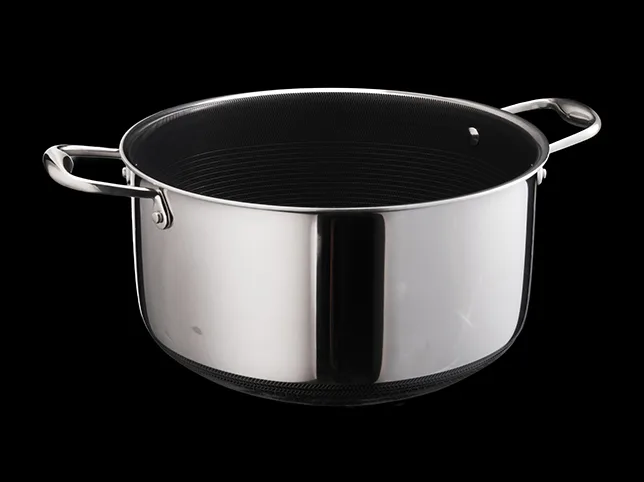
Before
After
Natural drop shadow. Drag to compare.
Add a natural contact shadow beneath this product. The shadow should be darkest and sharpest exactly where the product meets the surface, softening and lightening as it moves away, and fading out completely within about a third of the product’s width. Match the direction to the existing light in the photograph. Keep the background readable as white. Do not add a reflection or a second shadow.
What to watch for: a shadow with no contact point. A soft grey oval that never touches the product is the default output, and it makes the product hover rather than sit.
2. A directional cast shadow
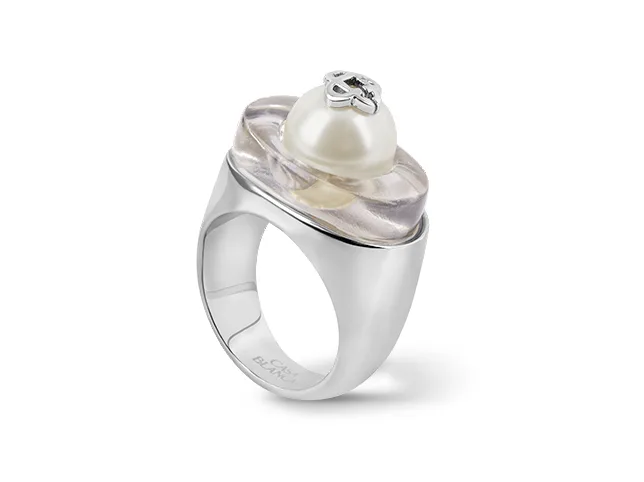
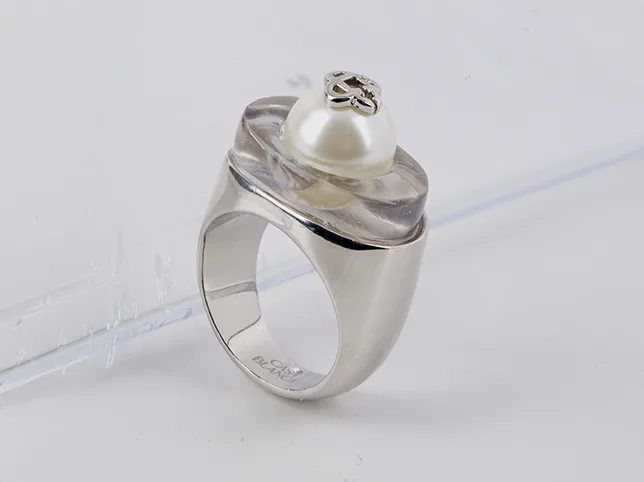
Before
After
Directional cast shadow.
Add a directional cast shadow to this product. The light source is above and to the left, so the shadow falls down and to the right at a consistent angle. The shadow should be the same shape as the product, foreshortened as it falls away, with a soft but defined edge. It must touch the product at the base. Keep it light enough that the background still reads as white.
What to watch for: a shadow that contradicts the highlights. Look at where the brightest part of the product is, then check the shadow goes the opposite way. Models frequently get this backwards.
3. A floating shadow, for depth


Before
After
Floating shadow for depth. Deliberate hover, not accidental.
Add a floating shadow beneath this product so it reads as suspended slightly above the surface. The shadow should sit directly below the product, blurred evenly with no sharp contact point, and smaller than the product’s footprint. Keep it subtle. This is the one case where the shadow should not touch the product. Pure white background.
What to watch for: overdoing the blur. A floating shadow that is too large or too dark stops reading as elevation and starts reading as a smudge under the product.
4. A mirror reflection
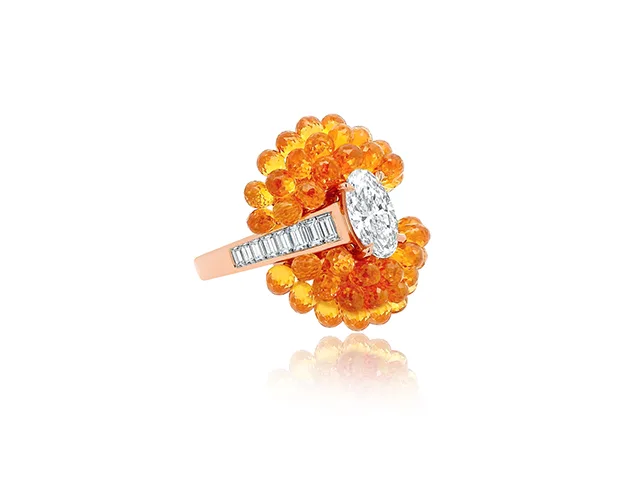
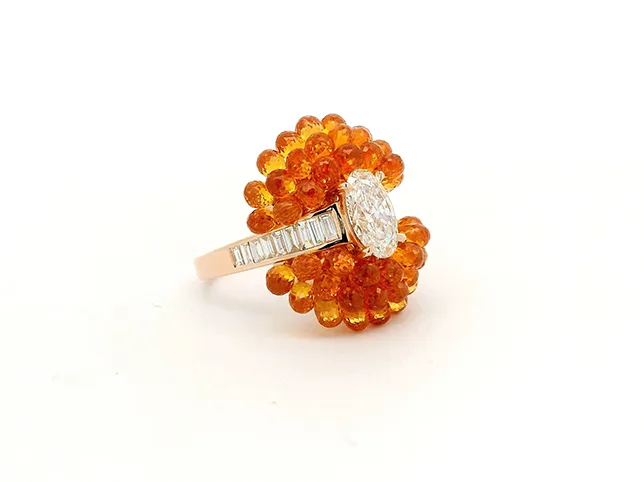
Before
After
Mirror reflection effect.
Add a mirror reflection beneath this product. The reflection should be a true vertical flip of the product, aligned exactly at the contact point, fading to nothing within about 40 percent of the product’s height. It should be dimmer and slightly less saturated than the product. Do not change perspective in the reflection, and do not add a shadow as well.
What to watch for: a reflection that is not a flip. Generated reflections are often re-drawn rather than mirrored, so a logo reads the right way round in the reflection, which is impossible.
5. Keeping a real shadow through a cut-out
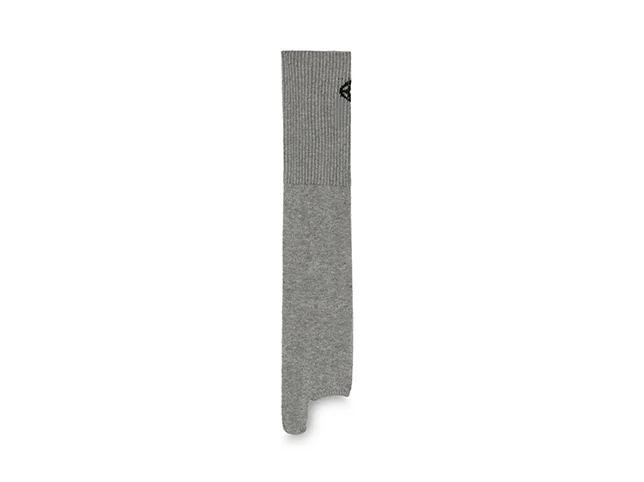
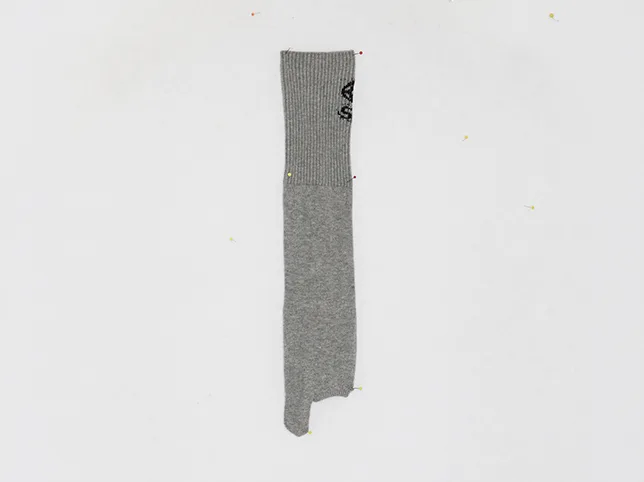
Before
After
Cut-out with a natural shadow kept.
Remove the background from this photograph but keep the product’s original shadow. Replace the background with pure white and carry the existing shadow across at its original shape, direction and softness, fading naturally into the new white. Do not replace it with a generated shadow, and do not leave any of the original background colour inside it.
What to watch for: a grey-tinted shadow. A shadow lifted from a coloured background keeps that colour unless it is neutralised, so it sits on white looking faintly blue or beige.
6. Shadows for a marketplace grid

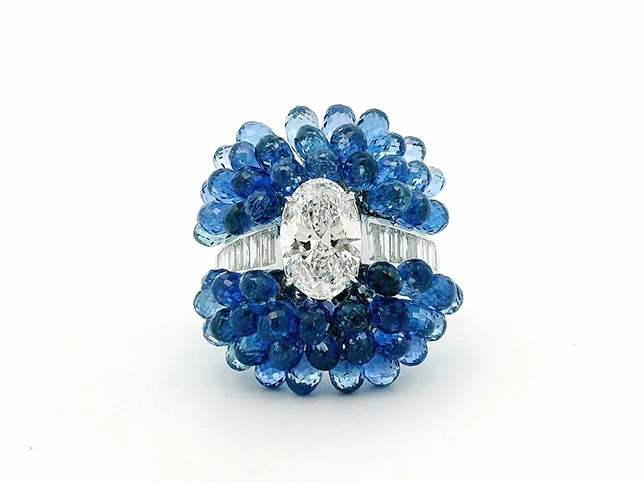
Before
After
Drop shadow creation for a listing.
Add a drop shadow to this product for use in a product grid. Direction: light from directly above and slightly front, so the shadow sits just beneath and slightly behind the product. Softness: medium, with a defined contact point. Opacity: light enough that the background stays clearly white. Use these exact settings so that every product in the set matches.
What to watch for: inconsistency across the set. Independent generations produce independent shadows, and a grid where every product is lit differently looks worse than a grid with no shadows at all.
7. A shadow under a small, complex object
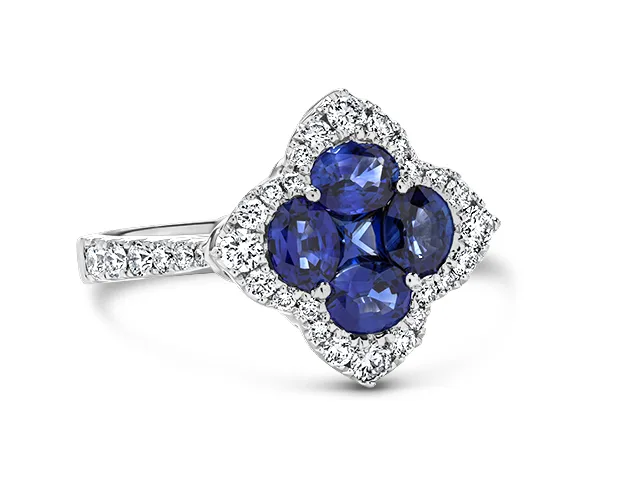
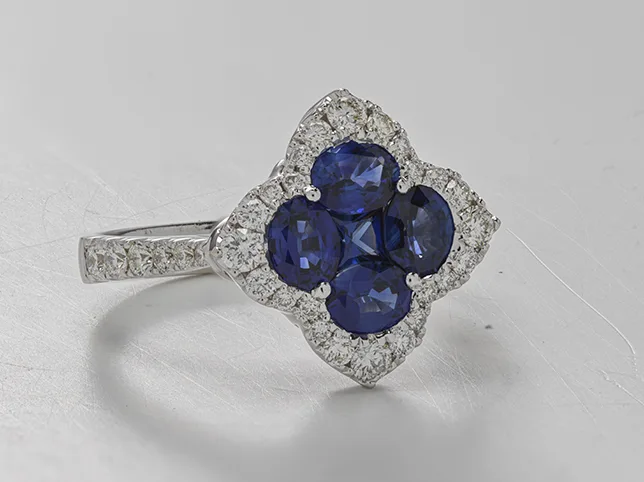
Before
After
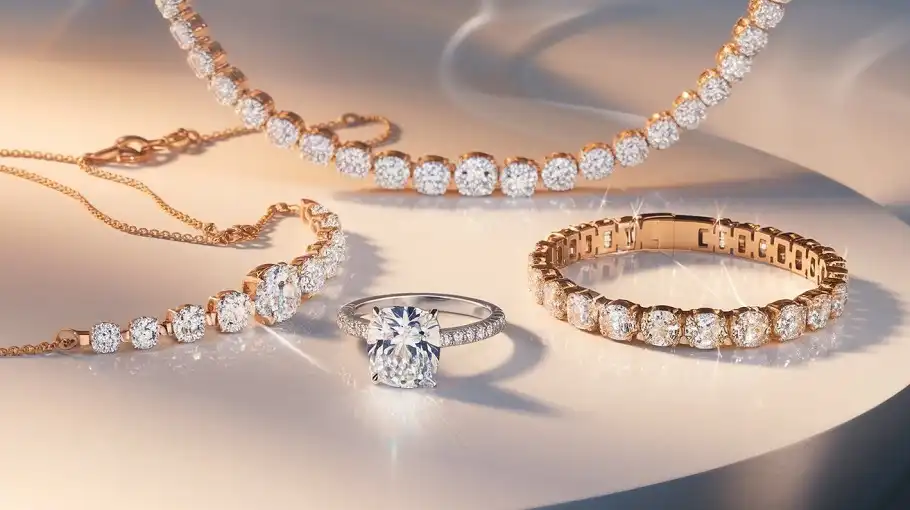
Reflection shadow under a ring. Small objects have complicated footprints.
Add a soft reflection shadow beneath this piece. The shadow must follow the actual footprint of the object, including the open area inside it, rather than being a solid shape. It should be darkest at the points where the object touches the surface. Fade out within a short distance. Keep the background pure white and do not darken the object itself.
What to watch for: a solid blob under a hollow object. If the product has an opening, the shadow has an opening. A filled shadow under a ring or a handle is the giveaway.
8. Rebuilding a shadow that was lost
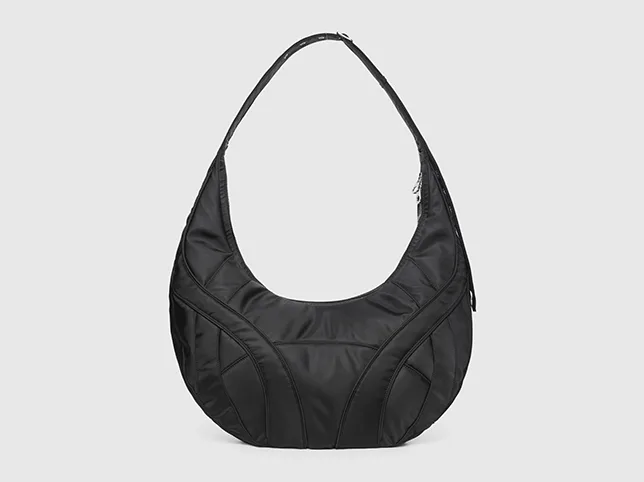
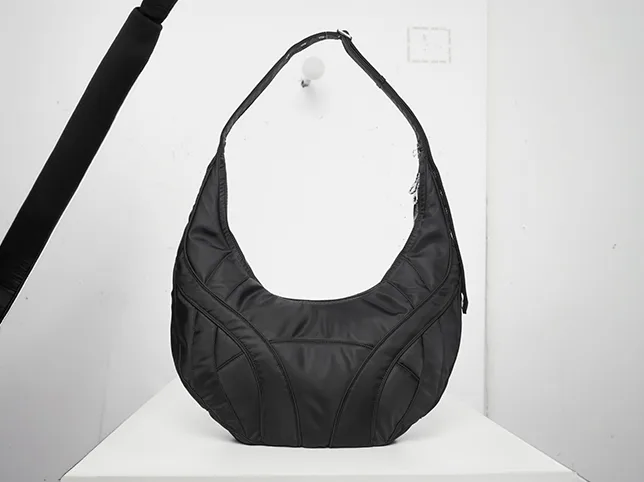
Before
After
Product shadow creation.
This product has been cut out and has no shadow. Rebuild a realistic shadow that matches the lighting visible on the product itself: find the direction of the highlights and place the shadow opposite them. Give it a sharp contact point at the base and a soft falloff. Do not alter the product. Keep the background pure white.
What to watch for: the model ignoring the product’s own light. Asking it to read the highlights first is the instruction that most improves the result, and the one people leave out.
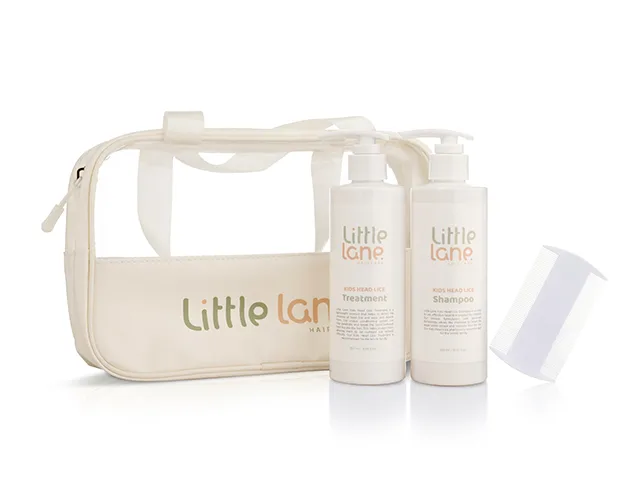
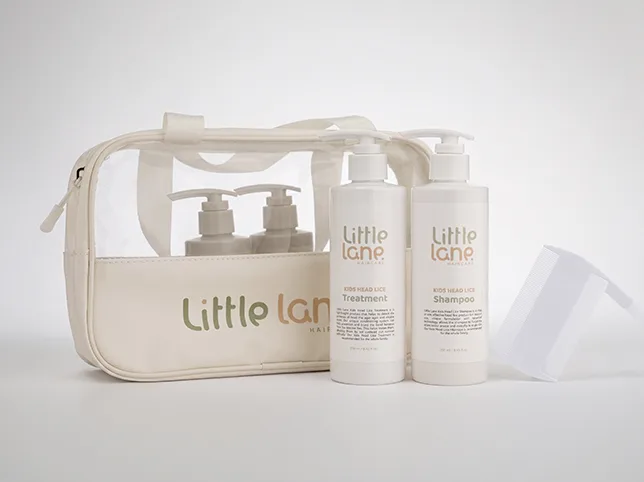
9. A shadow built for a marketplace listing
Before
After
Shadow creation for a marketplace image.
Add a shadow suitable for a marketplace secondary image. Keep it subtle: a soft contact shadow directly beneath the product, no more than a light grey, fading within a short distance. The background must still read as white throughout. Do not add a cast shadow across the frame and do not darken the product itself.
What to watch for: a shadow too heavy for the platform. Secondary images allow a shadow; a dark one still reads as a styled photo rather than a catalogue shot, which is not what a buyer scanning results expects.
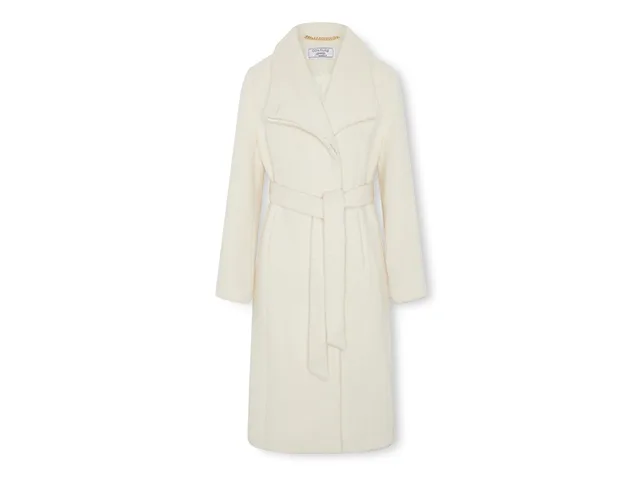
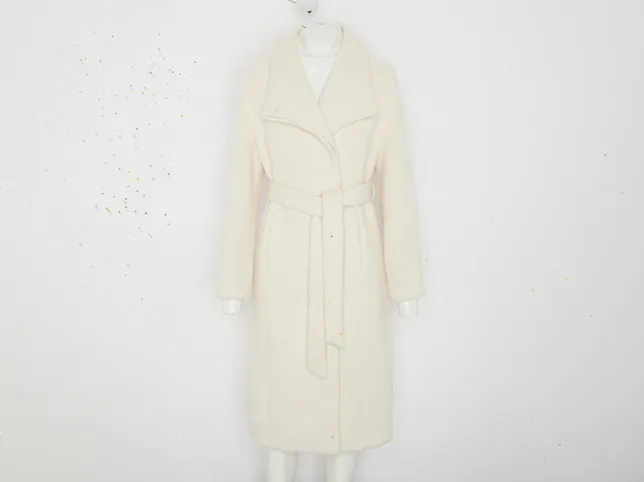
10. Shadow under a garment
Before
After
Shadow creation on apparel.
Add a soft shadow beneath this garment. It should sit under the lowest point of the hem and follow the hem’s actual shape rather than being an oval. Keep it light and diffuse, fading within a short distance, matching the direction of the light already on the fabric. Do not add shadow behind or beside the garment. Keep the background white.
What to watch for: an oval under a shaped hem. A garment hem is irregular; a generated shadow is usually a smooth ellipse, and the mismatch is what makes it look pasted on.
11. Shadow after a background removal


Before
After
Shadow rebuilt after a cut-out.
This product has been cut out and its original shadow removed with the background. Rebuild a shadow that matches the light visible on the product: identify the direction of the highlights first, then place the shadow opposite them. Give it a defined contact point where the product meets the ground and a soft falloff. Do not alter the product.
What to watch for: the two-step problem. A cut-out and a new shadow are separate operations, and doing them in one prompt often produces a shadow that matches neither the product nor the frame.
12. Shadow under a small, hard-edged object
Before
After
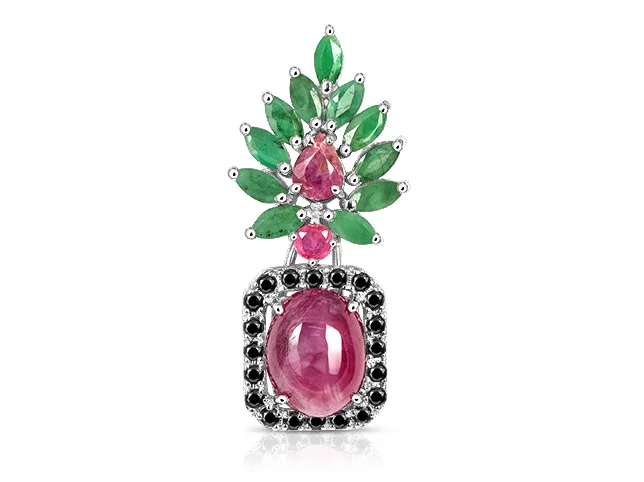
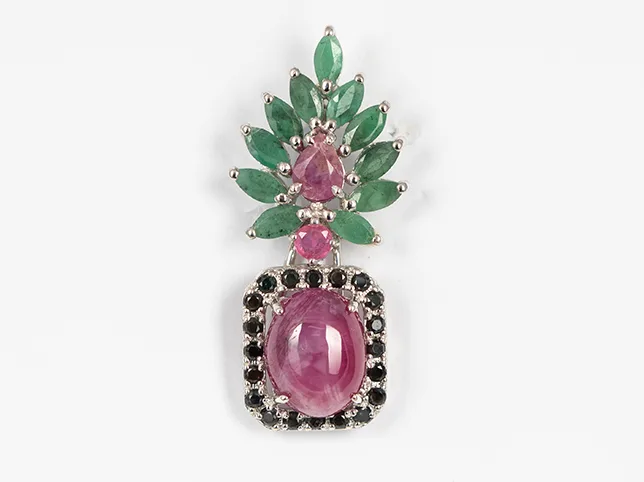
Shadow creation on jewellery.
Add a fine shadow beneath this small object. Scale the shadow to the object: a small item casts a small, tight, relatively sharp shadow, not a large soft one. Follow the object’s real footprint including any gap through it. Keep it light. Pure white background, and do not darken the object.
What to watch for: a shadow scaled for a bigger object. Softness and size read as distance, so an oversized soft shadow makes a ring look like it is the size of a plate.
13. Reflection on a polished surface
Before
After
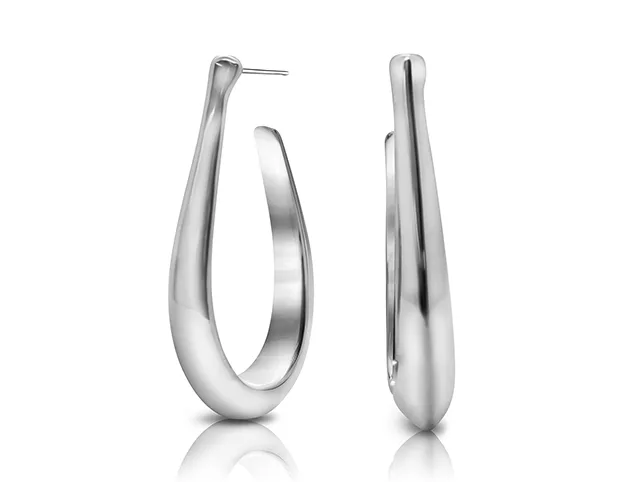
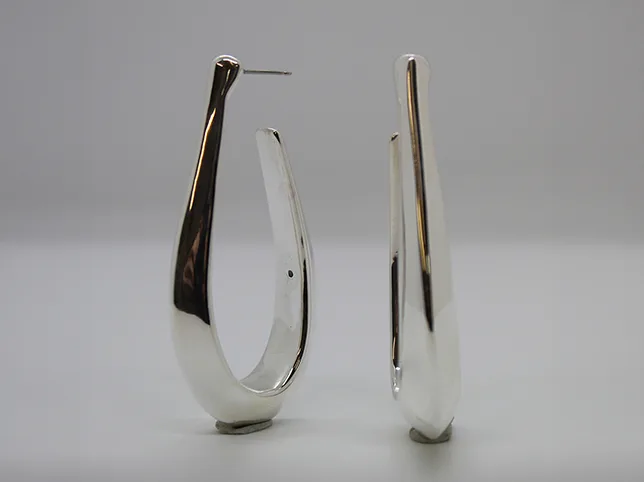
Reflection work on a polished surface.
Control the reflections in this photograph. Reduce reflections that show the studio, the photographer or equipment, while keeping the reflections that describe the product’s own shape and finish. The surface must still read as polished. Do not replace the reflections with flat tone, and do not add new ones that do not follow the product’s geometry.
What to watch for: invented reflections. A generated reflection that does not follow the object’s curvature is more obviously wrong than the studio reflection it replaced.
14. Shadow consistency across a streetwear grid
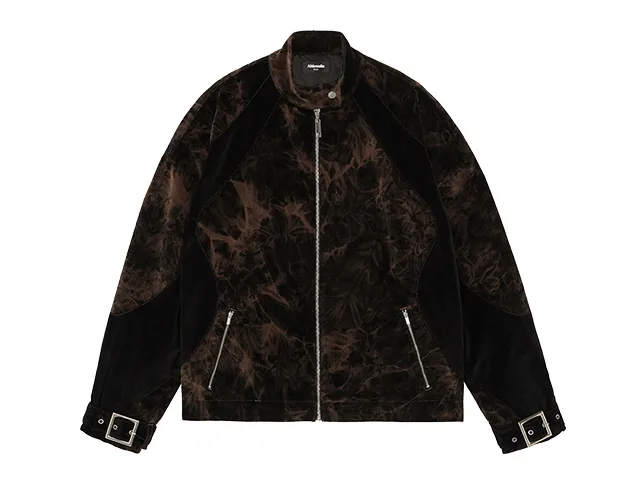

Before
After
Shadow creation for a product grid.
Add a shadow to this product using fixed settings so it matches a set. Light from directly above and slightly front. Contact point defined. Falloff soft, reaching no further than a quarter of the product’s height. Opacity light enough that the background stays clearly white. Apply these same values to every product in the collection.
What to watch for: settings that drift. Naming the values in the prompt is the only way to get repeatability, and even then you should check the finished grid rather than trusting it.
Jewellery is its own case, because the usual five shadow types collapse into three: there is a separate walk-through of reflection, contact shadow or nothing on jewellery.
Where a prompt is not enough
A single product on white with an obvious light direction is well within reach of a good prompt. These are not:
Reflective surfaces. When the product sits on gloss, the reflection is part of the product’s appearance and has to be built from it, not approximated.
Multiple objects in one frame. Shadows have to fall consistently and overlap correctly. Models handle one object at a time.
Complex footprints. Anything hollow, on legs, or touching the surface at several separate points.
Sets that must match. Consistency across forty images is not something an independent generation can give you.
If shadows are what is holding your listings back, our shadow creation service builds them by hand to a single spec across a whole set, and it pairs with background removal in the same job.
Check your own product images for this
Two minutes, on images you already have. If any of these fails, the problem is in your listings right now:
- Find the highlight, then find the shadow. They should be on opposite sides. If they are not, the image is lit by two contradictory suns.
- Look at the contact point. Does the product touch its shadow? If there is a gap, it is hovering.
- Check hollow products. A ring, a handle, a chair: is the shadow open where the product is open?
- View your grid at thumbnail size. Do all the shadows fall the same way?
The first check takes ten seconds and catches the majority of bad shadows, including plenty that were made by people.
Frequently asked questions
Are these before and after images AI generated?
No. They are real client work, retouched by hand at Pixel Retouching, shown as the standard the prompts aim at.
Why does my product look like it is floating?
Because the shadow has no contact point. A real shadow is darkest and sharpest exactly where the object meets the surface; a soft even blob underneath reads as hovering.
Should product photos have shadows at all?
On a marketplace main image, usually not: many platforms want the product on plain white with nothing else. On your own site, secondary images and ads, a shadow makes a product look photographed rather than pasted.
What is the difference between a drop shadow and a natural shadow?
A natural shadow is the one the product actually cast when it was photographed. A drop shadow is constructed afterwards. Natural is more convincing when it exists; constructed is more consistent across a set.
Can AI match shadows across a whole product set?
Not reliably, because each image is generated independently. Consistency across a set is the main practical reason shadow work still comes to a studio.
See it on your own products
If your grid looks uneven and you cannot pin down why, shadows are usually the reason. Send three images through the free trial and a retoucher will edit them by hand and send them back within 24 hours. No card, and you keep the files either way, including any you have already run through a prompt, which is the quickest way to see the two side by side.